How to open a catalog item with pre-populated variables from a portal "Create New" button?

- Mark as New
- Bookmark
- Subscribe
- Mute
- Subscribe to RSS Feed
- Permalink
- Report Inappropriate Content
03-20-2026 11:18 PM
Hello Community,
I have added a "Create New" button on my Service Portal. My goal is that when a user clicks this button, it opens a specific catalog item, and some variables on that item are automatically populated with predefined data.
Could someone please guide me on how to achieve this functionality? Specifically:
- How do I pass variable values when opening the catalog item from the portal?
- Is there a recommended way to implement this using URL parameters or client scripts?
- Any examples or best practices would be much appreciated.
Thank you in advance for your help!
Reference:
HTML :
<button ng-click="c.createNew()">Create New</button>
Server Script:
Client Script:


- Mark as New
- Bookmark
- Subscribe
- Mute
- Subscribe to RSS Feed
- Permalink
- Report Inappropriate Content
03-22-2026 10:54 PM
when use opens the catalog item through the new button, at that time only the URL will have that parameter and script will populate
If catalog item is opened directly then that parameter won't be there and script won't populate it
💡 If my response helped, please mark it as correct ✅ and close the thread 🔒— this helps future readers find the solution faster! 🙏
Ankur
✨ Certified Technical Architect || ✨ 10x ServiceNow MVP || ✨ ServiceNow Community Leader
- Mark as New
- Bookmark
- Subscribe
- Mute
- Subscribe to RSS Feed
- Permalink
- Report Inappropriate Content
03-22-2026 11:06 PM
- Mark as New
- Bookmark
- Subscribe
- Mute
- Subscribe to RSS Feed
- Permalink
- Report Inappropriate Content
03-22-2026 06:20 AM
yes the only way is to include the data in URL parameter and then use onLoad catalog client script to get and set in variable
onLoad catalog client script like this
function onLoad() {

    var url = top.location.href;
    var portNumber = new URLSearchParams(url).get("sysparm_port_number");
    g_form.setValue('variableName', portNumber);
}
💡 If my response helped, please mark it as correct ✅ and close the thread 🔒— this helps future readers find the solution faster! 🙏
Ankur
✨ Certified Technical Architect || ✨ 10x ServiceNow MVP || ✨ ServiceNow Community Leader
- Mark as New
- Bookmark
- Subscribe
- Mute
- Subscribe to RSS Feed
- Permalink
- Report Inappropriate Content
03-22-2026 10:56 PM
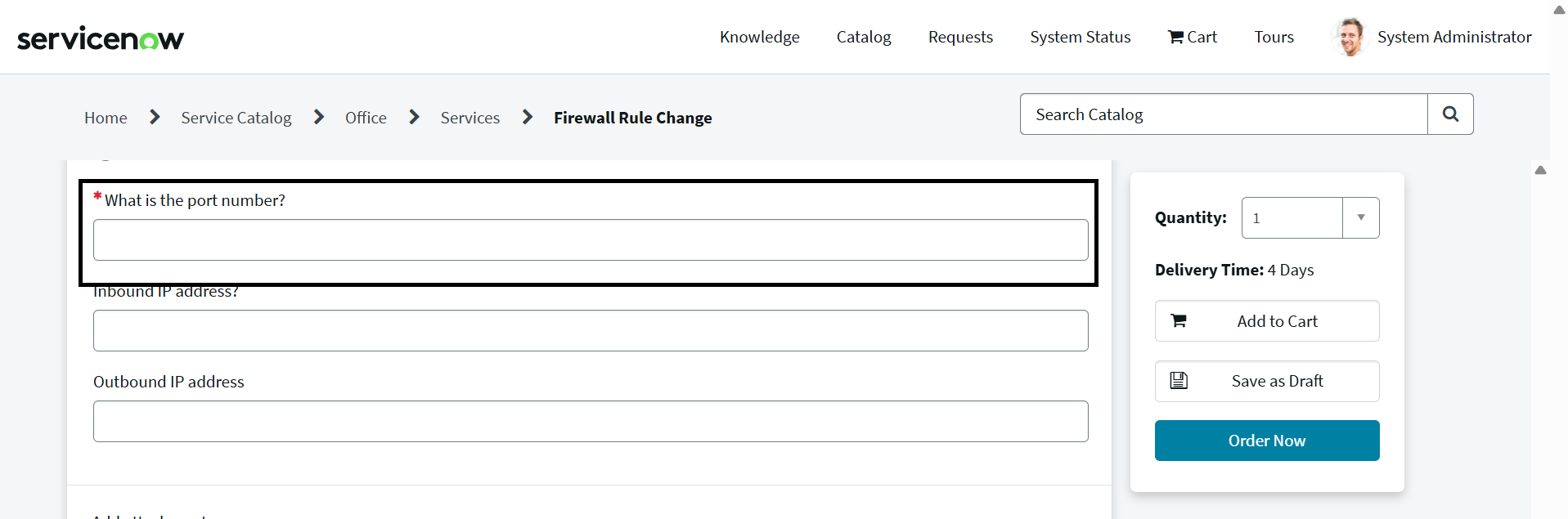
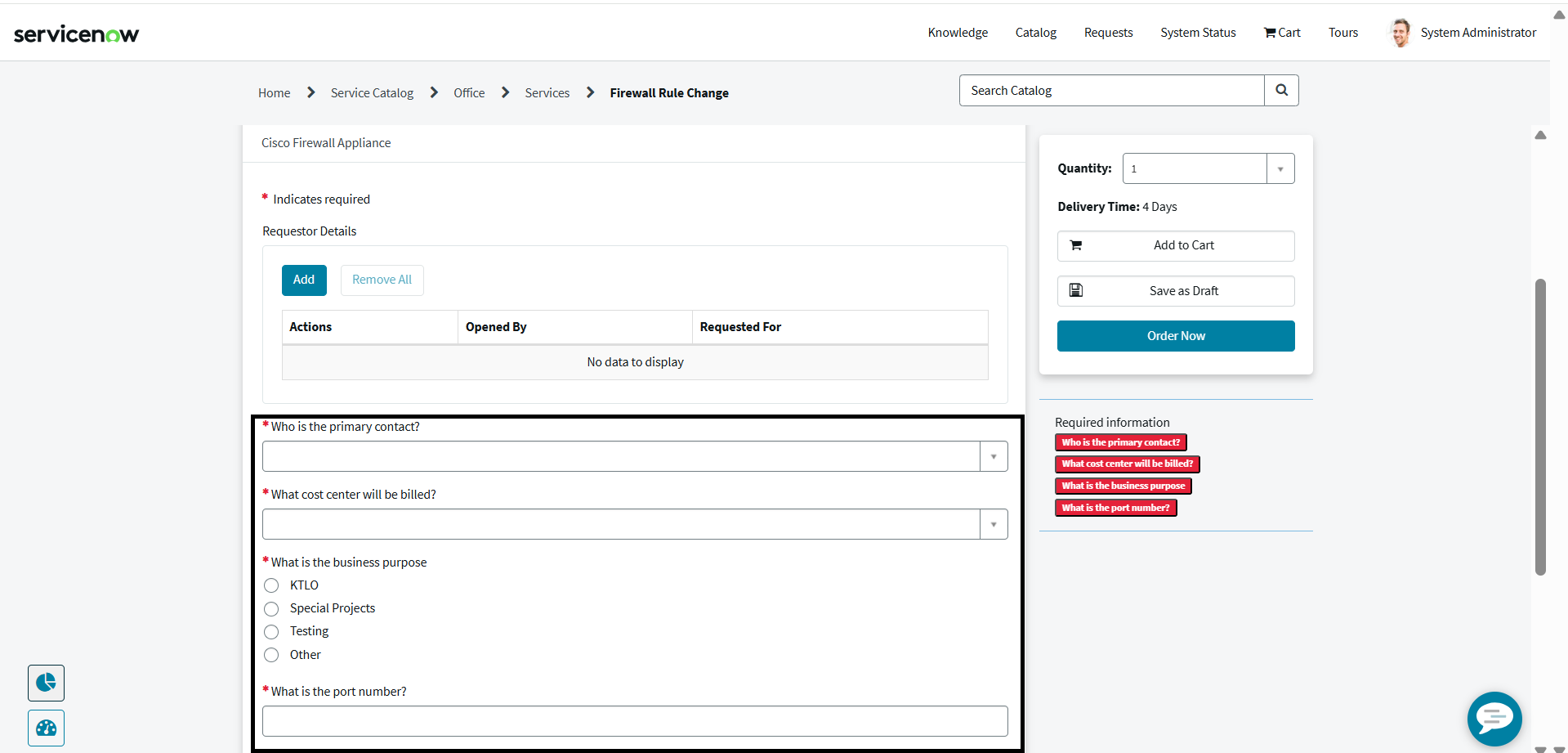
Hi @Ankur Bawiskar , Thanks for reply, I am able to open the form, but I can't set the value of the port number. I want to set the value using widgets, not through a catalog client script. When I use a client script, the value is always set, but I want to set the value only under specific conditions.
My requirement is as follows:
1. After rejecting a catalog item, I want to display a "Create New" button on the portal side.
2. When the user clicks this button, I want to populate all the data from the rejected ticket and set those values in a new form on the portal.
Please find attached images.
- Mark as New
- Bookmark
- Subscribe
- Mute
- Subscribe to RSS Feed
- Permalink
- Report Inappropriate Content
03-23-2026 03:47 AM
@Ankur Bawiskar @Laveena-Agarwal ,I am getting Response is 'null'. Please help me on this?
Script Include:
Client Script :
I am passing sys_id from portal widget :