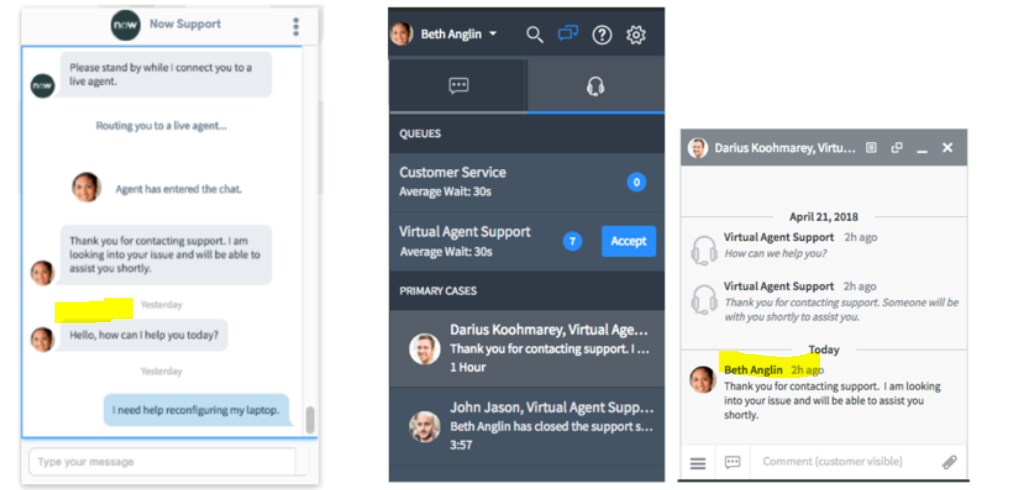
display the live agent's name in the virtual agent chat window

Options
- Mark as New
- Bookmark
- Subscribe
- Mute
- Subscribe to RSS Feed
- Permalink
- Report Inappropriate Content
12-12-2018 08:43 AM
How do i display the Live agent's name and the users in the Virtual agent chat window after every message.

Labels:
- Labels:
-
Live Feed
-
Service Portal
-
Virtual Agent
5 REPLIES 5
Options
- Mark as New
- Bookmark
- Subscribe
- Mute
- Subscribe to RSS Feed
- Permalink
- Report Inappropriate Content
06-29-2026 04:38 AM
Go to Conversational Interfaces > Settings. Turn off the agent chat settings below to disable the names of the agents showing.
You can show the first names of the agent by modifying the live_profile table but that is not recommended as it impacts all other places where a live_profile is used.