Adding "Watch List" to Standard Ticket Configuration


- Mark as New
- Bookmark
- Subscribe
- Mute
- Subscribe to RSS Feed
- Permalink
- Report Inappropriate Content
01-23-2022 10:30 PM
Hi all,
On the "Standard Ticket Header" widget on the Employee Center, you can configure the fields which are visible, using Standard Ticket > Standard Ticket Configuration.
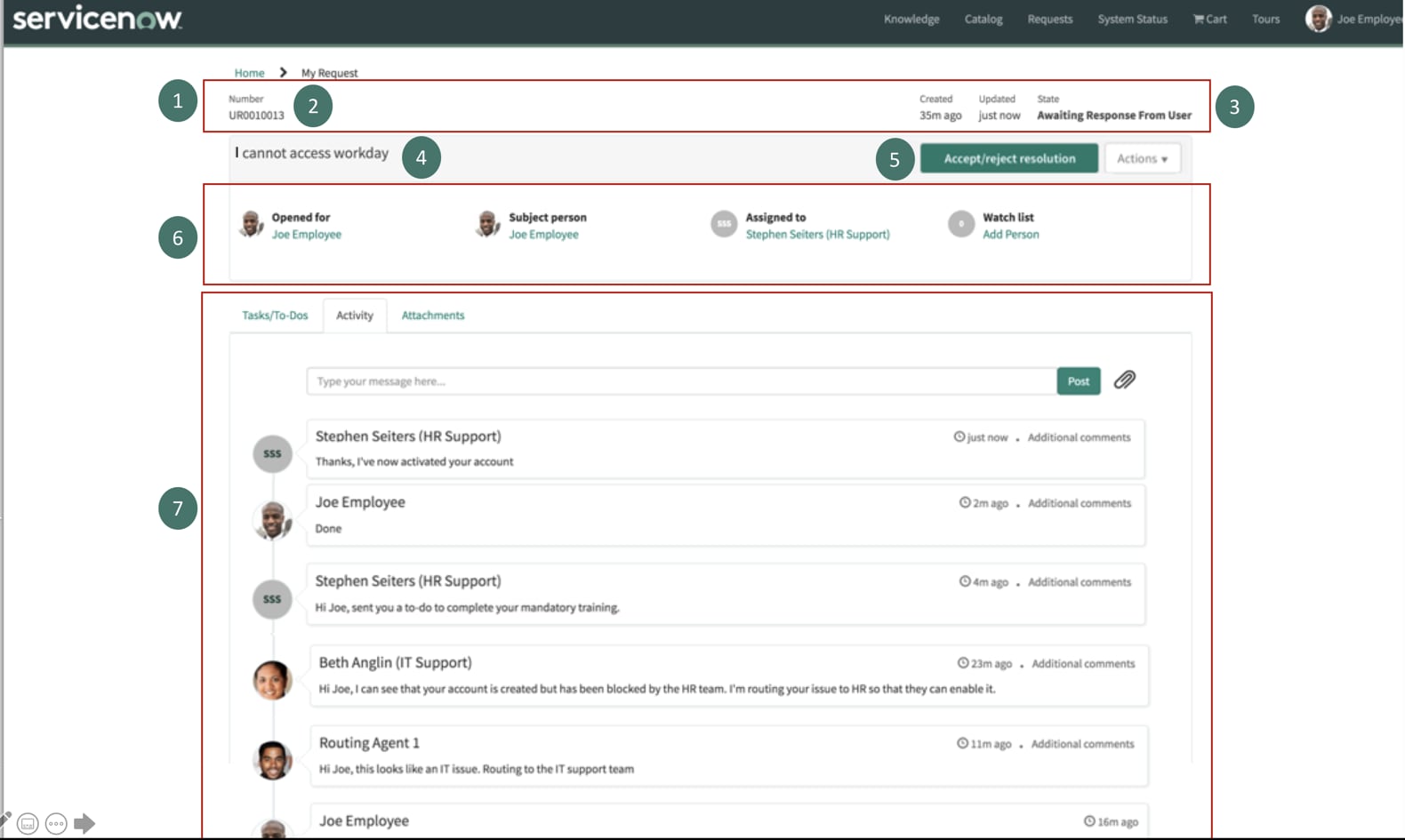
What I am after, is adding the Watch List. This is also shown in the Docs example (under number 6, Watch List is shown).
When adding Watch List though, no go, "The following fields 'Watch list' are not allowed in info region
" 😞 I will dig into the error to see if can find anything that way. Though another Docs page also actually mentioned that some fields can not be added.
Though... how was the Docs example then made? How did they add Watch List up there?
Any ideas?
Kind regards,
Mark


- Mark as New
- Bookmark
- Subscribe
- Mute
- Subscribe to RSS Feed
- Permalink
- Report Inappropriate Content
01-24-2022 02:08 AM
Morning Mark,
Came across this one too, the BR "Allow only whitelist fields for Header" has a number of fields that it deems not allowed but are all supported as part of the Standard Ticket Header widget. Rather annoyingly the BR is read-only too.
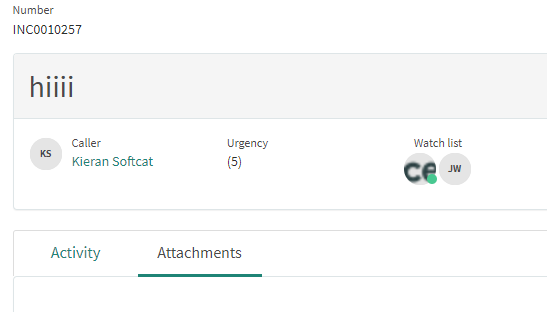
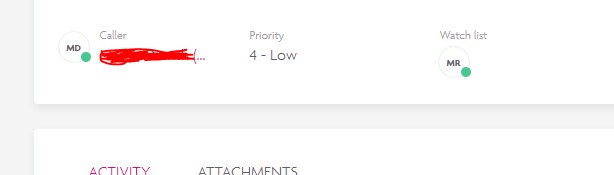
Below is how it looks (although doesn't match that of the screenshot)

- Mark as New
- Bookmark
- Subscribe
- Mute
- Subscribe to RSS Feed
- Permalink
- Report Inappropriate Content
01-24-2022 02:20 AM


- Mark as New
- Bookmark
- Subscribe
- Mute
- Subscribe to RSS Feed
- Permalink
- Report Inappropriate Content
02-04-2022 01:14 PM
Thanks for any update!
- Mark as New
- Bookmark
- Subscribe
- Mute
- Subscribe to RSS Feed
- Permalink
- Report Inappropriate Content
05-19-2022 01:16 PM
How did you bypass the RO business rule to display the watch list? Did you hear back about the 'Add Person' functionality?
