
- Mark as New
- Bookmark
- Subscribe
- Mute
- Subscribe to RSS Feed
- Permalink
- Report Inappropriate Content
10-21-2024 06:07 AM
I am learning for CIS-SPM and I installed SPM on my PDI just to test some things.
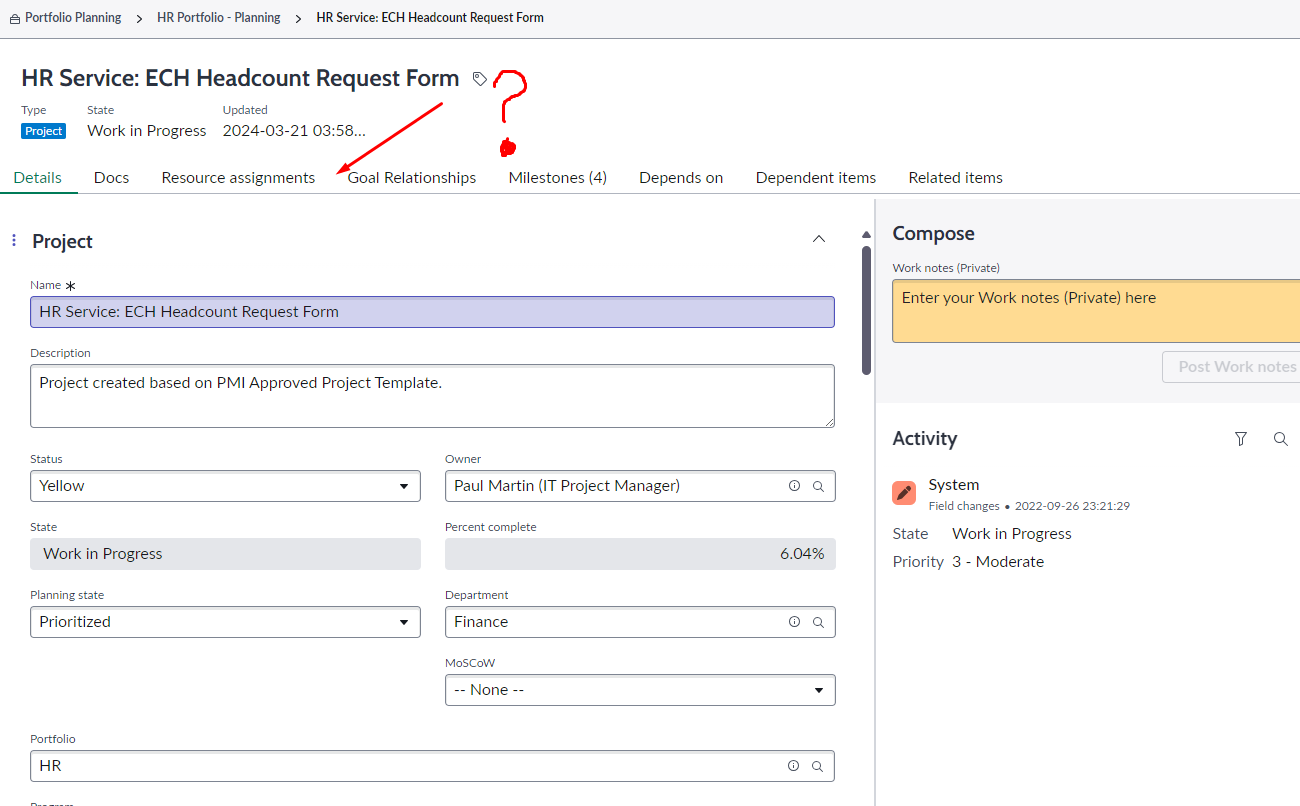
I installed Financial Management as well. There is one issue, I do not see financial tab in portfolio planning workspace.
I followed the below docs to enable financial planning in next experience, still nothing:
Manage budget of your planning items in Portfolio Planning (servicenow.com)
What did I miss? I can manage financials in project workspace, but cannot do it in portfolio planning workspace.
Solved! Go to Solution.

- Mark as New
- Bookmark
- Subscribe
- Mute
- Subscribe to RSS Feed
- Permalink
- Report Inappropriate Content
10-21-2024 07:55 AM
Hi @damiangul,
We are currently deploying SPW and ran into the same issue, which appears to be caused by a missing role in our instance (sn_ppm_finance_read). Note that there may be some configurations that need to be made, too (see this docs article).
I hope this helps.
David

- Mark as New
- Bookmark
- Subscribe
- Mute
- Subscribe to RSS Feed
- Permalink
- Report Inappropriate Content
10-21-2024 06:51 AM
Check on all store apps if they are on the latest version. ServiceNow is making it a mess lately with not updating these automatically.
If they are all up to date, check on the config through UI builder.
- Mark as New
- Bookmark
- Subscribe
- Mute
- Subscribe to RSS Feed
- Permalink
- Report Inappropriate Content
10-21-2024 07:55 AM
Hi @damiangul,
We are currently deploying SPW and ran into the same issue, which appears to be caused by a missing role in our instance (sn_ppm_finance_read). Note that there may be some configurations that need to be made, too (see this docs article).
I hope this helps.
David
- Mark as New
- Bookmark
- Subscribe
- Mute
- Subscribe to RSS Feed
- Permalink
- Report Inappropriate Content
10-28-2024 02:07 AM
Thanks, I feel dumb now. I was missing default mapping configurations.
- Mark as New
- Bookmark
- Subscribe
- Mute
- Subscribe to RSS Feed
- Permalink
- Report Inappropriate Content
05-15-2025 08:49 AM
I am having issue in viewing Financial tab after specific fiscal plan end period. Page is keep on loading.
For e.g. I have selected the Calendar type as "Fiscal" and provided plan start date as "FY18:M01" and plan end date as "FY26:M01" .In this case financial tab keeps on loading .
If I give plan end date as "FY25:M01" , it is working fine.
Could anyone help on what might me the issue.
