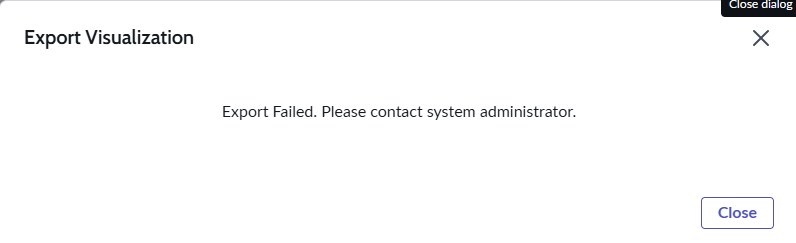
Export Failed. Please contact system administrator.

- Mark as New
- Bookmark
- Subscribe
- Mute
- Subscribe to RSS Feed
- Permalink
- Report Inappropriate Content
3 weeks ago
After upgrading our instance to the Australia release, users are unable to export Data Visualizations. The visualization loads successfully and displays data correctly; however, when selecting Export, the following error appears:
"Export Failed. Please contact system administrator."


- Mark as New
- Bookmark
- Subscribe
- Mute
- Subscribe to RSS Feed
- Permalink
- Report Inappropriate Content
3 weeks ago
Please repair the platform Analytics plugin once .
Did you checked the property "glide.par.export.enabled" as true.
Regards
Dr Atul G. - Learn N Grow Together ServiceNow Techno - Functional Trainer
LinkedIn: https://www.linkedin.com/in/dratulgrover
YouTube: https://www.youtube.com/@LearnNGrowTogetherwithAtulG
******************************************************************************************

- Mark as New
- Bookmark
- Subscribe
- Mute
- Subscribe to RSS Feed
- Permalink
- Report Inappropriate Content
3 weeks ago - last edited 3 weeks ago
Refer KB: KB2302210 Issue with Exporting Reports from Platform Analytics
Cause
The default buffer size for this type of export is 2MB. The export you are trying to do may need a larger buffer size
Resolution
1. Create a System Property called 'glide.grid_exporter.overwritten.buffer_size' with the default size set to 2MB (2000000) and adjust the value up to 10MB (10000000) to allow for larger reports.
2. Test the export functionality to confirm that the issue is resolved.
3. Verify that the email attachments are sent correctly with the updated buffer size.
Regards
Tanushree Maiti
ServiceNow Technical Architect
LinkedIn: https://www.linkedin.com/in/tanushreemaiti