- Mark as New
- Bookmark
- Subscribe
- Mute
- Subscribe to RSS Feed
- Permalink
- Report Inappropriate Content
02-27-2022 07:30 AM
Hi Community,
I am wondering if there is a way to add custom fields to the Application Service Wizard?
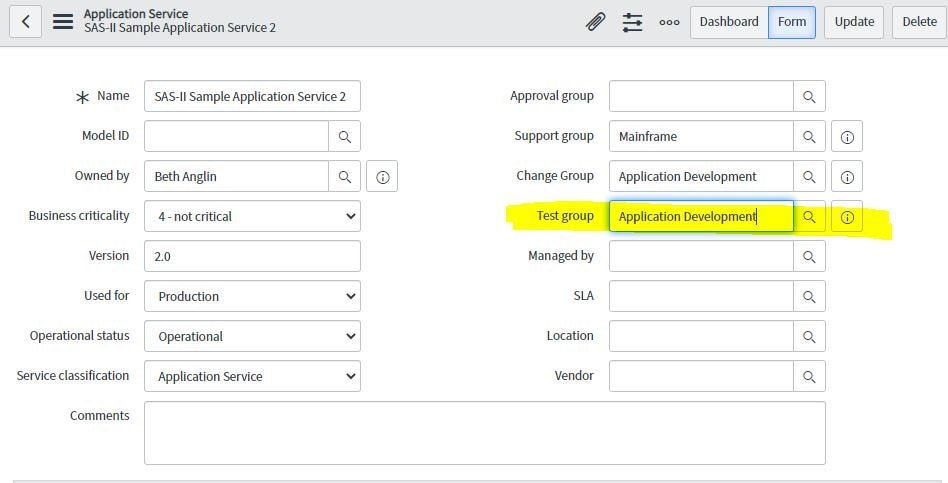
For example, I have "Test group" as a custom field I'd like to make mandatory for all new Application Services. It shows on the classic form:

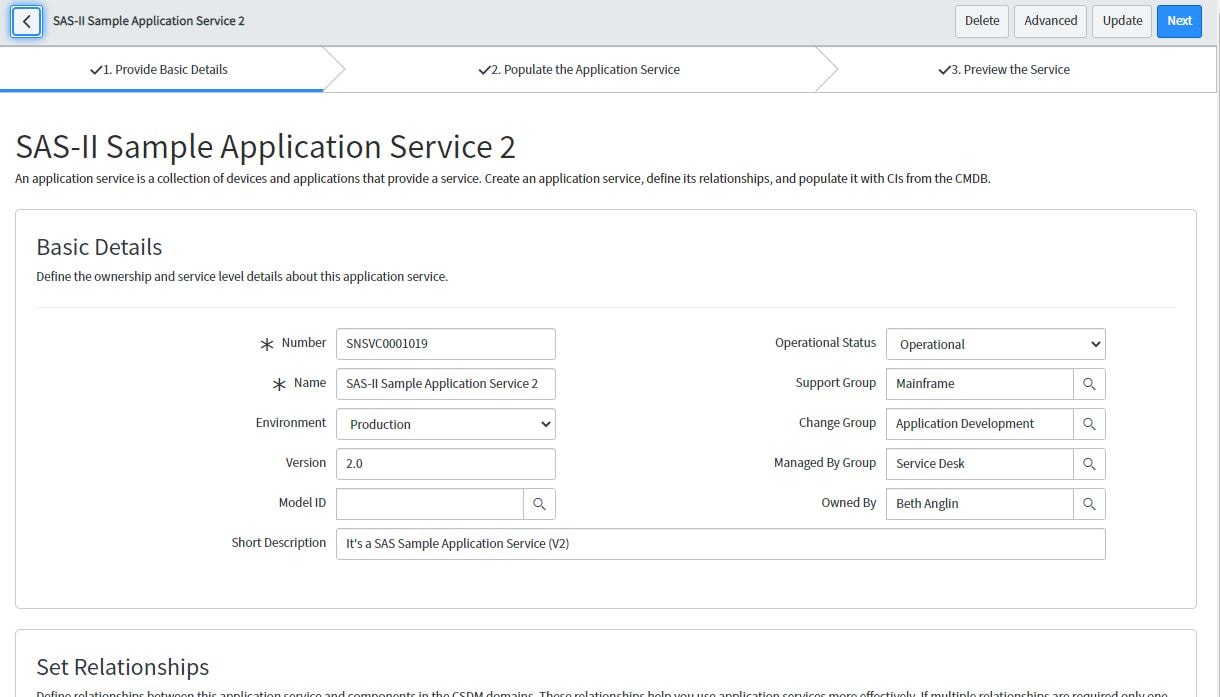
But not on the Wizard:

I also can't add it via the Application Service Settings configuration:

Any ideas?
Thank you,
Christian
Solved! Go to Solution.
- 4,234 Views

- Mark as New
- Bookmark
- Subscribe
- Mute
- Subscribe to RSS Feed
- Permalink
- Report Inappropriate Content
02-27-2022 08:02 AM
Hi
As far as i know that is not possible because if you see the URL there is a page called as "$csdm_app_service.do" which starts with $ which is private page. We cant edit this page.
You can add the field in classic view and make it mandatory using a UI Policy but you cannot edit it on Wizard unfortunately.
Hope this helps. Please mark the answer as correct/helpful based on impact.
Regards,
Shloke
Regards,
Shloke
- Mark as New
- Bookmark
- Subscribe
- Mute
- Subscribe to RSS Feed
- Permalink
- Report Inappropriate Content
02-27-2022 08:02 AM
Hi
As far as i know that is not possible because if you see the URL there is a page called as "$csdm_app_service.do" which starts with $ which is private page. We cant edit this page.
You can add the field in classic view and make it mandatory using a UI Policy but you cannot edit it on Wizard unfortunately.
Hope this helps. Please mark the answer as correct/helpful based on impact.
Regards,
Shloke
Regards,
Shloke
- Mark as New
- Bookmark
- Subscribe
- Mute
- Subscribe to RSS Feed
- Permalink
- Report Inappropriate Content
03-22-2022 02:27 PM
More detail on this HI article:
https://support.servicenow.com/kb?id=kb_article_view&sysparm_article=KB0993250