Mike Patel
Tera Sage
Options
- Subscribe to RSS Feed
- Mark as New
- Mark as Read
- Bookmark
- Subscribe
- Printer Friendly Page
- Report Inappropriate Content
05-23-2019
05:15 AM
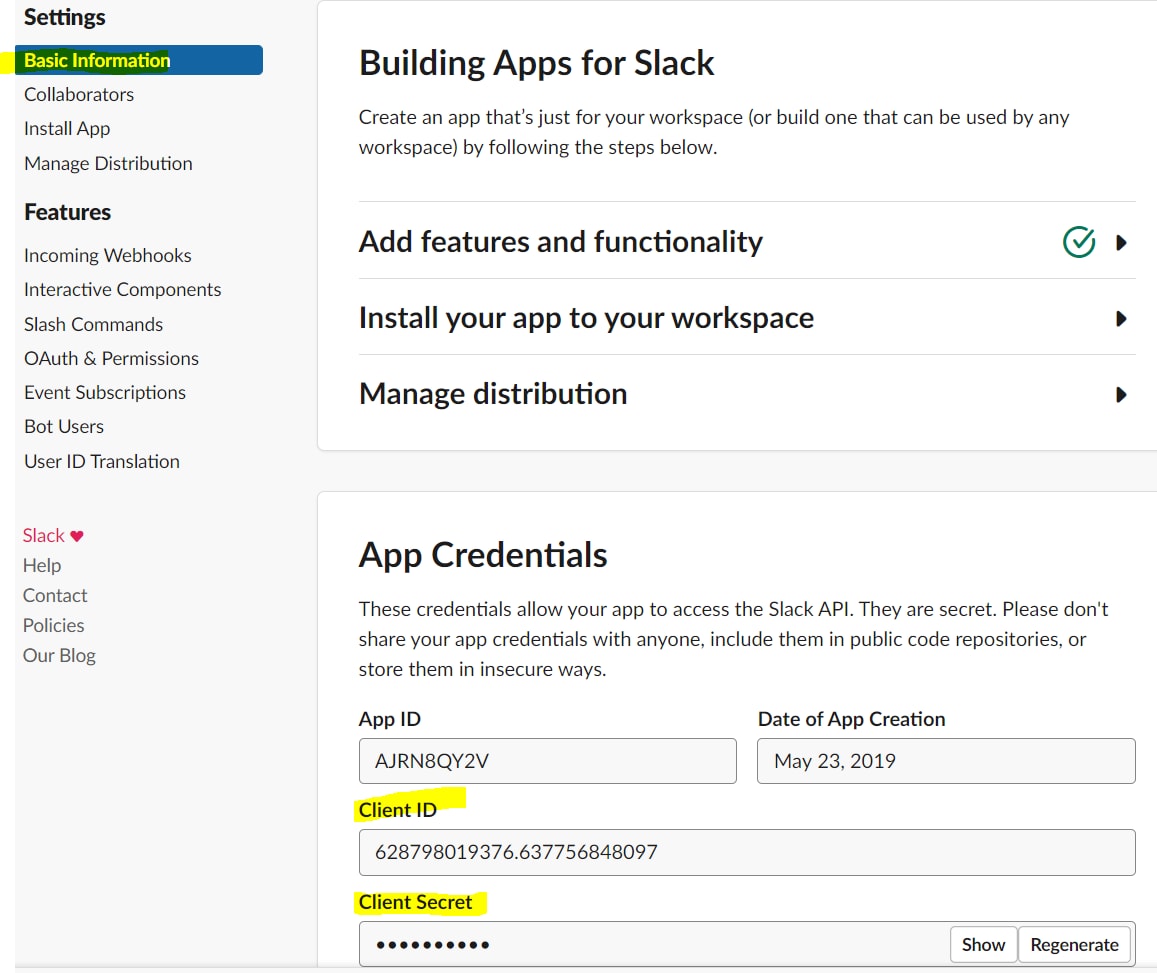
Below are steps you need to take to import users from slack and store user's slack id on user record.
Getting Slack Token:
1. Login to your slack workspace as admin
2. Go to https://api.slack.com/apps and click on Create New App
3. Enter App Name and select your slack workspace
4. Click on Permissions
5. Add Redirect URLs and hit add than click on save urls.
6. Add users:read scope and hit save changes.
7. Click on Install App and click on Install App to Workspace
8. Once you are on below screen click Authorize
10. Copy oAuth Access Token and store it somewhere. Part 2 - https://community.servicenow.com/community?id=community_blog&sys_id=92e0c69edba5f344f7fca851ca961949
- 3,824 Views
1 Comment
You must be a registered user to add a comment. If you've already registered, sign in. Otherwise, register and sign in.