- Mark as New
- Bookmark
- Subscribe
- Mute
- Subscribe to RSS Feed
- Permalink
- Report Inappropriate Content
07-30-2026 08:37 AM - edited 07-30-2026 08:47 AM
Good morning,
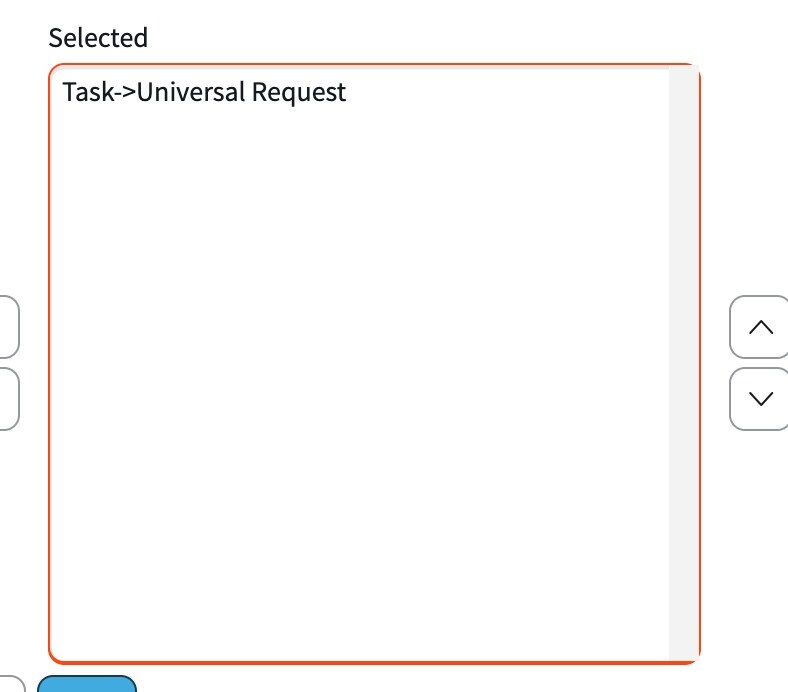
I have created a record producer and have added Task.Universal Request to the related links.
As an admin I can access the interceptor page but as a non-admin I cannot.
What ACL needs to be updated for this?
I would have thought task.universal request but that did not work (OOB there is a write ACL, I also created a read and create with ITIL and snc_internal roles.
Any help is always appreciated,
Rachel
Solved! Go to Solution.

- Mark as New
- Bookmark
- Subscribe
- Mute
- Subscribe to RSS Feed
- Permalink
- Report Inappropriate Content
07-30-2026 08:49 AM
Last I checked you had to have the role set in the Roles field on the interceptor answer, so make sure that is blank and then the user must have access to the target table or URL.
So since you put this on the task table the user is going to need access to create a task record. But I would check your ServiceNow contract because giving a role write access usually causes that role to become a fulfiller role which will cost money. So I would be mindful of the roles you add write access to.
- Mark as New
- Bookmark
- Subscribe
- Mute
- Subscribe to RSS Feed
- Permalink
- Report Inappropriate Content
07-30-2026 10:35 AM - edited 07-30-2026 10:46 AM
Its not just the interceptor that you need to make sure the user has access to. You need to make sure that the user has create access to the Task table so they see the new button.
- Mark as New
- Bookmark
- Subscribe
- Mute
- Subscribe to RSS Feed
- Permalink
- Report Inappropriate Content
07-30-2026 12:31 PM - edited 07-30-2026 12:52 PM
Thank you - I have done that and still do not have access to create new.
What is the exact ACL I need to create or edit?
- Mark as New
- Bookmark
- Subscribe
- Mute
- Subscribe to RSS Feed
- Permalink
- Report Inappropriate Content
07-30-2026 01:28 PM - edited 07-30-2026 01:31 PM
You need to look at the Task table ACL's for create and see what roles are there. And if itil is missing from that ACL.
- Mark as New
- Bookmark
- Subscribe
- Mute
- Subscribe to RSS Feed
- Permalink
- Report Inappropriate Content
07-30-2026 02:17 PM
Thank you.
I knew it was a create ACL on the task table. I didn't know what field... I selected none and assigned the itil role - it is now working as expected.