how do we export/import tags and all the tagged entries

- Mark as New
- Bookmark
- Subscribe
- Mute
- Subscribe to RSS Feed
- Permalink
- Report Inappropriate Content
12-17-2019 01:57 PM
hi all,
I am tagging few data and using them to categorize and use it for querying purposes in scripts.
I want to move these tags and the tagged entries relations to another instance. please advise how I can export and import this information
Ravish


- Mark as New
- Bookmark
- Subscribe
- Mute
- Subscribe to RSS Feed
- Permalink
- Report Inappropriate Content
12-17-2019 02:31 PM
Tags are considered "data" so they aren't automatically added to update sets. Please checkout the very popular Add to Update Set Utility on share that will allow you to selectively "push" records to update sets including data:
This utility adds a global Add to Update Set related link and list action that you can click to push the item to an update set. It also has built in functionality to include other related data for specific tables such as user, groups, catalog items, etc. Please see the Share description for more details.
- Mark as New
- Bookmark
- Subscribe
- Mute
- Subscribe to RSS Feed
- Permalink
- Report Inappropriate Content
12-18-2019 06:27 AM
Michael, I am already using a similar utility called 'force to update set' to capture this data in the update set.
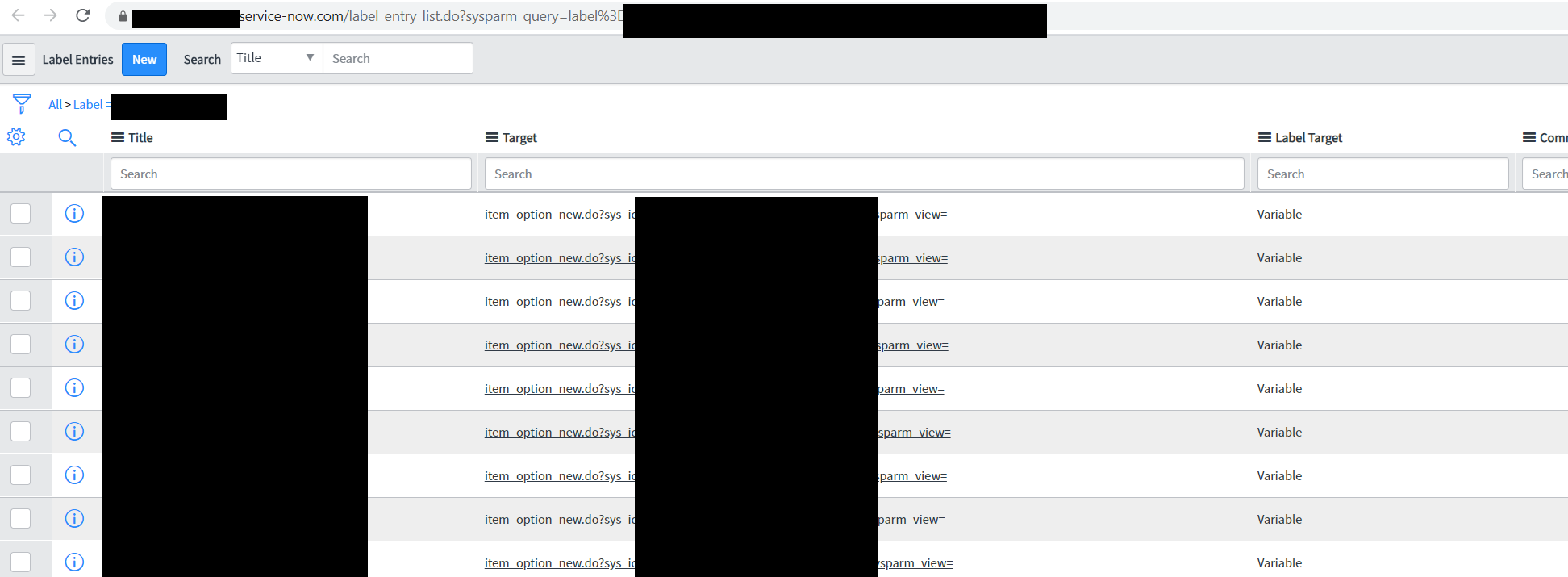
I captured the tag data from the 'label' table and also the related entries from the 'label_entry' table.
but for the purpose of immediate transfer, i exported these 2 XML files and imported it in another instance but it's not working.

- Mark as New
- Bookmark
- Subscribe
- Mute
- Subscribe to RSS Feed
- Permalink
- Report Inappropriate Content
12-18-2019 06:54 AM
Ravish, gotcha. I would recommend looking at the Add to Update Set utility as it does a bunch more than the older "force" solution and it is actively being maintained.
I was thinking you only wanted to move the tag/labels. Moving the label_entry record further complicates things because those records have a direct pointer to records in the instance using the SysID of the record. So unless you are also moving those related records (incidents, kb articles, etc) the pointer will not work since the SysID may be different in your target instance.
- Mark as New
- Bookmark
- Subscribe
- Mute
- Subscribe to RSS Feed
- Permalink
- Report Inappropriate Content
12-18-2019 11:15 AM
so these tags are against the catalog variable (item_option_new) table and 99% of the variables between these 2 environments are the same and so they have the same sys_id...