Options
- Mark as New
- Bookmark
- Subscribe
- Mute
- Subscribe to RSS Feed
- Permalink
- Report Inappropriate Content
02-17-2017 04:33 AM
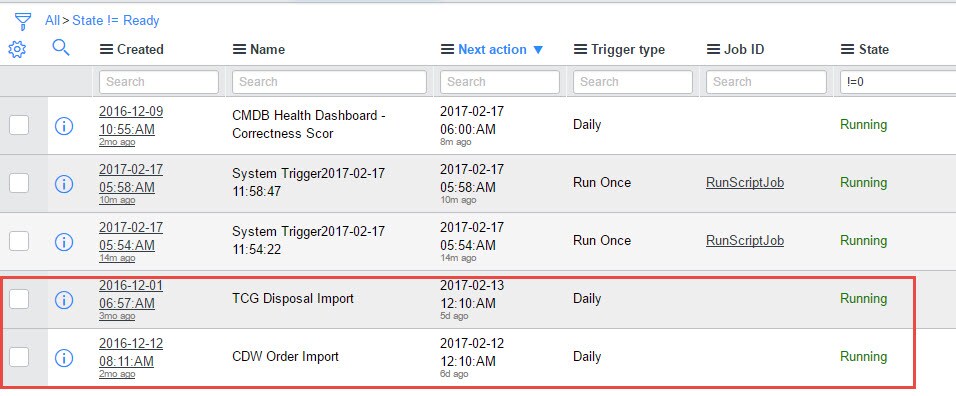
We have some scheduled imports that run every night and for whatever reason they are hung. I can manually run them but they won't kick off automatically when they should. It doesn't give me the option below to change the state. Any ideas? TIA

Solved! Go to Solution.
Labels:
1 ACCEPTED SOLUTION


Options
- Mark as New
- Bookmark
- Subscribe
- Mute
- Subscribe to RSS Feed
- Permalink
- Report Inappropriate Content
02-17-2017 04:34 AM
Navigate to 'Active Transactions', find the running job and right click and select 'Kill':

2 REPLIES 2
Options
- Mark as New
- Bookmark
- Subscribe
- Mute
- Subscribe to RSS Feed
- Permalink
- Report Inappropriate Content
02-17-2017 04:34 AM
Options
- Mark as New
- Bookmark
- Subscribe
- Mute
- Subscribe to RSS Feed
- Permalink
- Report Inappropriate Content
02-17-2017 04:39 AM
Thanks that worked.