how to change email address in mailto template

- Mark as New
- Bookmark
- Subscribe
- Mute
- Subscribe to RSS Feed
- Permalink
- Report Inappropriate Content
05-03-2019 02:58 AM
Hi All,
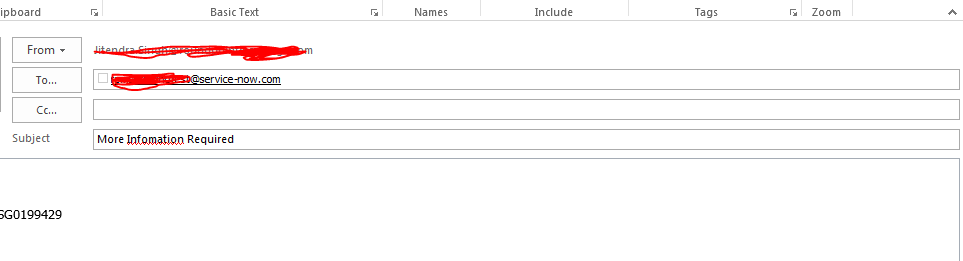
I have created a copy of mailto.approval template and named it like mailto.moreinfo. Now I want to use this a more information required button on request approval email notification. When I am clicking on button its taking the email address which i want to change. How should I do that?

When I click on more information button an email pop with default email id. I want to change the to email id as requested by email id.please help.

- Labels:
-
Scripting and Coding


- Mark as New
- Bookmark
- Subscribe
- Mute
- Subscribe to RSS Feed
- Permalink
- Report Inappropriate Content
05-03-2019 03:09 AM
This is and email template withing a template. You have to find the template used here and then make the change in that.
Please mark my answer correct/helpful if it helped you solve your issue.
-Anurag
- Mark as New
- Bookmark
- Subscribe
- Mute
- Subscribe to RSS Feed
- Permalink
- Report Inappropriate Content
05-03-2019 03:34 AM

- Mark as New
- Bookmark
- Subscribe
- Mute
- Subscribe to RSS Feed
- Permalink
- Report Inappropriate Content
04-03-2023 09:39 AM
Hi jituksingh,
Search in the sys_properties.list the record: glide.email.mail_to
That's where the MailTo used for OOB approval emails is located.