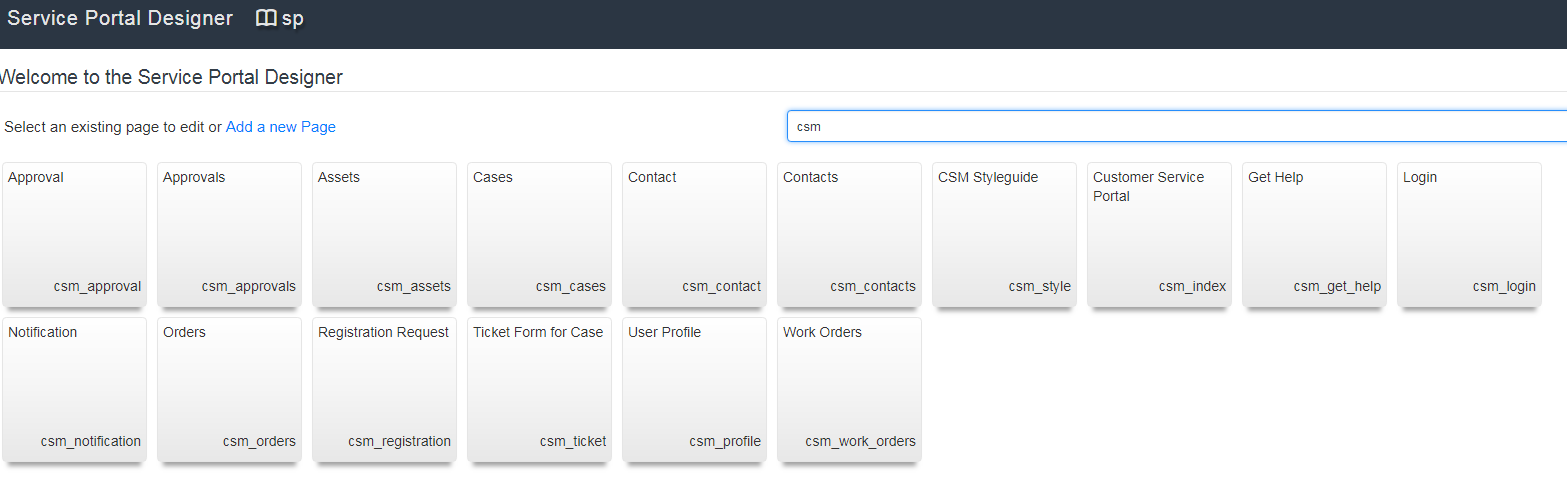
how to edit the Customer Service Portal

- Mark as New
- Bookmark
- Subscribe
- Mute
- Subscribe to RSS Feed
- Permalink
- Report Inappropriate Content
05-09-2018 06:27 AM
Dear All,
How to edit the Customer service portal, I want to changes the labels for below image for "create case". I already did for csm_index portal but its changing only in csm but how to change in customer_service/home.do portal? Pls help.


Thanks,
Mehak
- Labels:
-
Service Portal Development

- Mark as New
- Bookmark
- Subscribe
- Mute
- Subscribe to RSS Feed
- Permalink
- Report Inappropriate Content
05-09-2018 06:43 AM
That looks like the menus. I think you need to go under Service Portal > Menus if you want to change what displays for the menu names.

- Mark as New
- Bookmark
- Subscribe
- Mute
- Subscribe to RSS Feed
- Permalink
- Report Inappropriate Content
05-09-2018 06:46 AM
Hello Mehak,
Go to Service Portal --> Menus and find the menu with the name you want to modify.
Kindly mark as Answered or Helpful, if applicable.
-Hussain K
- Mark as New
- Bookmark
- Subscribe
- Mute
- Subscribe to RSS Feed
- Permalink
- Report Inappropriate Content
05-09-2018 06:57 AM
Hi Hussain/ Bricast,
I can modify the menus items but the issue is I want to modify the portal page where i can remove some option so how to change in customer_service/home.do portal? I'm able to find CSM_index and csp_index portal but not for customer_service.
Thanks,
Mehak


- Mark as New
- Bookmark
- Subscribe
- Mute
- Subscribe to RSS Feed
- Permalink
- Report Inappropriate Content
11-07-2018 05:23 AM
Hi Mehak,
You should go to Content Management > Sites and click Customer Service.
Scroll below in tab Pages and select one of the following:
- Customer Service Create Case
- Customer Service Cases
Here you will be able to modify the content just clicking on the hyperlink Edit page.
Cheers
Alberto