- Mark as New
- Bookmark
- Subscribe
- Mute
- Subscribe to RSS Feed
- Permalink
- Report Inappropriate Content
09-19-2016 12:10 PM

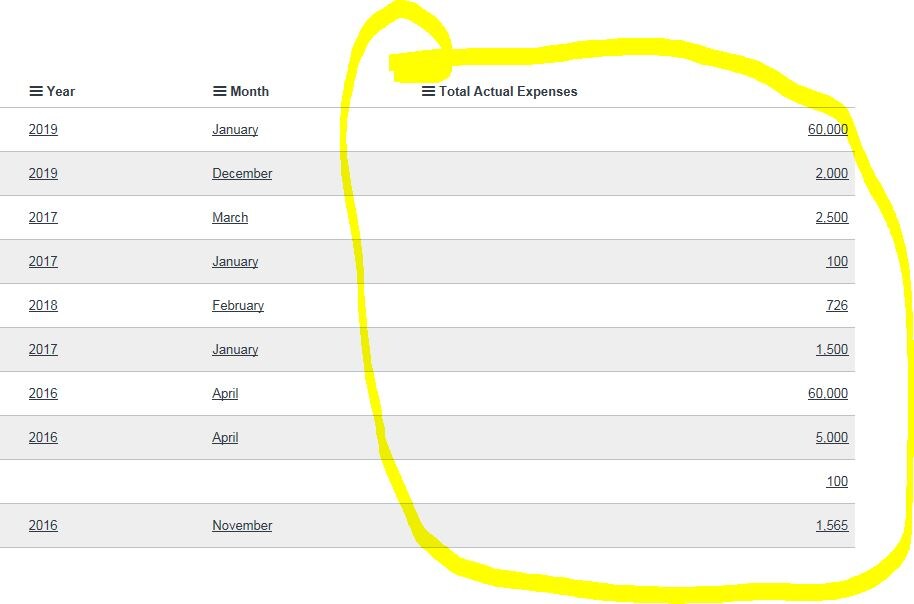
is it possible to left align integer fields in a list view?
Thanks in advance.
Solved! Go to Solution.

- Mark as New
- Bookmark
- Subscribe
- Mute
- Subscribe to RSS Feed
- Permalink
- Report Inappropriate Content
09-19-2016 10:21 PM
Hi Srnewbie,
Please check the screenshot below.
change the Field name . i have test it on my incident list. and it is working fine.

Regards,
Harshvardhan
PS: Hit like, Helpful or Correct depending on the impact of the response

- Mark as New
- Bookmark
- Subscribe
- Mute
- Subscribe to RSS Feed
- Permalink
- Report Inappropriate Content
03-11-2020 03:27 AM
Hi Joetsung,
I have the same issue. Currency field type doesn't work.
Do you have a solution now?
Thank you.
- Mark as New
- Bookmark
- Subscribe
- Mute
- Subscribe to RSS Feed
- Permalink
- Report Inappropriate Content
02-13-2017 12:55 AM
hey Harsh,
This thing doesn't worked in list view, in the form it changed but in list view its still the same #right align
- Mark as New
- Bookmark
- Subscribe
- Mute
- Subscribe to RSS Feed
- Permalink
- Report Inappropriate Content
02-13-2017 01:10 AM
Hi,
I have done the same in Helsinki version and below code worked for me to align the values to the left in the List view:


Hope this helps. Mark the answer as correct/helpful based on impact.
Regards,
Shloke
Regards,
Shloke
- Mark as New
- Bookmark
- Subscribe
- Mute
- Subscribe to RSS Feed
- Permalink
- Report Inappropriate Content
03-06-2017 08:27 AM
Has anyone got this to work on a currency field? The proposed solution works for other types of fields but I can't get it to work on my currency field.
- Mark as New
- Bookmark
- Subscribe
- Mute
- Subscribe to RSS Feed
- Permalink
- Report Inappropriate Content
01-26-2018 11:26 AM
I can't get it to align for currency fields either! Did you ever find a solution, Martin?