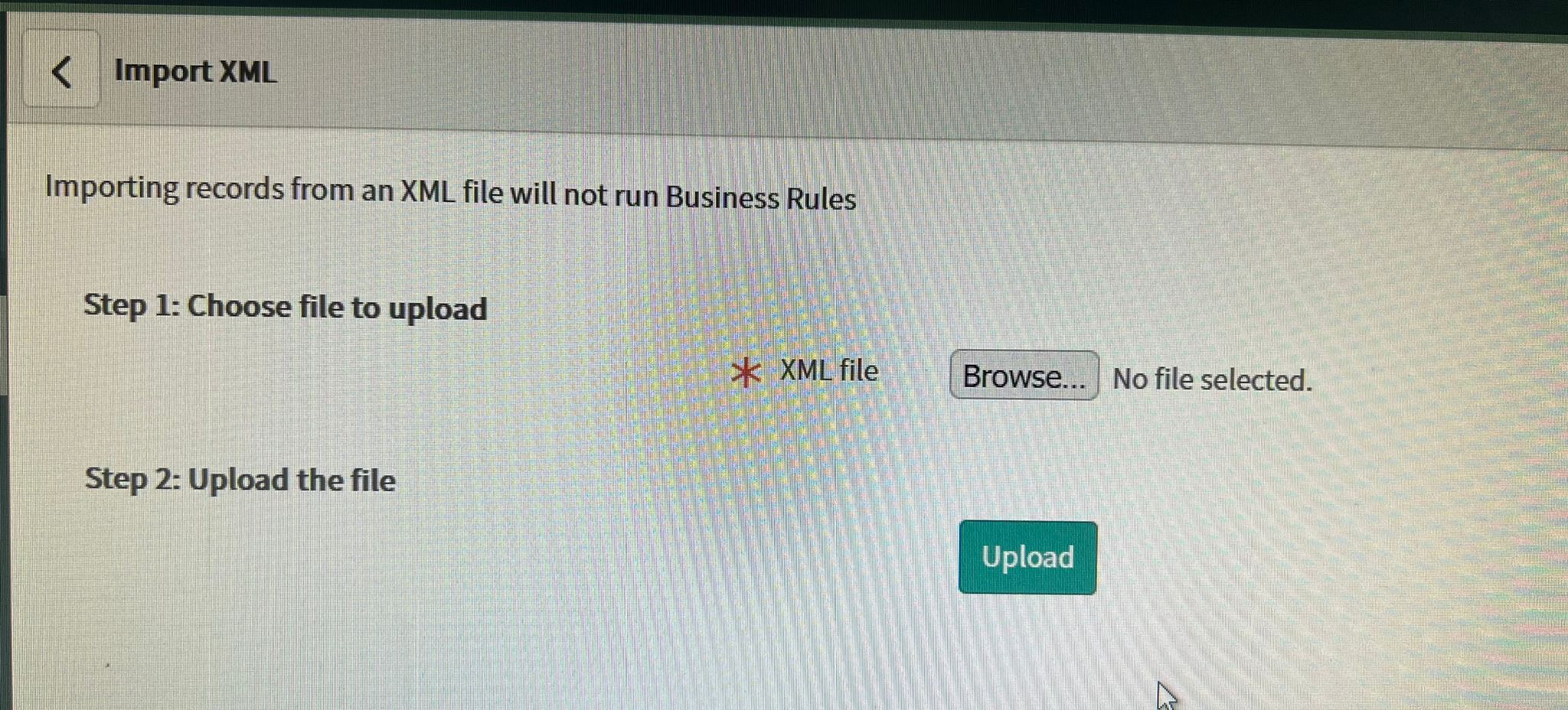
Issue with Import Update Set from XML functionality

- Mark as New
- Bookmark
- Subscribe
- Mute
- Subscribe to RSS Feed
- Permalink
- Report Inappropriate Content
07-15-2022 01:09 PM
I am trying to upload update set using Import Update Set from XML functionality.
I am selecting XML file, and clicking upload. After that, seeing nothing. Neither I am able to find anywhere this activity in list of Retrieved Update Sets.
How to preview update set and commit changes. I am not able to find domain to set as a global too.
- Labels:
-
Scoped App Development

- Mark as New
- Bookmark
- Subscribe
- Mute
- Subscribe to RSS Feed
- Permalink
- Report Inappropriate Content
07-18-2022 06:26 AM

- Mark as New
- Bookmark
- Subscribe
- Mute
- Subscribe to RSS Feed
- Permalink
- Report Inappropriate Content
11-13-2025 11:13 PM
Hi @Ricky S Larsson ,
I'm not seeing the 'Export to XML' as related link. Can suggest what else i do to export the update set? Thanks in advance for your guidance.

- Mark as New
- Bookmark
- Subscribe
- Mute
- Subscribe to RSS Feed
- Permalink
- Report Inappropriate Content
02-05-2026 12:11 AM
Late answer from me, but the reason you don't see it is most likely that the update set is not in state Complete. It won't show otherwise
- Mark as New
- Bookmark
- Subscribe
- Mute
- Subscribe to RSS Feed
- Permalink
- Report Inappropriate Content
02-04-2026 11:50 AM
Why would Service Now give an option that wont work?
I am facing the same situation currently.
I exported from hamburger menu and looks like all the changes are lost 😞
- Mark as New
- Bookmark
- Subscribe
- Mute
- Subscribe to RSS Feed
- Permalink
- Report Inappropriate Content
02-05-2026 12:10 AM
The "Export XML (This Record)" is a global function across the platform. It will be visible on each record that you are allowed to export.
However, one could wish that ServiceNow would add a condition to this function to hide it from this table as it can be misleading. I've done the same mistake myself...