Jump to page top or bottom

- Mark as New
- Bookmark
- Subscribe
- Mute
- Subscribe to RSS Feed
- Permalink
- Report Inappropriate Content
08-02-2017 10:15 AM
Hello,
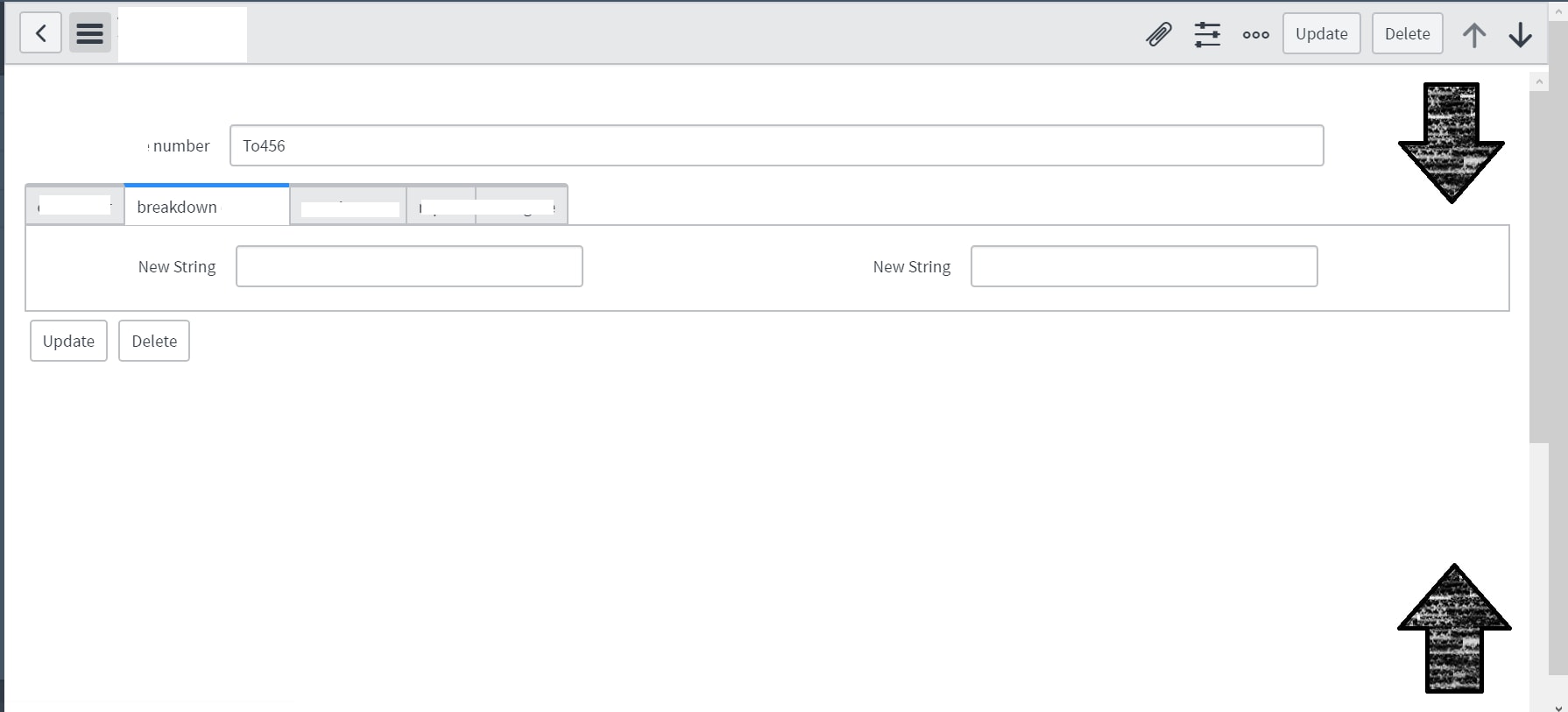
As shown below, i have seen a implementation where we can add scroll arrows to the top right and bottom right of the page.

When clicked, the action would take you either to the top of the page or to the bottom.
This helps the user when the form is long and they want to go to the top or bottom of the page without scrolling all the way.
How can i implement this?
- Labels:
-
User Interface (UI)

- Mark as New
- Bookmark
- Subscribe
- Mute
- Subscribe to RSS Feed
- Permalink
- Report Inappropriate Content
08-03-2017 09:35 AM
Only a partial answer, but we have something like this that is achieved through a macro variable that points to this UI macro:
<?xml version="1.0" encoding="utf-8" ?>
<j:jelly trim="false" xmlns:j="jelly:core" xmlns:g="glide" xmlns:j2="null" xmlns:g2="null">
<!--<a href="#top"><b>Go to top to submit.</b></a>-->

<button onclick="goToTop()" style="background-color:white; border:2px solid #008CBA;">Go to top to submit</button>
<script>
function goToTop(){
if (window!=window.top){
parent.scrollTo(0, 0);
document.documentElement.scrollTop = 0;
document.body.scrollTop = 0;
}
else{
document.body.scrollTop = 0; // For Chrome, Safari and Opera
document.documentElement.scrollTop = 0; // For IE and Firefox
}
}
</script>
</j:jelly>
It's set up to handle both regular interface and the CMS pages and different browser types.