- Mark as New
- Bookmark
- Subscribe
- Mute
- Subscribe to RSS Feed
- Permalink
- Report Inappropriate Content
09-30-2020 07:12 AM
Hi all,
I'm looking to enable / configure the PIR Post Incident Review tab on our Incident form. I have enabled the Major Incident Management plugin, but not seeing where in the Form Layout / Related Lists section I can add this feature?
Any help would be super appreciated.
Thanks very much in advance!
Solved! Go to Solution.
- Labels:
-
Instance Configuration


- Mark as New
- Bookmark
- Subscribe
- Mute
- Subscribe to RSS Feed
- Permalink
- Report Inappropriate Content
09-30-2020 07:42 AM
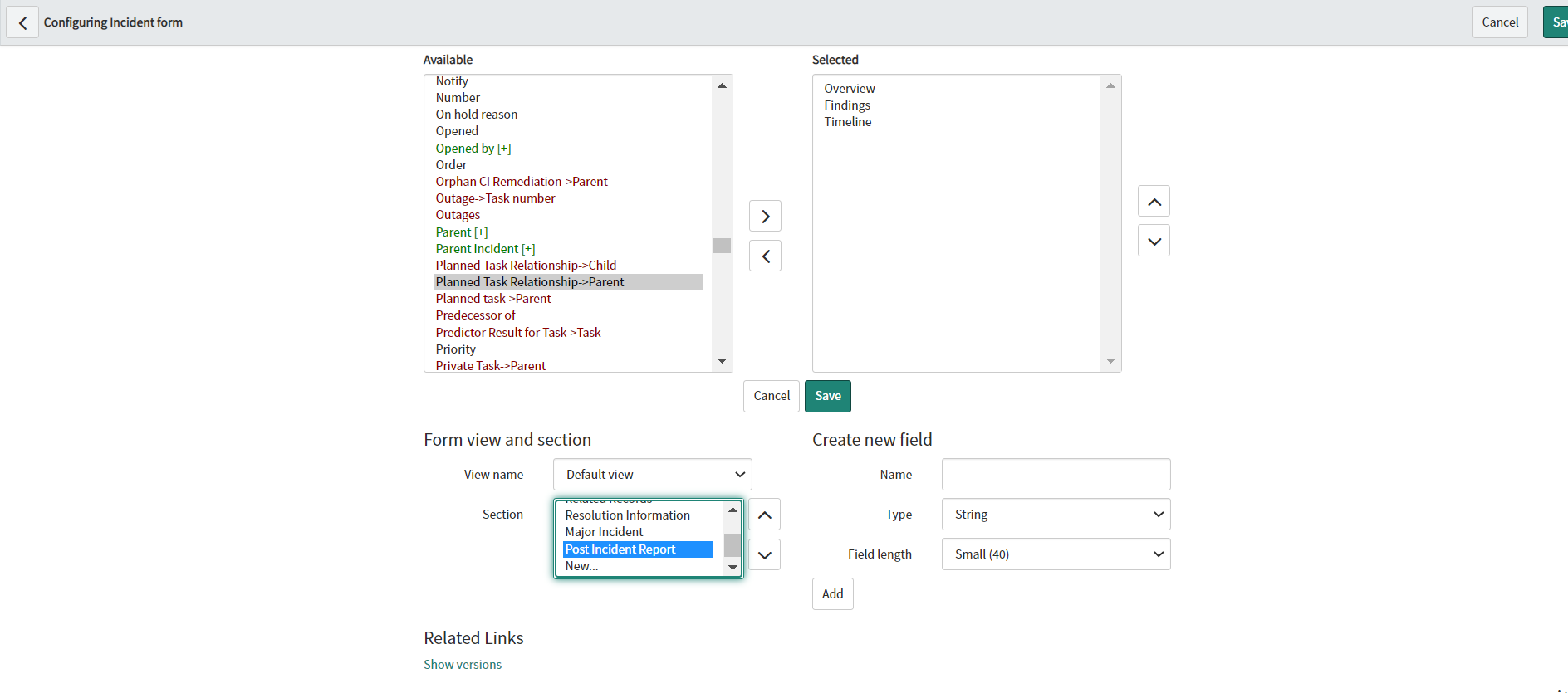
I could see it in form layout sections for incident in Default view

when you change the incident state to Resolved at that time the Tab appears

Regards
Ankur
Ankur
✨ Certified Technical Architect || ✨ 10x ServiceNow MVP || ✨ ServiceNow Community Leader
- Mark as New
- Bookmark
- Subscribe
- Mute
- Subscribe to RSS Feed
- Permalink
- Report Inappropriate Content
10-16-2020 12:51 PM
Once Major Incidents is enabled, the PIR link does appear on a Major Incident once it is closed. Creating a Post Incident Review section and adding the appropriate fields will reflect on the PIR report when generated. Thanks for your help!

- Mark as New
- Bookmark
- Subscribe
- Mute
- Subscribe to RSS Feed
- Permalink
- Report Inappropriate Content
05-19-2023 04:41 AM
I have a similar questions. We conduct PIRs on all range if incidents from P1-P4. These do not go through the Major Incident Process. Is there a method to ensure the PIR shows on an Incident record without invoking Major Incident? I have tried it as above and it only works in Major Incident and state is resolved.