Playbook Field Limitaton - Not able to add more than 12 fields in form layout section

- Mark as New
- Bookmark
- Subscribe
- Mute
- Subscribe to RSS Feed
- Permalink
- Report Inappropriate Content
03-09-2026 04:46 AM
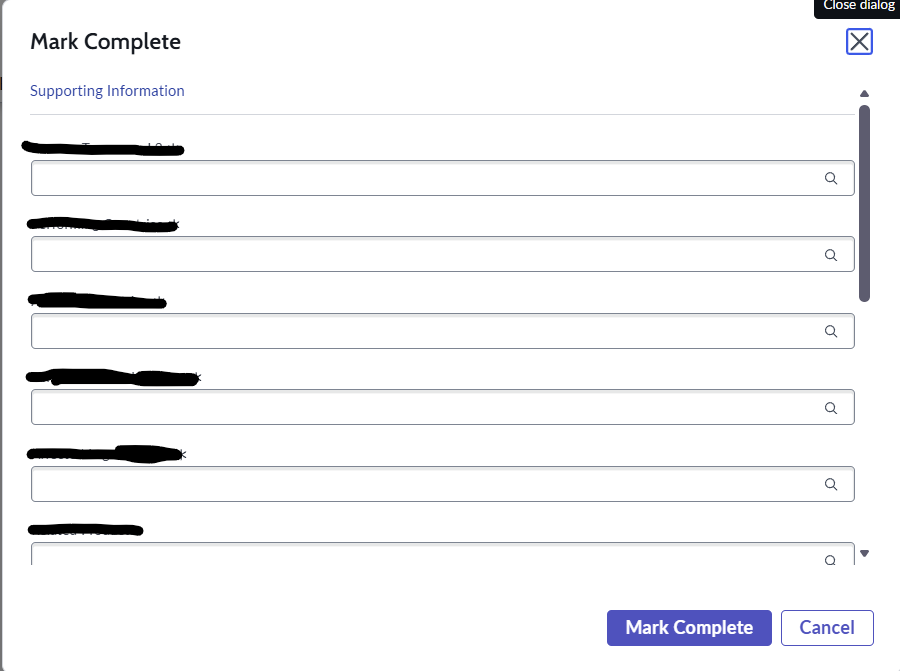
I am not able to add more than 12 fields in a single form layout section in the playbook. If 12 fields are added in the form, the playbook section opens and shows the fields to the user to fill with mark as complete and update buttons but if I add more that 12 fields, the playbook section disappears and only those buttons remain. We can still access the fields in a popup when we click on the mark as complete button or update button. Is this a ServiceNow limitation or some configuration is needed?


- Mark as New
- Bookmark
- Subscribe
- Mute
- Subscribe to RSS Feed
- Permalink
- Report Inappropriate Content
03-09-2026 05:06 AM - edited 03-09-2026 05:11 AM
@Community Alums
seems to be a platform limitation
This subflow is used to render the playbook "User Form" activity and it takes only max 12 inputs
So this clarifies why only 12 fields are allowed

Workaround: You need to try this, I haven't tried that
1) create a copy of this subflow and add more inputs
2) create a copy of the User Form activity definition'
3) associate the new subflow with the new version of User Form
4) then use that new User Form activity definition in your playbook
💡 If my response helped, please mark it as correct ✅ and close the thread 🔒— this helps future readers find the solution faster! 🙏
Ankur
✨ Certified Technical Architect || ✨ 10x ServiceNow MVP || ✨ ServiceNow Community Leader
- Mark as New
- Bookmark
- Subscribe
- Mute
- Subscribe to RSS Feed
- Permalink
- Report Inappropriate Content
03-09-2026 07:57 PM
@Community Alums
Hope you are doing good.
Did my reply answer your question?
💡 If my response helped, please mark it as correct ✅ and close the thread 🔒— this helps future readers find the solution faster! 🙏
Ankur
✨ Certified Technical Architect || ✨ 10x ServiceNow MVP || ✨ ServiceNow Community Leader
- Mark as New
- Bookmark
- Subscribe
- Mute
- Subscribe to RSS Feed
- Permalink
- Report Inappropriate Content
03-11-2026 12:29 AM
Hi Ankur, thanks for your input. Since it is a ServiceNow limitation, I have split the section into 2 and distributed the fields in them.
- Mark as New
- Bookmark
- Subscribe
- Mute
- Subscribe to RSS Feed
- Permalink
- Report Inappropriate Content
03-11-2026 01:43 AM
@Community Alums
Glad to know.
💡 If my response helped, please mark it as correct ✅ and close the thread 🔒— this helps future readers find the solution faster! 🙏
Ankur
✨ Certified Technical Architect || ✨ 10x ServiceNow MVP || ✨ ServiceNow Community Leader