Playbook Field Limitaton - Not able to add more than 12 fields in form layout section

- Mark as New
- Bookmark
- Subscribe
- Mute
- Subscribe to RSS Feed
- Permalink
- Report Inappropriate Content
03-09-2026 04:46 AM
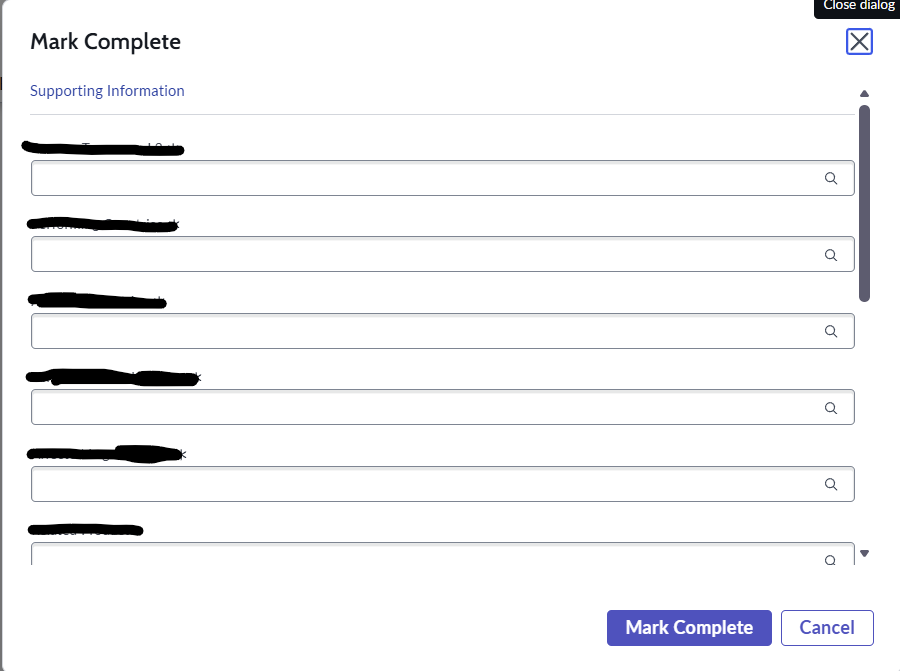
I am not able to add more than 12 fields in a single form layout section in the playbook. If 12 fields are added in the form, the playbook section opens and shows the fields to the user to fill with mark as complete and update buttons but if I add more that 12 fields, the playbook section disappears and only those buttons remain. We can still access the fields in a popup when we click on the mark as complete button or update button. Is this a ServiceNow limitation or some configuration is needed?

- Mark as New
- Bookmark
- Subscribe
- Mute
- Subscribe to RSS Feed
- Permalink
- Report Inappropriate Content
04-09-2026 07:59 AM
Hi Ankur,
those "12 fields" you mention are the inputs of the flow which is triggered by the Playbook Activity, not the actual fields which are shown in the activity itself.
We have the same issue since upgrading to Zürich. We had a "User Form" Activity with 22 fields which worked fine on Washington and Yokohama. After upgrading to Zürich, it would behave like the OP described. After cutting the view down to 20 fields, it worked again.
I have opened a Ticket with the Support to check what caused this change in behavior and if it's possible to revert it.
Regards,
Timo
- Mark as New
- Bookmark
- Subscribe
- Mute
- Subscribe to RSS Feed
- Permalink
- Report Inappropriate Content
04-09-2026 11:53 PM
Hi,
I have opened a Case with ServiceNow Support concerning this, they gave me the solution pretty fast.
-------------------------------------
ISSUE:
Playbook User Form Activity does not display fields directly on the card when the number of fields exceeds a certain limit and instead renders them via Mark Complete / Update actions in a modal.
EXPLANATION:
This behavior is controlled by the Playbook Experience Configuration, specifically the "Max form fields on card" setting. By default, this value is set to 15.
When the total number of fields considered by the activity (including hidden or conditionally visible fields) exceeds this limit, the fields are no longer rendered directly on the activity card and are instead displayed in a modal when using the declarative actions.
This behavior is working as expected and was confirmed by Development (referenced previously under PRB1948045).
Resolution:
You can modify the maximum number of fields shown directly on the card by updating the Playbook Experience Configuration record for the affected playbook.
-------------------------------------
Check this KB for the "how to": https://support.servicenow.com/kb?id=kb_article_view&sysparm_article=KB1534983
Kind regards,
Timo