Result of Catalog Task to Drive workflow

- Mark as New
- Bookmark
- Subscribe
- Mute
- Subscribe to RSS Feed
- Permalink
- Report Inappropriate Content
07-09-2018 06:00 AM
Hi All,
I'm in the middle of creating a new workflow for a Catalog Item.
I have multiple catalog tasks being generated. After one of the Catalog tasks, I want to workflow to follow different paths depending on the outcome of the catalog task.
On the Catalog Task there is a field u_job_category. For this Catalog task this choice field will be set to one of the 3 following options:
- Cost Accepted
- Cost Rejected
- Re-Scope Requested
Depending on the option returned in this field will depend the route the workflow should take.
How do I get this to happen in my workflow.?
The catalog task is set to not wait for completion. I then will have a wait condition to wait for the value of u_job_category.
Once one of the 3 values is returned the workflow needs to go to a switch to decide the path to be taken.
I just need to know how I can access the value of u_job_category from that catalog task?
Thanks
Sam
- Labels:
-
Scripting and Coding
- Mark as New
- Bookmark
- Subscribe
- Mute
- Subscribe to RSS Feed
- Permalink
- Report Inappropriate Content
07-09-2018 11:23 AM
Hi Sam,
There is a workflow activity called "Switch", where you can specify the field name, this case u_job_category, and based on the choices, you can take different paths. Other option is to use "If", but on this one you will need to re-configured based on your choices.
Hope this helps,
Pedro Lopez

- Mark as New
- Bookmark
- Subscribe
- Mute
- Subscribe to RSS Feed
- Permalink
- Report Inappropriate Content
07-10-2018 05:32 AM
Hello Sam,
Interesting problem you have here, so I decided to dig deeper in to this.
I got the things working as expected, but not sure what consequences this customization could have. I guess I will leave it to you.
Lets begin:
On the sc_task table, field 'state' add new states according to your needs. (I guess you can you some script later on to hide these states from the list for other tasks).
So I have new state - 58, i didn't bother to create all three.

Now there is a script include 'TaskStateUtil'. On line 27 you should include all your newly created states. This way the the task will become active = false, when you will select any of these states. It is necessary as workflow waits until task becomes inactive.

Now there is a business rule SNC - Run parent workflows. You need add your new states to conditions:

I have created UI actions on sc_task to set the state as needed. You could probably add some conditions to show these UI actions to certain users who will be handling these tasks.

I have this simple workflow:

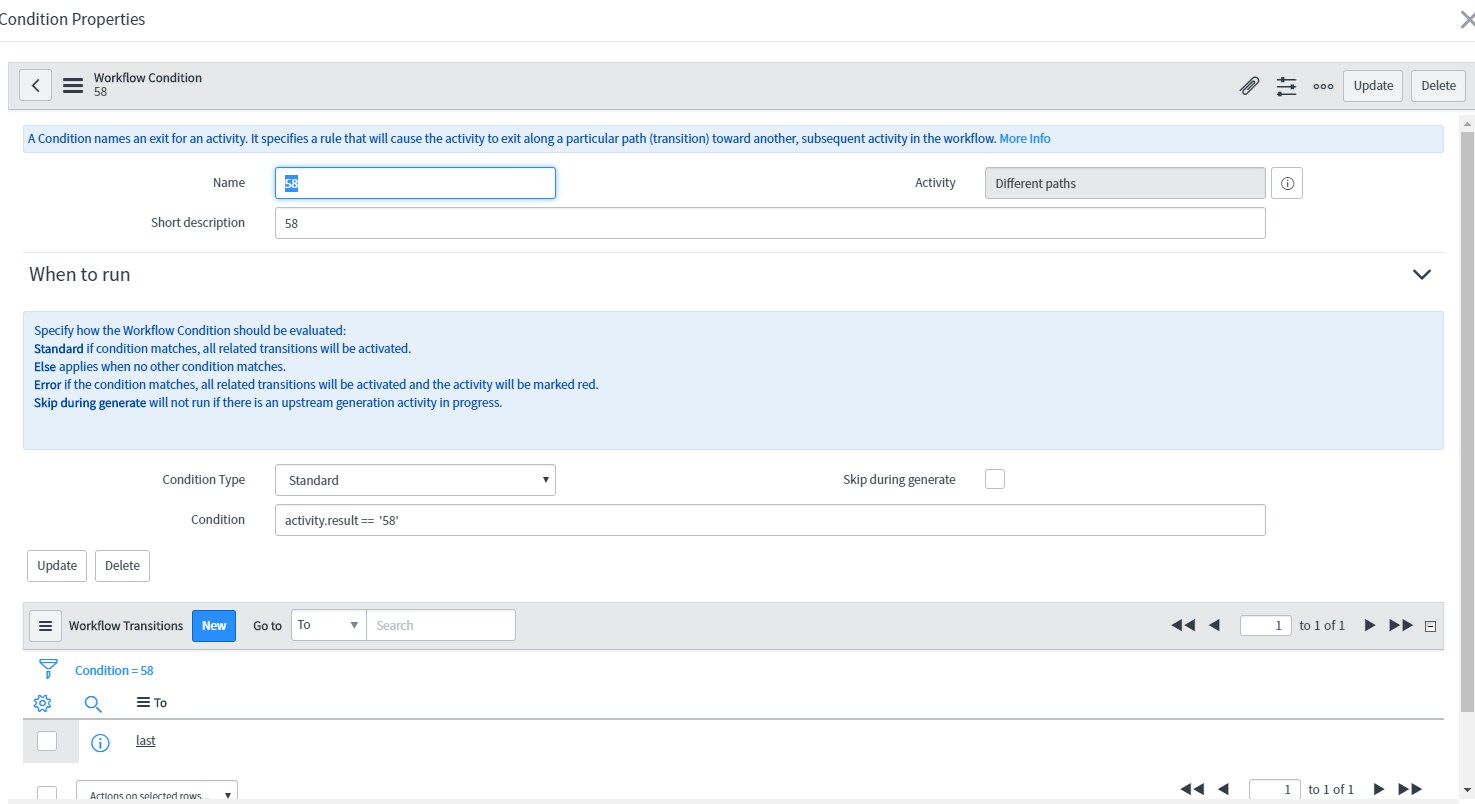
And condition '58' looks like this:

And this is the result, workflow moves forward and new task is created.

Well it looks pretty ugly, but it works. I didn't do any other testing, so its on you how it will affect other functionality of sc_task and related items.
- Mark as New
- Bookmark
- Subscribe
- Mute
- Subscribe to RSS Feed
- Permalink
- Report Inappropriate Content
07-10-2018 05:57 AM
Hi,
Thanks for the above detailed info.
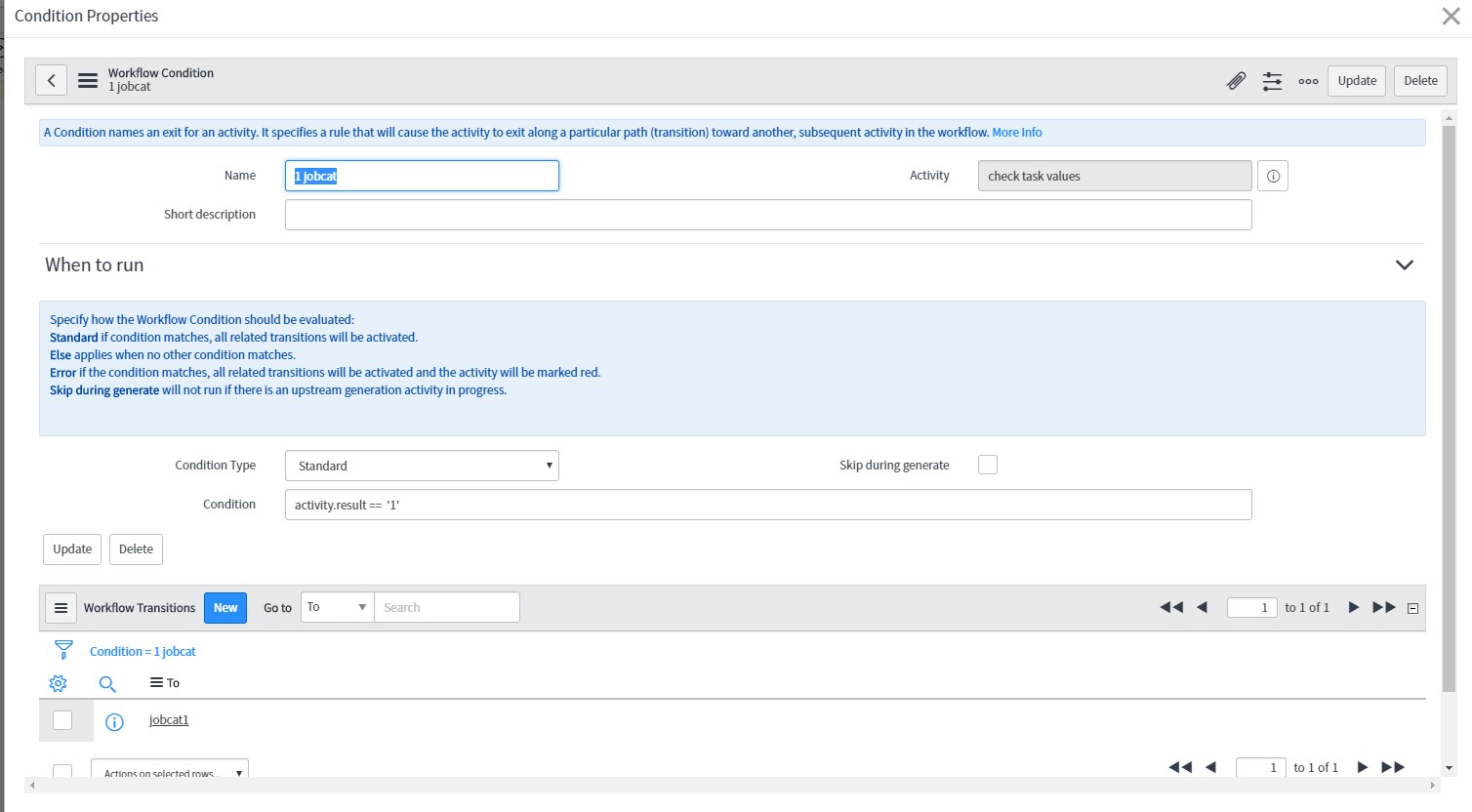
I was wondering if it is possible to get this to work using a field other than 'state'.
Ideally I don't want to have a load of new states, instead we have a separate custom field u_job_category which contains these values.
If possible I would want to have 3 options from the catalog task based on the value in u_job_category?
Thanks
Sam
- Mark as New
- Bookmark
- Subscribe
- Mute
- Subscribe to RSS Feed
- Permalink
- Report Inappropriate Content
07-10-2018 06:33 AM