
Community Alums
Not applicable
Options
- Mark as New
- Bookmark
- Subscribe
- Mute
- Subscribe to RSS Feed
- Permalink
- Report Inappropriate Content
07-04-2024 11:56 PM
Hi @gaia ,
You can use UI Builder for the same and make sure you are in the right application scope .
Workspace Experience > Administration > Landing Pages
open the landing page you want to modify
You can add reports by adding a component onto the landing page.
Note : If it is in read only mode, then click on Menu option and copy the page and make necessary changes as per your requirement.
Start your learning from the video: https://www.youtube.com/watch?v=NjvDtO5U8X0
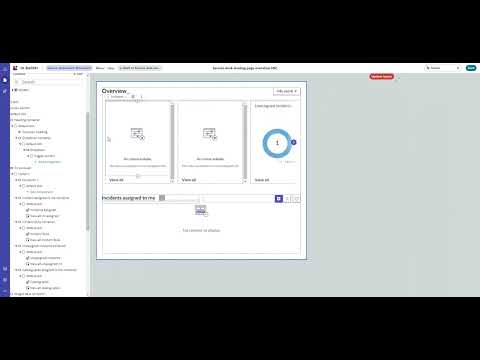
Full article https://incident.do/2023/02/21/adding-a-visualization-to-the-overview-section-of-the-servicenow-service-operations-workspace-landing-page/ Connecting the new visualization to the My Work / My Team's Work drop down: https://youtu.be/kc7UQ-61AXQ
