- Mark as New
- Bookmark
- Subscribe
- Mute
- Subscribe to RSS Feed
- Permalink
- Report Inappropriate Content
06-10-2022 09:37 AM
Not sure if you're situation is exactly the same, though tried reproducing.
With the Process Worker record, you should be able to find the Schedule Item (maybe there's an easier way, haven't looked that much):

If you would open the related record under Job ID, and kill the background process, the Scan should stop.

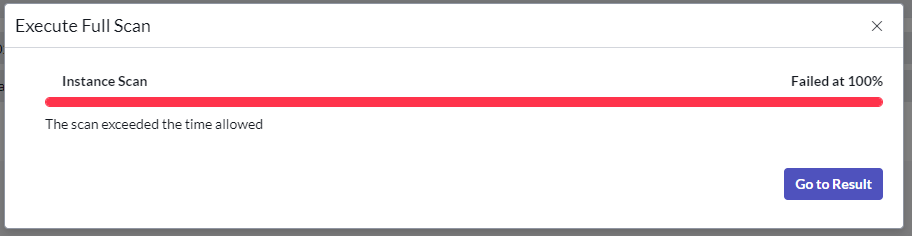
(the message about exceeded time is incorrect)
If my answer helped you in any way, please then mark it as helpful.
Kind regards,
Mark
2020-2022 ServiceNow Community MVP
2020-2022 ServiceNow Developer MVP
---
LinkedIn
Community article, blog, video list
Kind regards,
Mark Roethof
Independent ServiceNow Consultant
10x ServiceNow MVP
---
~444 Articles, Blogs, Videos, Podcasts, Share projects - Experiences from the field