reachvikas

ServiceNow Employee
Options
- Subscribe to RSS Feed
- Mark as New
- Mark as Read
- Bookmark
- Subscribe
- Printer Friendly Page
- Report Inappropriate Content
01-30-2020
01:48 AM
You can now restore your instance straight from the HI Service Catalog! This catalog item is useful for those who want to revert their instance to and previous time. At ServiceNow, we are committed toward a pleasant Customer Experience and we understand that as a ServiceNow customer, you would like to have more self-service capabilities in your hand. One way we try to empower you is through our HI Service Catalog. Service Catalog on HI Service Portal has many items for you to request spanning from instance management to general access.
Note: Service Catalogs are security trimmed. Number of items visible to you are dependent on your role in HI Service Portal.
Restore a sub-prod or demo instance using HI Service Catalog
As a Customer you often need to restore your instance to a previous state and would open a case with ServiceNow Technical Support for the help. This process can take some time. We recognize your ability to restore your instance doesn't need involvement from a TSE. Keeping self-service in mind, we have recently created a new catalog item on HI Service Portal to help do your work more efficiently. Introducing new catalog item for instance restore.
To get to the catalog item (as long as you have the right role in HI)
- Log in to https://hi.service-now.com/
- Click "Service Catalog" on the left nav
- Select "Instance Management" in the Catalog Menu
- Click the "Instance Restore" tile
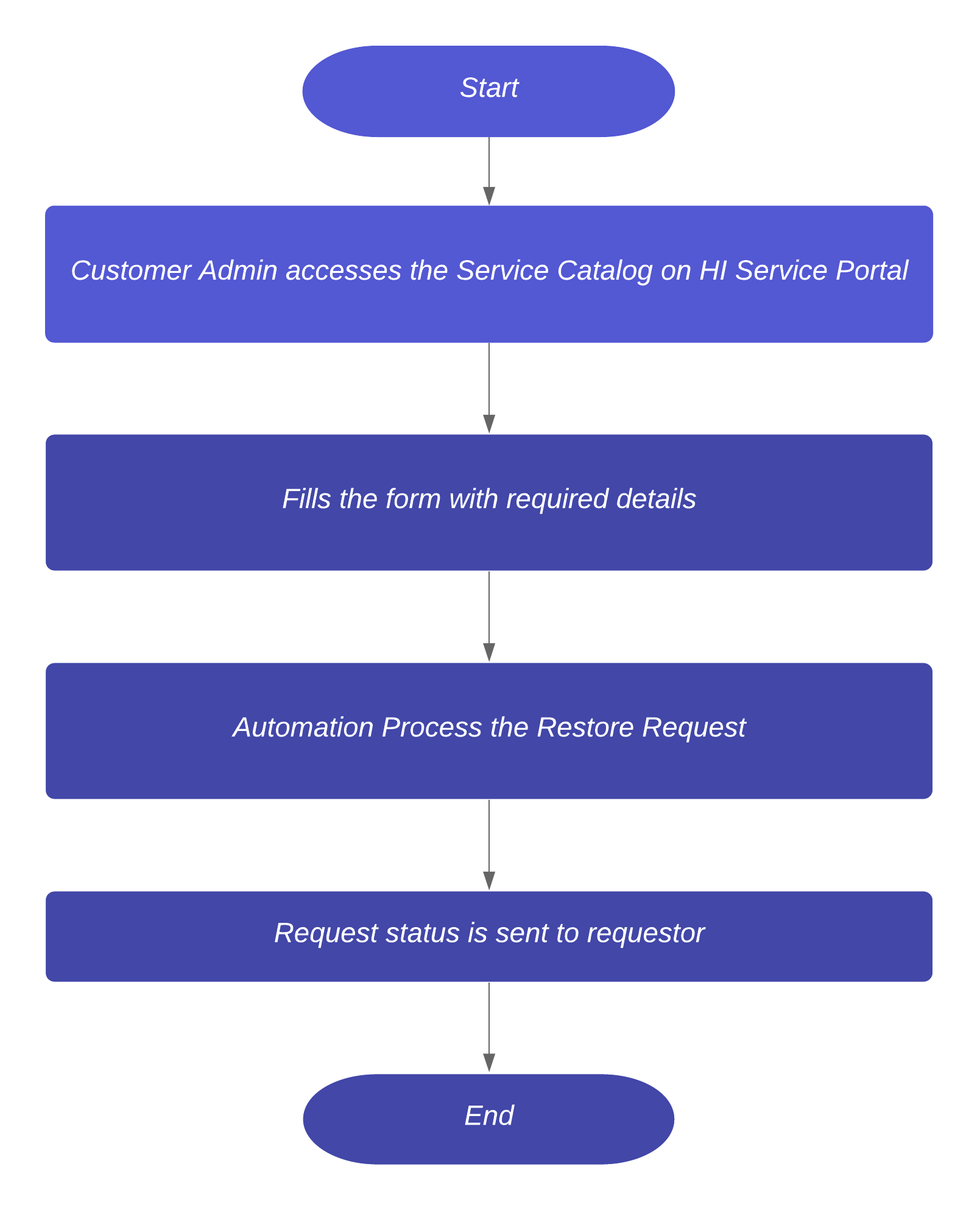
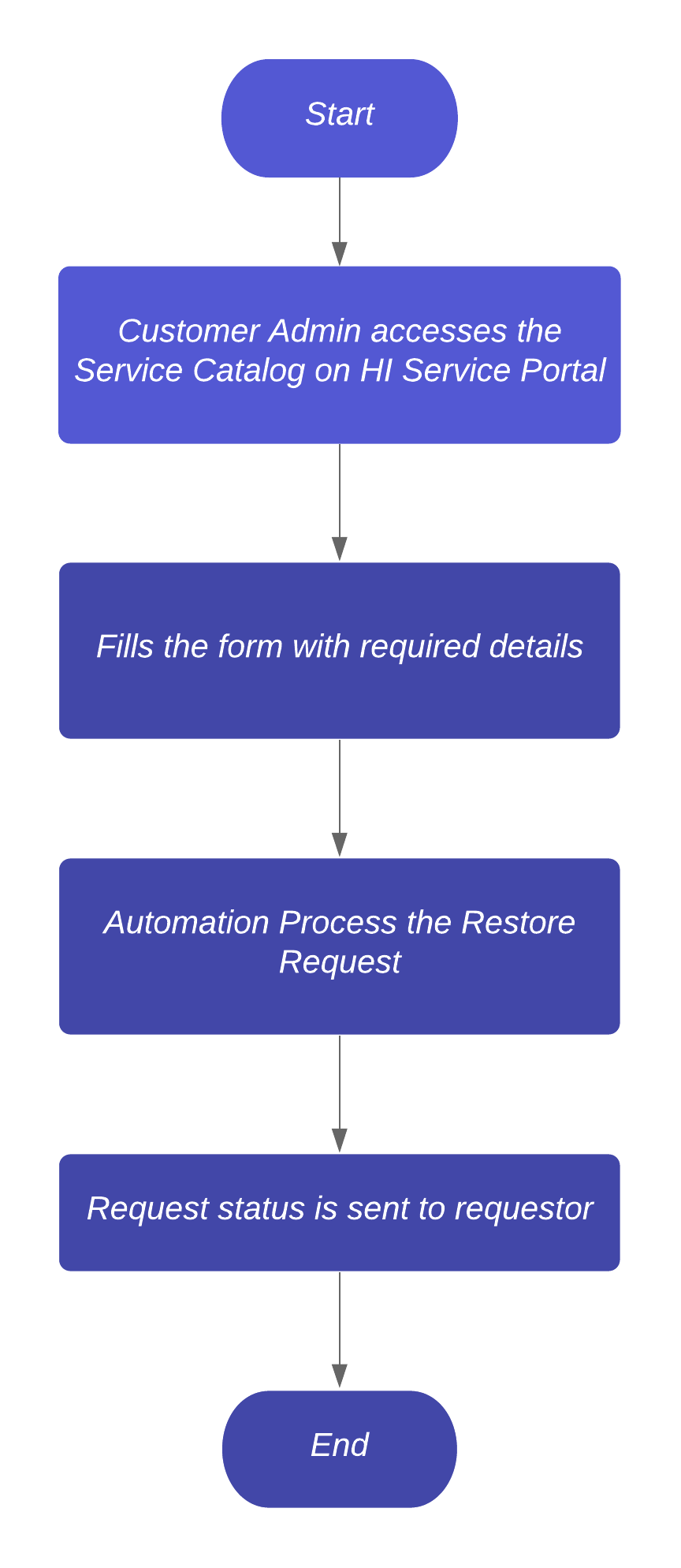
We utilized ServiceNow Service Catalogs to intake Instance Restore requests and using our own Digital Workflows, we achieved automation end-to-end fulfillment.
Benefits of using the Catalog on HI
Drive greater self-service by fulfilling all requests through an intuitive interface

The four-step process makes it easy for a requestor to restore their ServiceNow instance without having to wait for response from a support engineer.
Notes
- Due to security constraint, you need to have Administrator access of your instance
- Production instances can’t be used as Target using this Service Catalog. If you need a Production to Production restore, you need to open a case with ServiceNow Technical Support.
Additional Resources
- Refer Restoring an instance with the Now Support(HI) Service Catalog for step-by-step instructions.
- Learn more about ServiceNow Service Catalog
We have utilized ServiceNow Service Catalogs to intake the Instance Restore requests and using our own Digital Workflows, we have achieved automation end-to-end fulfillment.
Restore your ServiceNow Subprod or Demo instance
(You will need to login to view)
Labels:
- 17,234 Views
11 Comments
- « Previous
-
- 1
- 2
- Next »
You must be a registered user to add a comment. If you've already registered, sign in. Otherwise, register and sign in.