

We're reclaiming inactive PDIs to keep them available for active builders. Learn what's changing, who's affected, and how to protect your work. Read More

Jaspal Singh
Mega Patron

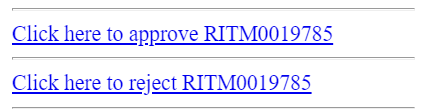
OOB notifications for Approval includes links for approval as below.

find_real_file.png

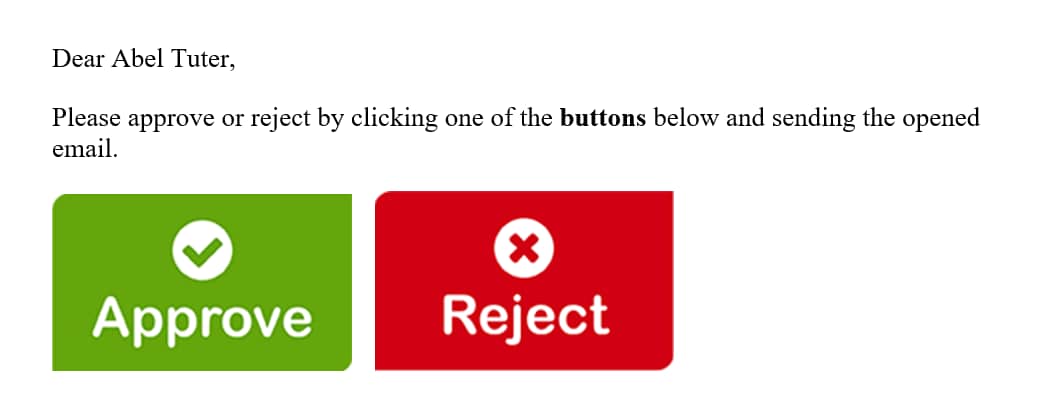
These seems to be bringing more of standard user interface however, ServiceNow provides us a functionality of mail scripts that can be customized & leverged to an extent so as to display dynamic button/images instead of standard links which is also very simple to build.

find_real_file.png

Steps below can be followed for getting something as above in place.

1. Upload images as attached in the Images table from System UI >> Images.

2. Create mail scripts as below for Approve & Reject options.

    a. Approve: email.button.approve.insert

var img = "/Approve.png";

var response = "approve";

var emailbod = "I approve this request.";

template.print(renderMailtoButton(img, response, emailbod));


  b. Reject: email.button.reject.insert

var img = "/Reject.png";

var response = "reject";

var emailbod = "I reject this request.";

template.print(renderMailtoButton(img, response, emailbod));


3. Script include: renderMailtoButton

function renderMailtoButton(image, response, emailbod){
	
	var instance = gs.getProperty("instance_name");
	var link = "https://" + instance + ".service-now.com";
	var mark = email.watermark;
	var number = current.number;
	var emailAddress = instance + "@service-now.com";
	if (current.getTableName().indexOf("sysapproval") != -1){
		number = current.sysapproval.number;
		}
			var mailLink = '<a href="mailto:'+ emailAddress + '?subject=Re:' + number + ' ' + response +'&body=' +  emailbod +  mark + '"><img src="' + link + image + '"></a>';
	return mailLink;
	
}

Script include above will help associating image (approve/reject), subject, body & recipient which is called in the mail script.

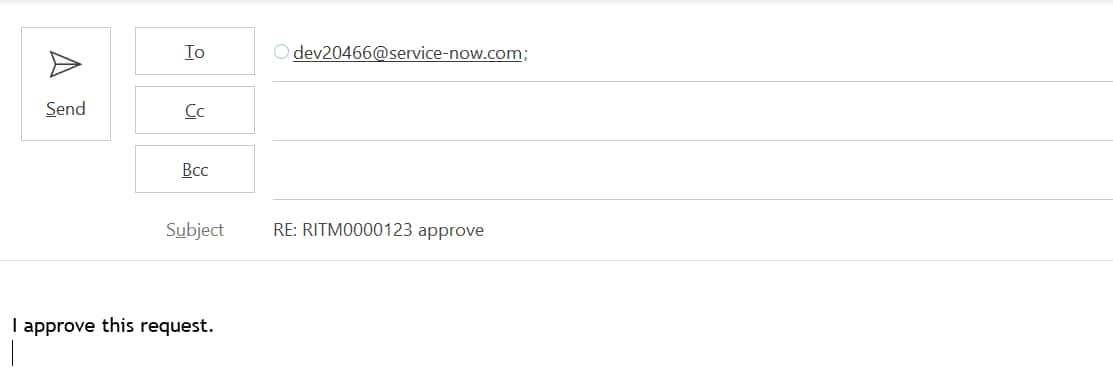
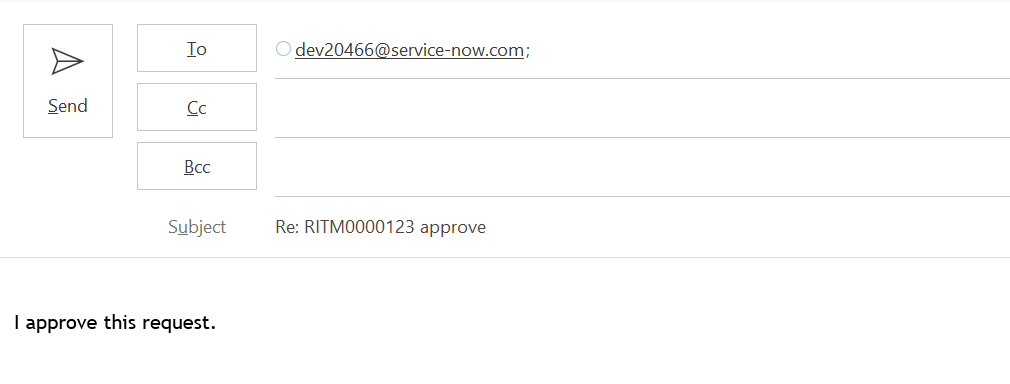
renderMailtoButton is used to set below when Approve button is clicked.

To: (instance mail),

Subject: RE: RITM000000 approve

Body: I approve this request.

find_real_file.png

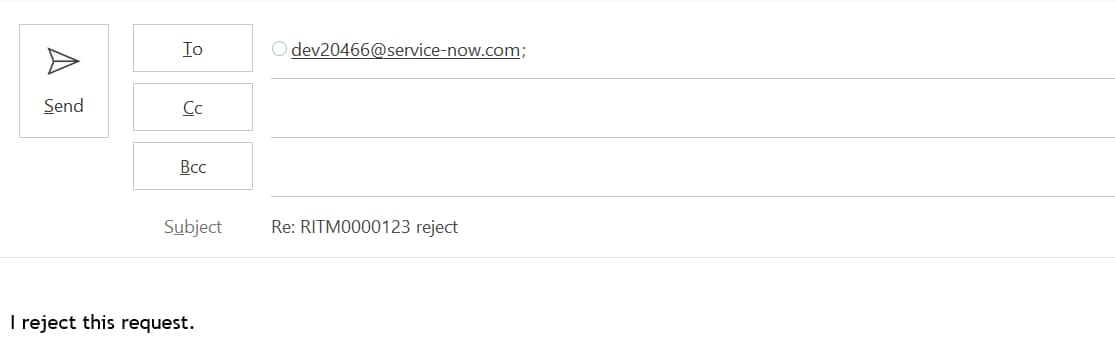
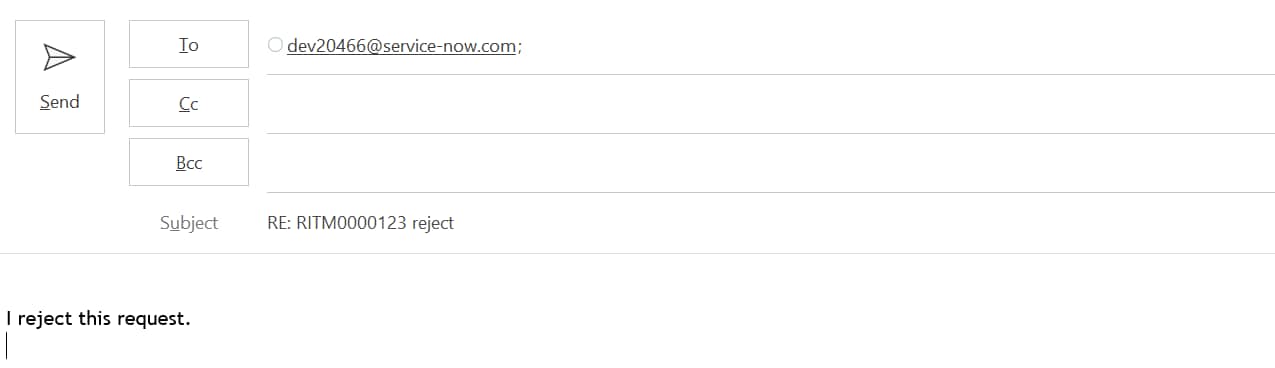
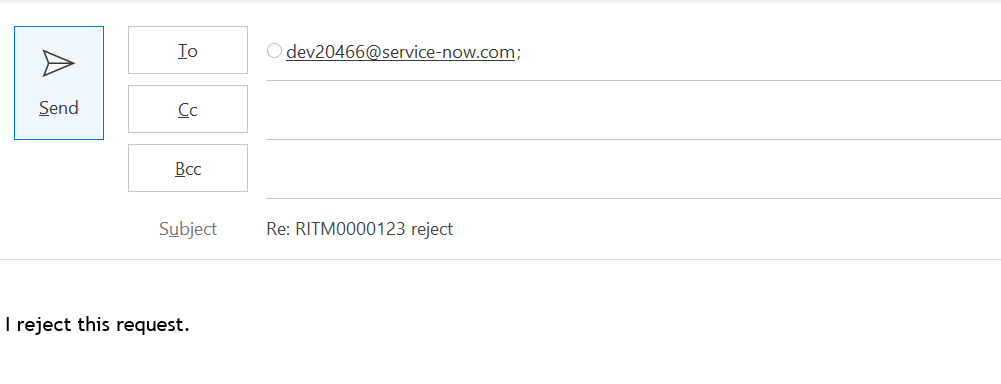
On click of Reject button from Approval mail below is set.

To: (instance mail),

Subject: RE: RITM000000 reject

Body: I reject this request.

find_real_file.pngTo summarize, renderMailtoButton is used to open outlook mail directly with the values being passed in Image, Subject, Body & recipient list.

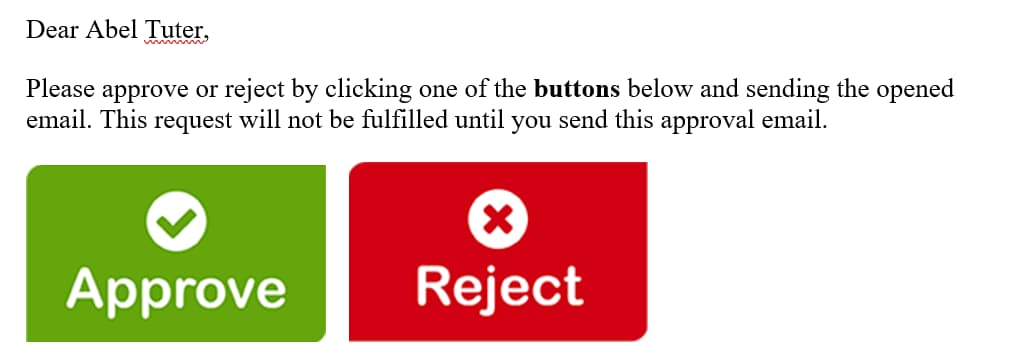
4. Call the mail scripts in the notification body (What it will contain) so as to make it work in the format as below.


Dear ${approver.name},

Please approve or reject by clicking one of the buttons below and sending the email opened after click of any of below button.

${mail_script:email.button.approve.insert} ${mail_script:email.button.reject.insert}

Output as below:

find_real_file.png 


Hope it helps.


Thanks,

Jaspal Singh

83 Comments
NARASIMHA REDD5
Tera Contributor

Hi Edxavier Robert,


Thanks for your replay. I want to send email(outlook)  to line manager like below when user raised a service request. After he chosen approve then will create a task in the flow. 

NARASIMHAREDD5_0-1699873920260.png


Edxavier Robert
Mega Sage

Hi @NARASIMHA REDD5 

For this, you would have to do a couple of things: 

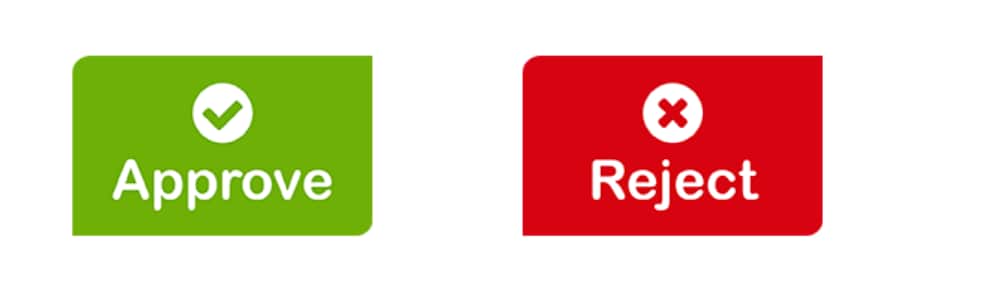
1. Create the image buttons - You can use an online https://www.photopea.com/ to create those buttons

EdxavierRobert_0-1699884867979.png


2. Upload the images to the System UI -- Images

3. Create the 2 mail script to call those buttons

to Approve: 

(function(smtpAddress, approvalFor, watermark) {
	var instance = gs.getProperty('instance_name');
	var emailaddy=instance+"@service-now.com";
    var href = 'href="mailto:'+ emailaddy +'?subject=Re%3A%20'+ approvalFor +'%20-%20approve&amp;body= I approve this request'+ watermark +'"';
    var anchor = '<a '+ href +'> <img src="button_approver.png" width="182" height="66" alt="Approve"/></a>';
       template.print(anchor);
})(gs.getProperty('glide.email.user'), current.sysapproval.getDisplayValue(), email.watermark);

To Reject: 

(function(smtpAddress, approvalFor, watermark) {
var instance = gs.getProperty('instance_name');
var emailaddy=instance+"@service-now.com";
var href = 'href="mailto:'+ emailaddy +'?subject=Re%3A%20'+ approvalFor +'%20-%20reject&amp;body='+ watermark +'"';
var anchor = '<a '+ href +'> <img src="button_reject.png" width="182" height="66" alt="Reject"/></a>';
       template.print(anchor);
})(gs.getProperty('glide.email.user'), current.sysapproval.getDisplayValue(), email.watermark);

Then from the notification you called those mail script: 

${mail_script:Custom-Approve}   ${mail_script:Custom-Reject}

NARASIMHA REDD5
Tera Contributor

Thanks you so much Edxavier Robert.


NARASIMHAREDD5_0-1700021621403.png


Can i mention it is in Workflow notification activity.

Edxavier Robert
Mega Sage

Hi @NARASIMHA REDD5 , 


Yes. 


Can you mark my response as helpfuls?

NARASIMHA REDD5
Tera Contributor

Hi @Edxavier Robert ,

Thanks for email I am getting error In notification Activity on Workflow


NARASIMHAREDD5_0-1700464489603.png


Edxavier Robert
Mega Sage

@NARASIMHA REDD5 


You need to use those mail script on the notification.

SHIVAM JAISWAL
Tera Contributor

Hello @Jaspal Singh ,


Thank you for this very useful article. I have a further requirement with this. The requirement is that when the user will click on approve/reject button then there should be an html form with basic details like name, email id and a submit button too on the email body that is opening automatically in outlook.


Can you help me with this?


Houston Vargas
Tera Contributor

How can someone add ALT Text to the images? For those that utilize screen readers, I would like the ALT Text to say "Approval Button" or something of the sort. Screen readers should catch the images and say the ALT Text title.

imhicham
Tera Contributor

@Jaspal Singh  i test this, but i have a little problem, when i clic on approuve or reject but the the state of the RITM still waiting for approuval.

Prataps135
Mega Sage

Hello Jaspal,


Can you please share the thing where should i get approval and the reject button in OAM definition.


Prataps135_0-1709720879890.png