How can I include the original email body in a notification

- Mark as New
- Bookmark
- Subscribe
- Mute
- Subscribe to RSS Feed
- Permalink
- Report Inappropriate Content
02-27-2022 02:23 PM
Hi All,
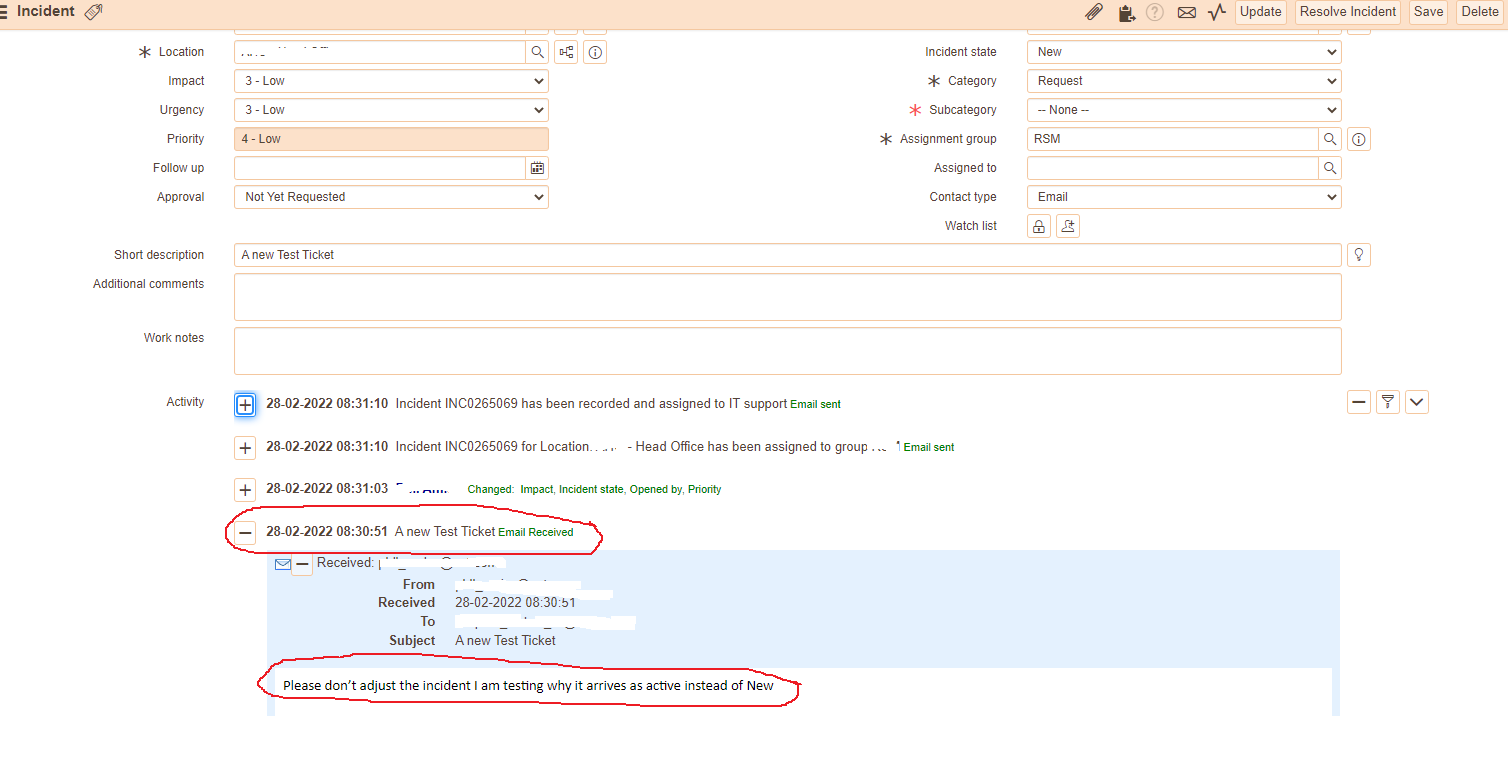
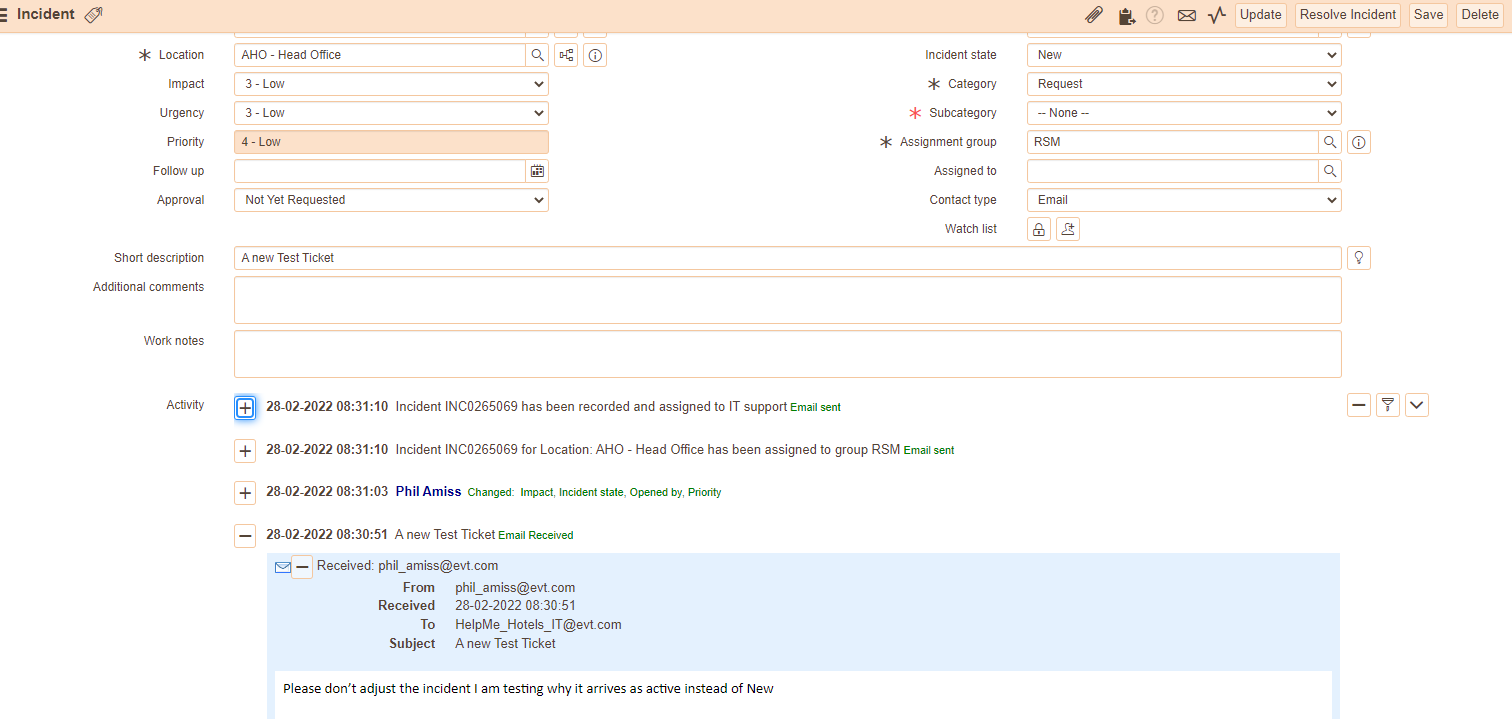
My Inbound email action creates an incident and the first entry on the incident is a Journal entry called "email received"
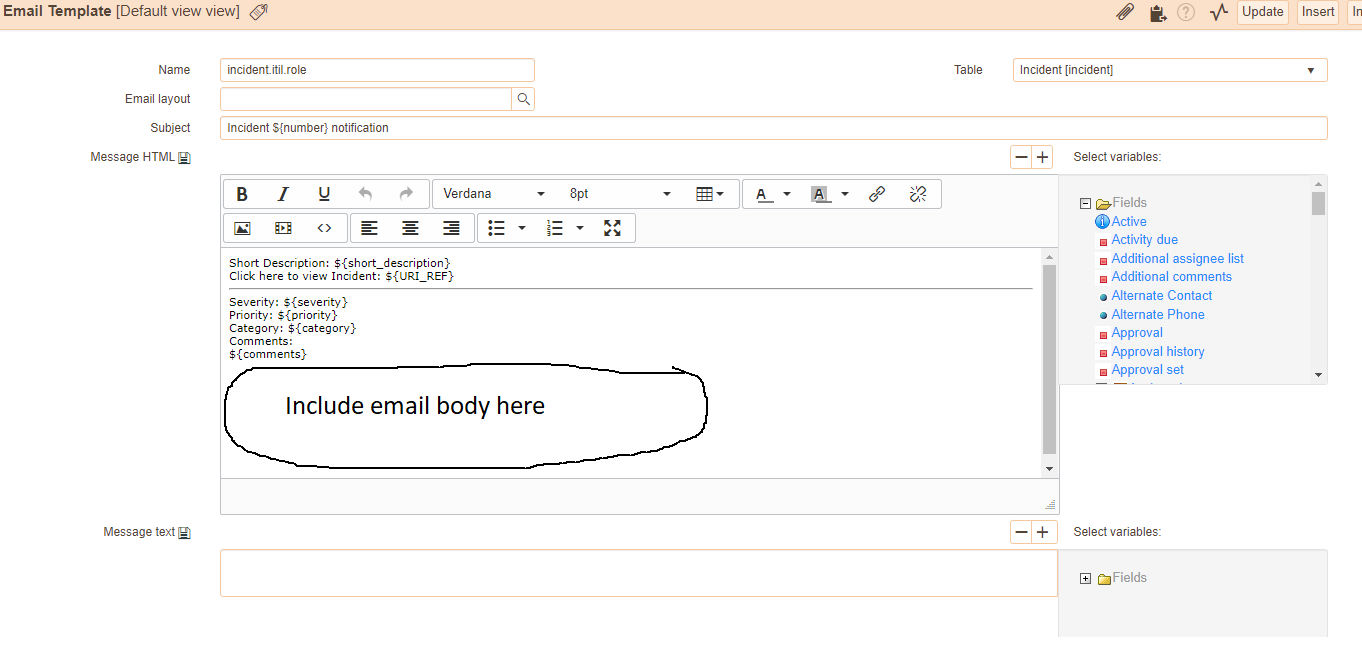
I have an outbound notification that is triggered by the insert of the incident and the notification goes to the assigned Group and I would like to include the content of email received in that outbound notification. Posted below.
I have looked through the available fields to the right of the form but I can find one that includes the original email body.
Can anyone advise how I might do that please?


- Labels:
-
Incident Management

- Mark as New
- Bookmark
- Subscribe
- Mute
- Subscribe to RSS Feed
- Permalink
- Report Inappropriate Content
12-15-2022 05:26 AM
What @Dan H suggested does exactly that.
If I helped you with your case, please click the Thumb Icon and mark as Correct.
- Mark as New
- Bookmark
- Subscribe
- Mute
- Subscribe to RSS Feed
- Permalink
- Report Inappropriate Content
12-16-2024 04:26 AM
- Mark as New
- Bookmark
- Subscribe
- Mute
- Subscribe to RSS Feed
- Permalink
- Report Inappropriate Content
06-14-2026 09:31 PM
In case someone still needs this.
The way we did it is as follows:
1. Create a custom u_email_body_text field on the incident table.
2. Create an inbound action email action where the inbound email body is stored in the custom field of the incident record via a script that includes the following line
current.u_email_body_text = email.body_text;3. Next, In the notification for the incident, manually include the custom field value in the message HTML, passing it like this
${u_email_body_text}