- Mark as New
- Bookmark
- Subscribe
- Mute
- Subscribe to RSS Feed
- Permalink
- Report Inappropriate Content
04-12-2022 11:23 PM

- Mark as New
- Bookmark
- Subscribe
- Mute
- Subscribe to RSS Feed
- Permalink
- Report Inappropriate Content
04-13-2022 12:06 AM
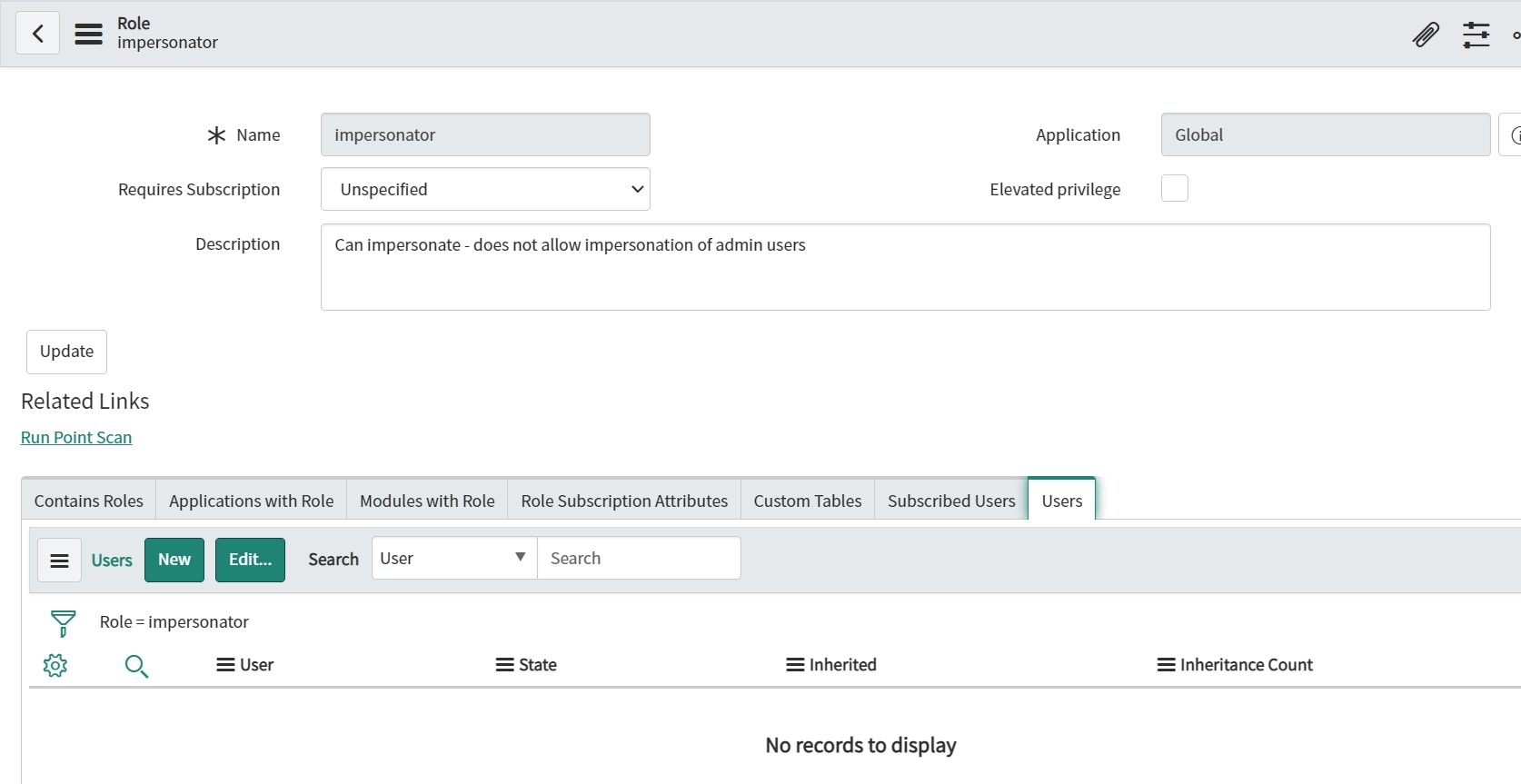
Open it, go to users tab and add user, if Users tab is not available first then add it by going to related list and then do this. Mark my answer as correct if that completes

Regards,
Musab
- Mark as New
- Bookmark
- Subscribe
- Mute
- Subscribe to RSS Feed
- Permalink
- Report Inappropriate Content
04-12-2022 11:25 PM
Hi Neelu,
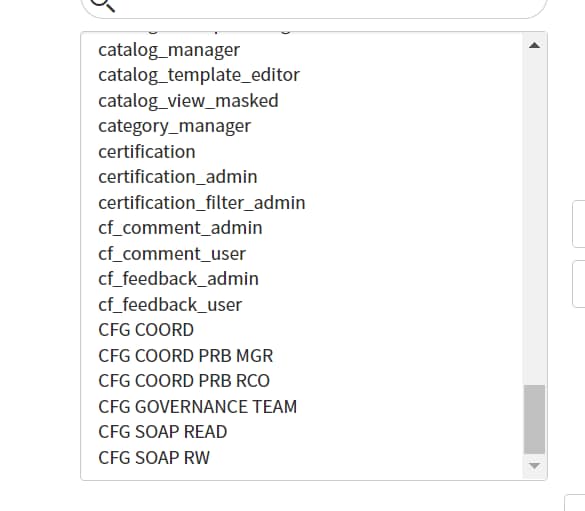
Go to user profile, scroll down to 'roles' section and click edit and select 'impersonator' role and add it, ask user to log out and log in.
Regards
Regards,
Musab
- Mark as New
- Bookmark
- Subscribe
- Mute
- Subscribe to RSS Feed
- Permalink
- Report Inappropriate Content
04-12-2022 11:30 PM
- Mark as New
- Bookmark
- Subscribe
- Mute
- Subscribe to RSS Feed
- Permalink
- Report Inappropriate Content
04-12-2022 11:41 PM
Do you have admin access and you yourself have impersonator role?
Regards,
Musab
- Mark as New
- Bookmark
- Subscribe
- Mute
- Subscribe to RSS Feed
- Permalink
- Report Inappropriate Content
04-12-2022 11:52 PM
yes i have