How to Show Yes/No Confirmation on input screen in Mobile App Builder

- Mark as New
- Bookmark
- Subscribe
- Mute
- Subscribe to RSS Feed
- Permalink
- Report Inappropriate Content
10-29-2024 10:57 PM
Hi team,
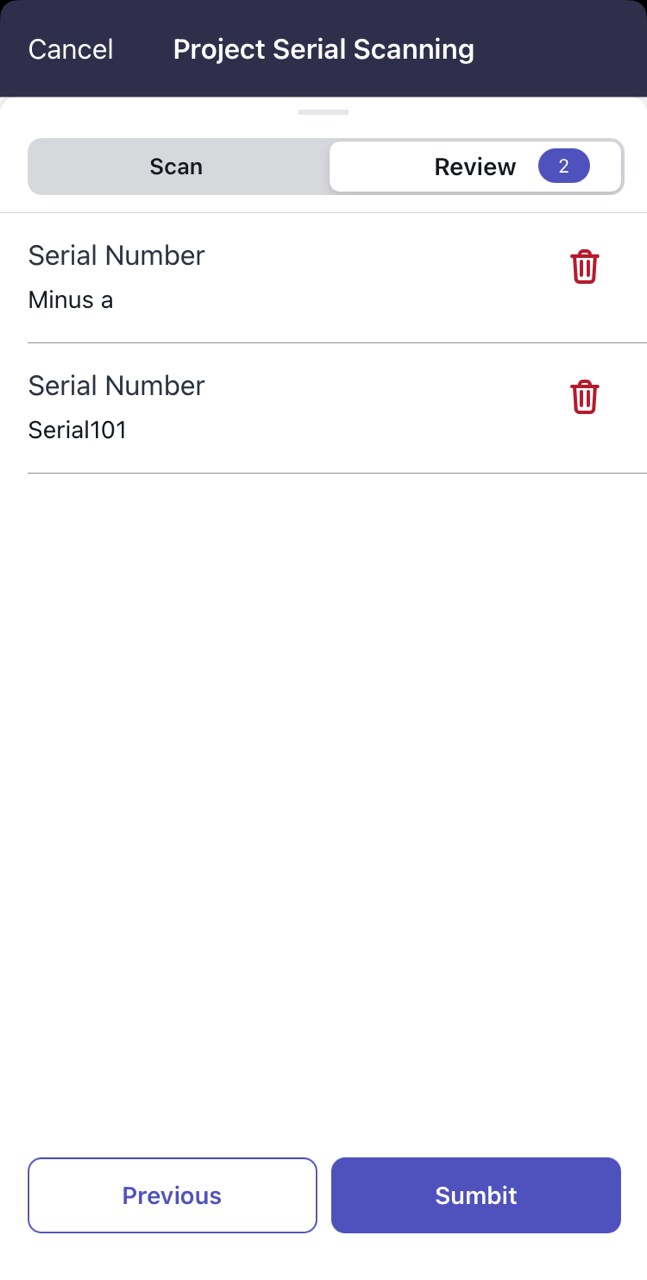
I’m working in Mobile App Builder and have a form where users can scan two serial numbers via an input screen. When the form is submitted, I display two different messages:
- "Not found" – if no matching asset record is found for the serial number.
- "Updated" – if the asset record is found and updated successfully.
Now, I want to enhance this behavior. When an asset is not found, I’d like to present a Yes/No confirmation dialog. If the user clicks "Yes," it should create a new asset record with the serial number that was provided in the input screen.
How can I implement this confirmation logic with the Yes/No option in Mobile App Builder?
PFA SS for reference:

- Mark as New
- Bookmark
- Subscribe
- Mute
- Subscribe to RSS Feed
- Permalink
- Report Inappropriate Content
10-29-2024 10:59 PM
- Navigate to the Form Submission event on your screen.
- Use a Decision flow to check if the asset exists:
- If the asset is found, show the "Updated" message.
- If not found, proceed to show the Yes/No dialog.
- Mark as New
- Bookmark
- Subscribe
- Mute
- Subscribe to RSS Feed
- Permalink
- Report Inappropriate Content
10-29-2024 11:04 PM
Hi Prashant,
Sorry can you please elaborate ?
FYI i am using mobile app builder function:

In the action item i have defined execution script as:
(function WriteBackAction(parm_input, parm_variable,actionResult) {
    var serialNumbers = parm_input['barcode_section_out.serial_number'];
    if(parm_input["barcode_section_out.serial_number"].length >0)
    {
    for (var i = 0;i<parm_input["barcode_section_out.serial_number"].length; i++) {
        var serial = parm_input["barcode_section_out.serial_number"][i];
        var gr = new GlideRecord('alm_asset');
        gr.addQuery('serial_number', serial);
        gr.query();
        if (gr.next()) {
            gr.install_status = "6";
            gr.substatus = "available";
            gr.update();
            gs.addInfoMessage("Asset with serial number: "+gr.serial_number+" Updated successfully");
        } else
            gs.addErrorMessage("No asset found with this serial number: "+serial+ "do you waana create new shell asset for this serial?");
    }
    }
})(parm_input, parm_variable,actionResult);

From where exactly should I call decision flow?
- Mark as New
- Bookmark
- Subscribe
- Mute
- Subscribe to RSS Feed
- Permalink
- Report Inappropriate Content
10-15-2025 03:55 AM
Hi @monica_detani did you find a solution to this?
