Ask the Expert: Setting up the CMDB Health metrics and applying them to a real world CMDB


- Mark as New
- Bookmark
- Subscribe
- Mute
- Subscribe to RSS Feed
- Permalink
- Report Inappropriate Content
04-26-2017 11:25 AM

Join us on this discussion page for a YouTube Live Presentation on setting up CMDB health metrics and how to apply them.
It's an opportunity to see how the new CMDB Health Dashboard can help you manage the data quality of server and network device data. This new dashboard provides an actionable view of CI health and a remediation framework to take corrective actions.
Please Like and Share! Find More Events on the Community!
Featured Expert

Watch the Demo Below and Read the Q&A below!
(Be sure to change your YouTube Setting to 720HD)
- Mark as New
- Bookmark
- Subscribe
- Mute
- Subscribe to RSS Feed
- Permalink
- Report Inappropriate Content
11-09-2017 10:43 AM
Did you participate?
We'd love to hear your feedback on this event!
Please Take the Survey - and tell us what you think!
oh and
Find More Events on the Community!

- Mark as New
- Bookmark
- Subscribe
- Mute
- Subscribe to RSS Feed
- Permalink
- Report Inappropriate Content
12-29-2017 02:43 AM
Hi
This video is very helpful in terms of understanding the OOTB CMDb Dashboard.
I have two questions here:
1) There is a scenario where we need to check a custom field "ABC" is integer OR the value in a certain choice list falls between the values defined in choice options. In order to implement that I have used Compliance -> Audit , wherein first I configured "Certification Filter" , "Certification Template" and Audit. This is giving me the correct result in the health table. Now I would like to know if I am doing it in the correct way. Because I think we can do the same in Orphan also
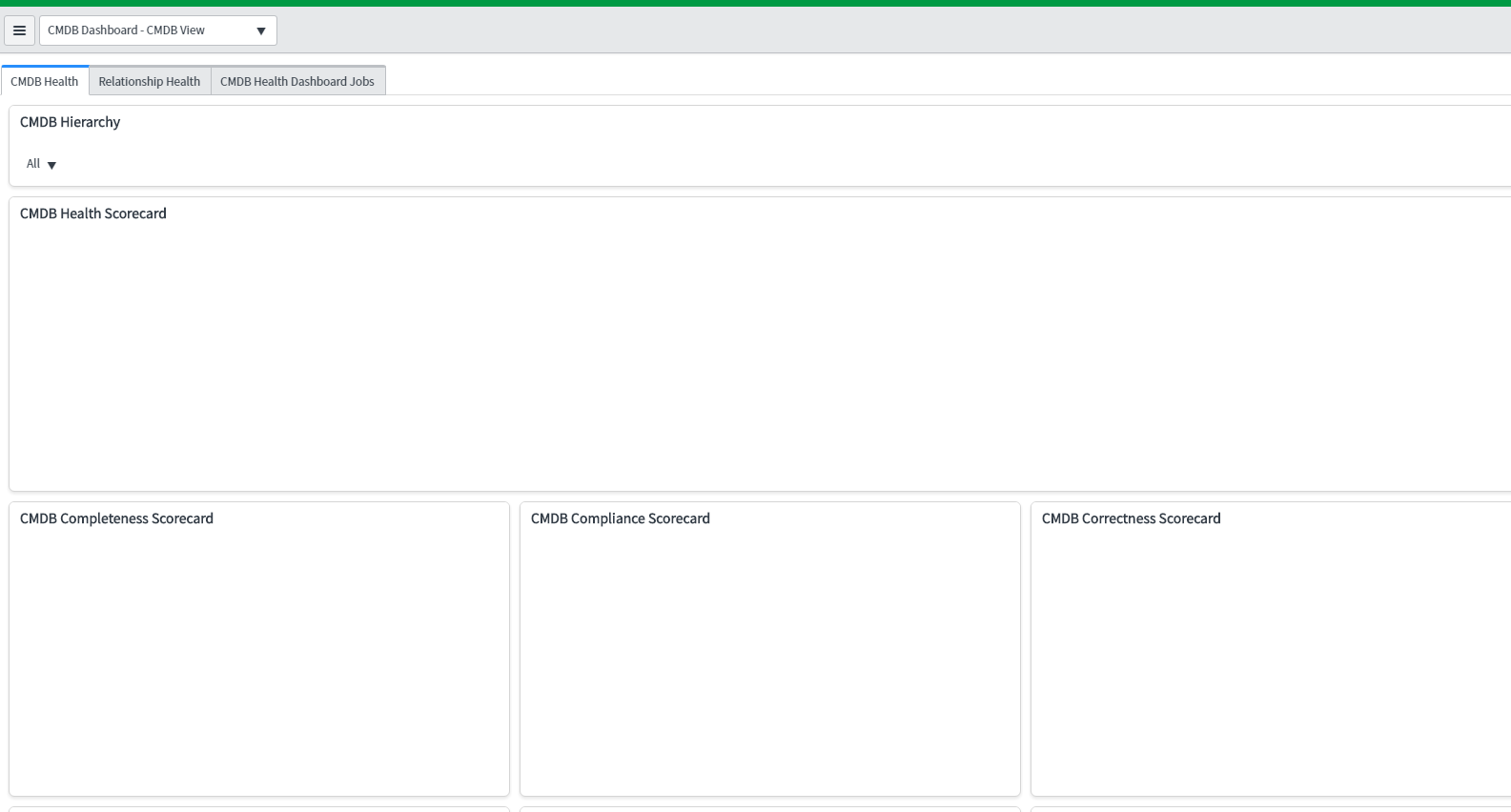
2) Now, regarding the permission. In order to give access to certain group/role, I shared the "CMDB Dashboard - CMDB View" with particular role and group. But the users of that group cannot see the data calculation. Below is what they can see

and Strangely, If I share the other dashboard like "CMDB Completeness Dashboard" that is working fine as below:

- Mark as New
- Bookmark
- Subscribe
- Mute
- Subscribe to RSS Feed
- Permalink
- Report Inappropriate Content
01-04-2018 01:05 AM

- Mark as New
- Bookmark
- Subscribe
- Mute
- Subscribe to RSS Feed
- Permalink
- Report Inappropriate Content
01-30-2018 12:07 PM

- Mark as New
- Bookmark
- Subscribe
- Mute
- Subscribe to RSS Feed
- Permalink
- Report Inappropriate Content
01-30-2018 01:36 PM
In order to fix the "failure threshold reached" issue, you need to increase the "failure threshold" for both Recommended and Required. Go into Health Preference and on the "Health Metrics" tab, select the metric "Recommended" and "Required" and increase the value of the "Failure Threshold". Make the value as large as the number of CIs in your cmdb_ci table.