- Mark as New
- Bookmark
- Subscribe
- Mute
- Subscribe to RSS Feed
- Permalink
- Report Inappropriate Content
02-10-2022 04:58 AM
Hello,
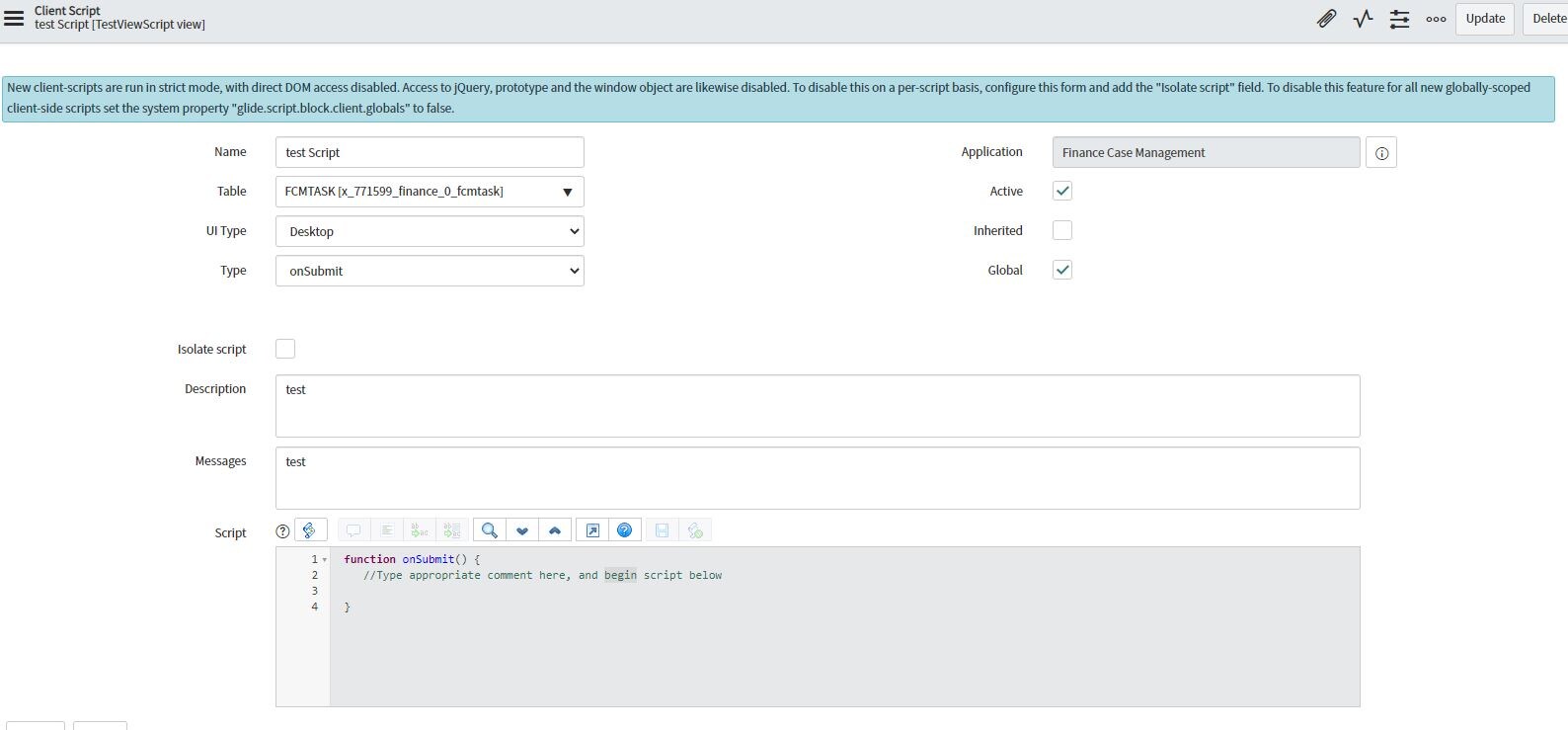
I am getting this message when I try to create a new client script:
|
New client-scripts are run in strict mode, with direct DOM access disabled. Access to jQuery, prototype and the window object are likewise disabled. To disable this on a per-script basis, configure this form and add the "Isolate script" field. To disable this feature for all new globally-scoped client-side scripts set the system property "glide.script.block.client.globals" to false.
|
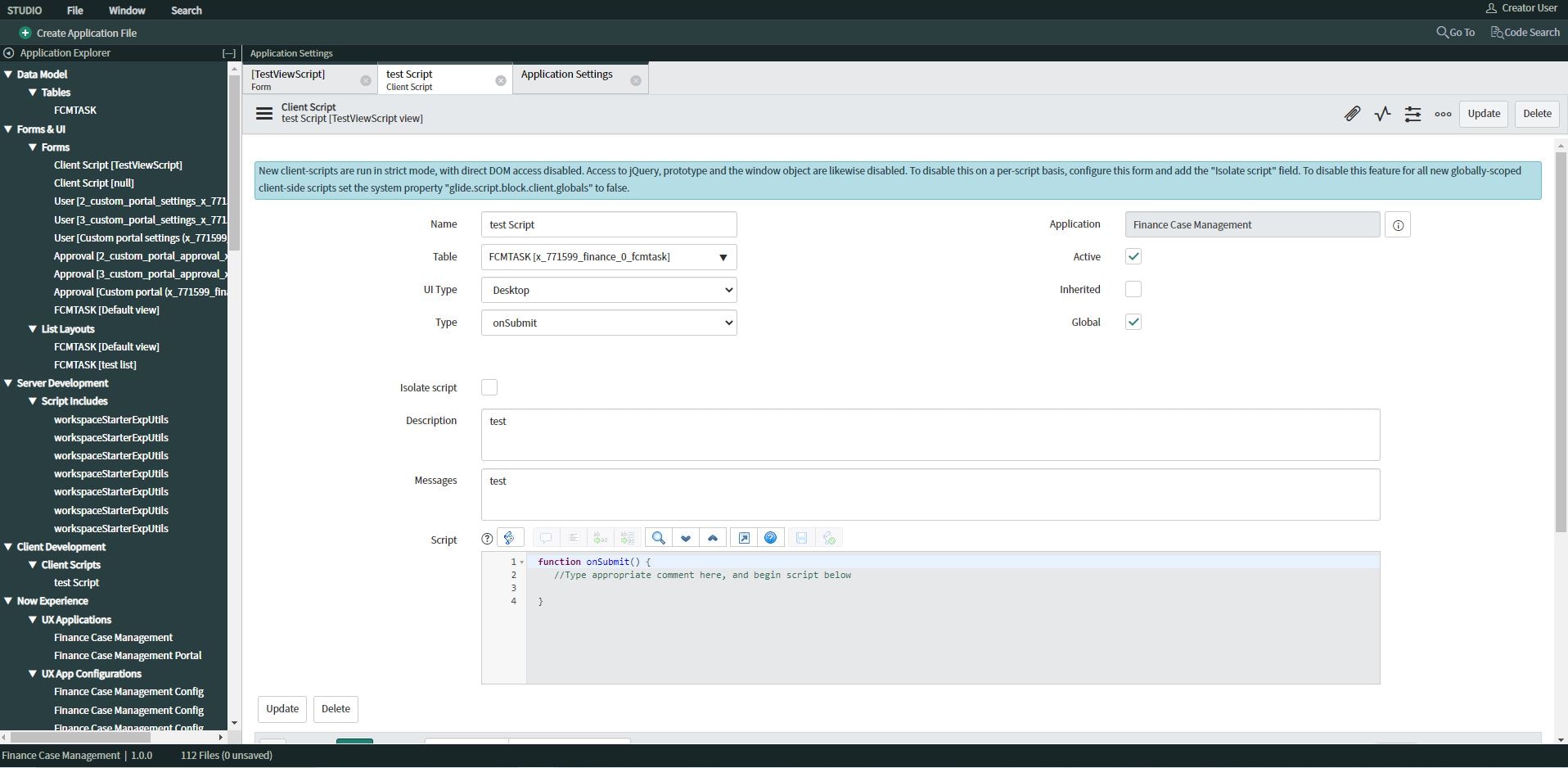
I have added the "Isolate Script" field but I have always the same problem (see attached).
Can you help me please !
Thank you very much for your help!
Solved! Go to Solution.


- Mark as New
- Bookmark
- Subscribe
- Mute
- Subscribe to RSS Feed
- Permalink
- Report Inappropriate Content
02-10-2022 06:30 AM
Yes you need admin role that's what i was referring to.
If the issue is solved. can you please mark my answer as correct.
Thanks.
- Mark as New
- Bookmark
- Subscribe
- Mute
- Subscribe to RSS Feed
- Permalink
- Report Inappropriate Content
02-10-2022 05:15 AM

- Mark as New
- Bookmark
- Subscribe
- Mute
- Subscribe to RSS Feed
- Permalink
- Report Inappropriate Content
02-10-2022 05:11 AM
Is it happening only for this client script or for all the client scripts?
Thanks.
- Mark as New
- Bookmark
- Subscribe
- Mute
- Subscribe to RSS Feed
- Permalink
- Report Inappropriate Content
02-10-2022 05:12 AM
For all, every time I create a client script, i have the same problem
- Mark as New
- Bookmark
- Subscribe
- Mute
- Subscribe to RSS Feed
- Permalink
- Report Inappropriate Content
02-10-2022 05:24 AM

- Mark as New
- Bookmark
- Subscribe
- Mute
- Subscribe to RSS Feed
- Permalink
- Report Inappropriate Content
02-10-2022 05:37 AM
Saurav,
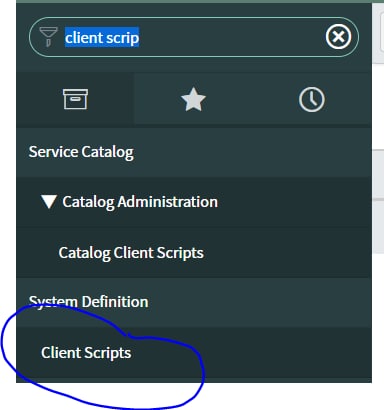
How can I get to that menu, please?
I have been directly forwarded to App Engine Studio when I created clicked on start building.
Thank you.