Page inaccessible after upgrade

- Mark as New
- Bookmark
- Subscribe
- Mute
- Subscribe to RSS Feed
- Permalink
- Report Inappropriate Content
04-01-2026 04:51 AM - edited 04-01-2026 04:51 AM
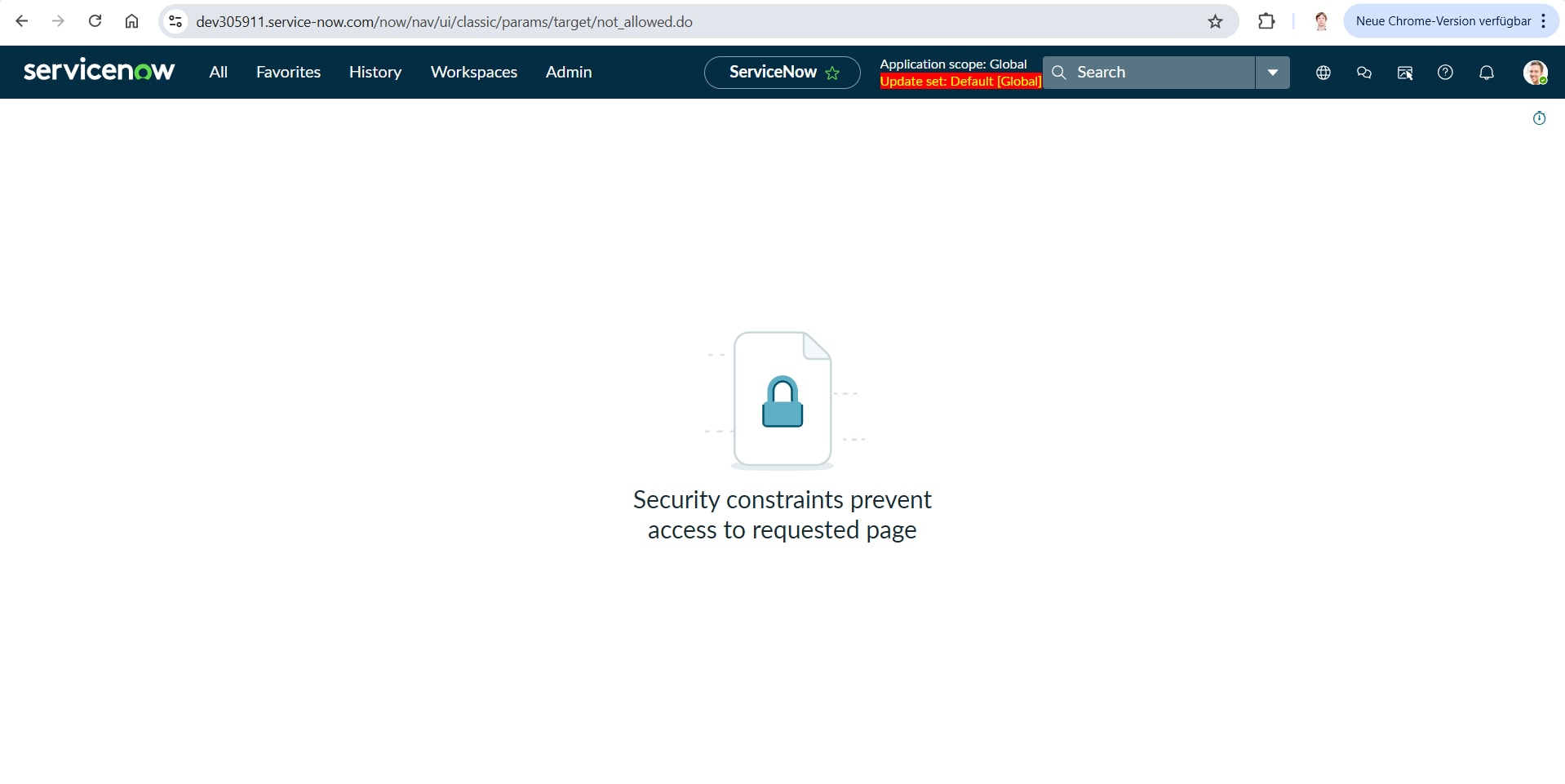
After having upgraded my instance to Australia, I can no longer access this page (see attached screenshot). I've checked the ACLs and even tried creating a new one that explicitly allows access to the page, but no matter what I try, I still get this error message displayed. Even selecting the "Admin overrides" checkbox doesn't help. Any ideas on how to fix this?
Blog: https://sys.properties | Telegram: https://t.me/sys_properties | LinkedIn: https://www.linkedin.com/in/slava-savitsky/

- Mark as New
- Bookmark
- Subscribe
- Mute
- Subscribe to RSS Feed
- Permalink
- Report Inappropriate Content
04-01-2026 06:04 AM
After upgrade , did you logout and login again?
Dis you clear the cache and try.
Please confirm.
Regards
Tanushree Maiti
ServiceNow Technical Architect
LinkedIn: https://www.linkedin.com/in/tanushreemaiti
- Mark as New
- Bookmark
- Subscribe
- Mute
- Subscribe to RSS Feed
- Permalink
- Report Inappropriate Content
04-01-2026 06:12 AM
Yes, I did log out and log in again. No effect.
As for the cache, do you mean the browser cache?
Blog: https://sys.properties | Telegram: https://t.me/sys_properties | LinkedIn: https://www.linkedin.com/in/slava-savitsky/
- Mark as New
- Bookmark
- Subscribe
- Mute
- Subscribe to RSS Feed
- Permalink
- Report Inappropriate Content
04-01-2026 08:26 AM
Clearing browser cache made no difference.
I can also reproduce the same issue in other browsers.
Any other suggestions?
Blog: https://sys.properties | Telegram: https://t.me/sys_properties | LinkedIn: https://www.linkedin.com/in/slava-savitsky/

- Mark as New
- Bookmark
- Subscribe
- Mute
- Subscribe to RSS Feed
- Permalink
- Report Inappropriate Content
04-27-2026 04:43 AM
Hi @Slava Savitsky,
After upgrading your ServiceNow instance to Australia, this doesn’t feel like a typical ACL issue—especially since “Admin override” isn’t helping.
Most likely, access is being blocked at the UI Page or module level or due to cross-scope restrictions introduced after the upgrade.
I’d suggest checking the roles on the UI Page/Module and enabling debug security rules to see what’s actually failing.
Also verify if the page belongs to a scoped app and whether cross-scope access is allowed.
Trying the direct URL can also confirm if it’s not just a navigation issue.
In most cases like this, it turns out to be a role or scope restriction rather than ACLs.
Let me know if these help!!! 😉
If you find my answer useful, please mark it as Helpful and Correct. 😊
Regards,
Soham Tipnis
ServiceNow Developer || Technical Consultant
LinkedIn: www.linkedin.com/in/sohamtipnis10