Interactive filter not working as expected in dashboard

- Mark as New
- Bookmark
- Subscribe
- Mute
- Subscribe to RSS Feed
- Permalink
- Report Inappropriate Content
05-29-2025 12:28 AM
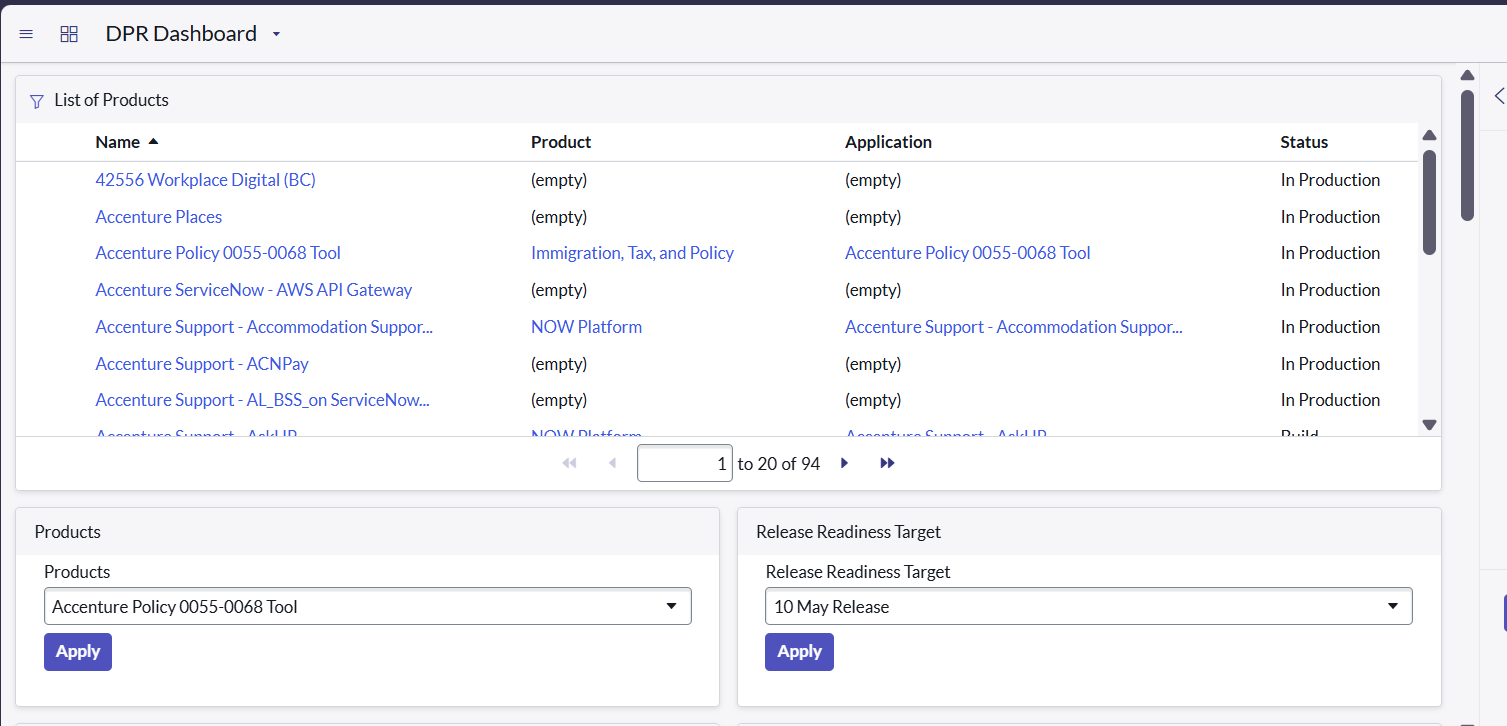
I have created the Interactive filter to add in the Dashboard. I have added the interactive filter in the dashboard but when I am applying the the filter the list is not getting updated. I have selected as Follow interactive filter still it is not working
For example : - In Products filter I have selected "Accenture Policy 0055-0068 Tool", so in the list of products should show only one record for 'Accenture Policy 0055-0068 Tool'
- Mark as New
- Bookmark
- Subscribe
- Mute
- Subscribe to RSS Feed
- Permalink
- Report Inappropriate Content
05-29-2025 02:26 AM - edited 05-29-2025 02:27 AM
Hello @SanikaK ,
You need to edit the report to follow the interactive filter.
Follow the link: https://www.servicenow.com/docs/bundle/yokohama-now-intelligence/page/use/dashboards/task/t_MakeARep...
Mark my solution as helpful, if this solved your problem.
Thanks,
Sakshi Kakde
- Mark as New
- Bookmark
- Subscribe
- Mute
- Subscribe to RSS Feed
- Permalink
- Report Inappropriate Content
05-29-2025 02:39 AM
Hi @sakshi1707 ,
Thanks for your help
I have followed the steps provided in the above link. Still it is not working
- Mark as New
- Bookmark
- Subscribe
- Mute
- Subscribe to RSS Feed
- Permalink
- Report Inappropriate Content
05-29-2025 02:44 AM
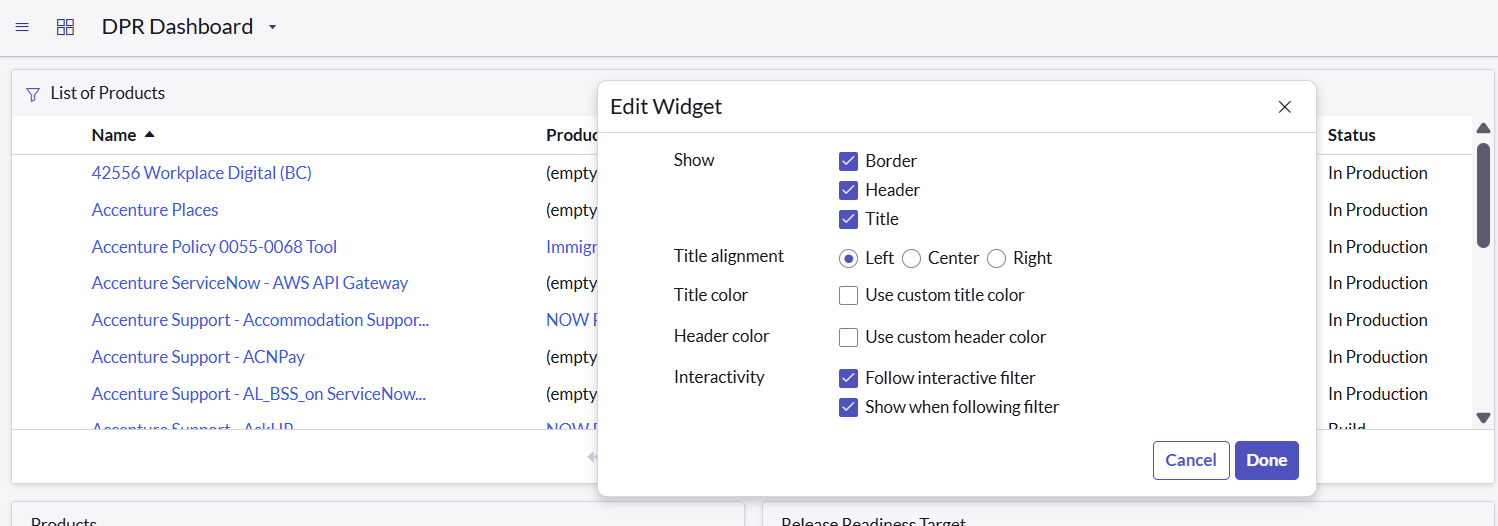
Can you share the screenshot with "Follow interactive filter"?
In editing mode
- Mark as New
- Bookmark
- Subscribe
- Mute
- Subscribe to RSS Feed
- Permalink
- Report Inappropriate Content
05-29-2025 03:24 AM