Best practice to name meeting rooms after importing CAD floor diagram in Workplace indoor map

- Mark as New
- Bookmark
- Subscribe
- Mute
- Subscribe to RSS Feed
- Permalink
- Report Inappropriate Content
04-04-2026 03:34 AM
Hi Everyone,
I have successfully imported the CAD diagram for a floor and it is displaying correctly in Workplace Mapping in ServiceNow.
Now I want to name the meeting rooms on the floor so that they can be used for Workplace Reservations.
What is the recommended approach for assigning meeting room names and mapping them to the floor plan?
Should each meeting room be manually named and mapped as a space in the Indoor Map, or is there a best practice to bulk create meeting room spaces (for example using an Excel import or data source) and then associate them with the CAD layout?
Any guidance or best practices would be appreciated.
Thanks in advance.

- Mark as New
- Bookmark
- Subscribe
- Mute
- Subscribe to RSS Feed
- Permalink
- Report Inappropriate Content
04-04-2026 04:11 AM
Hi @kumarakshay
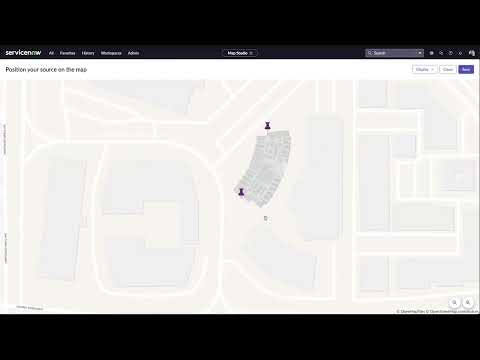
In Map studio, Open your floor plan
- Use “Create Space” / “Draw Space” tool
- Draw shapes over each room on the map
- For each shape:
- Assign:
- Type → Room / Meeting Room
- Assign:

Refer these videos/links end to end :
https://www.youtube.com/watch?v=twSb0Ex3BR8
https://www.youtube.com/watch?v=twSb0Ex3BR8&t=381s
Regards
Tanushree Maiti
ServiceNow Technical Architect
LinkedIn: https://www.linkedin.com/in/tanushreemaiti