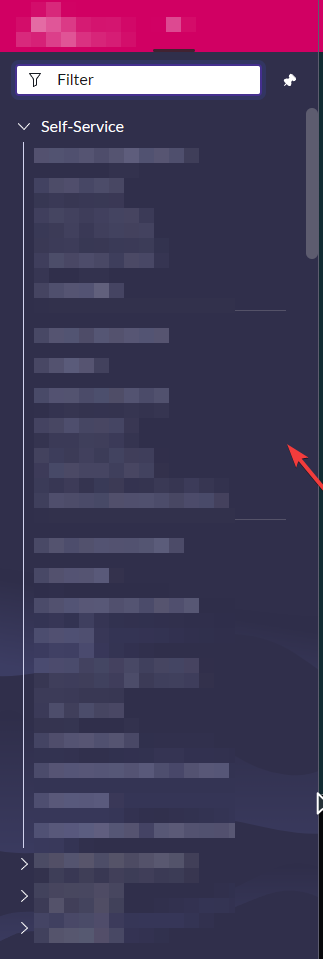
How modify color menu navigator

- Mark as New
- Bookmark
- Subscribe
- Mute
- Subscribe to RSS Feed
- Permalink
- Report Inappropriate Content
05-31-2023 10:40 AM

- Mark as New
- Bookmark
- Subscribe
- Mute
- Subscribe to RSS Feed
- Permalink
- Report Inappropriate Content
05-31-2023 11:11 AM
Hi @Marcos Michalsk ,
You have to create your own theme to override navigator color
Please refer below link for more details on how to create the theme

- Mark as New
- Bookmark
- Subscribe
- Mute
- Subscribe to RSS Feed
- Permalink
- Report Inappropriate Content
05-31-2023 11:15 AM - edited 05-31-2023 11:19 AM
The reason you can't find a property is because it's not controlled by a property.
Getting a "custom theme" (nav menu colour change) in the Next Experience is a bit of a "process" (not simply adjusting values on a settings page, as it is/was for UI15/16). Here it is outlined in detail = Configuring Next Experience themes and preferences (servicenow.com)
..."in a nutshell", you need to first create a custom theme and then apply the custom theme. This will produce 3 themes...the oob default, "dark theme" and "custom theme".
You may also be able to deduce the modification of values for the "Polaris" (default) theme, using this KB1120004