Servicenow community profile another user not able to see posts

- Mark as New
- Bookmark
- Subscribe
- Mute
- Subscribe to RSS Feed
- Permalink
- Report Inappropriate Content
06-13-2024 09:24 AM
Hi All,
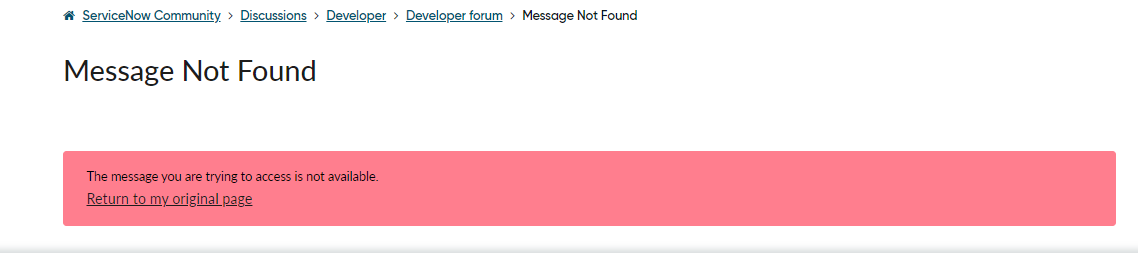
Another ServiceNow community user is not able to see post when we check in profile. why this happening please let me know but user is able to post question after posting that user shared that link with me but I'm also getting error Message Not found. Please let me know why this happen.
Thank you
- Mark as New
- Bookmark
- Subscribe
- Mute
- Subscribe to RSS Feed
- Permalink
- Report Inappropriate Content
06-13-2024 10:14 AM
Can you post the link in question?


- Mark as New
- Bookmark
- Subscribe
- Mute
- Subscribe to RSS Feed
- Permalink
- Report Inappropriate Content
06-13-2024 10:19 AM
@Sirri This is happening because of the recent spam filter applied by the community administration team. The post added by the user should be under the moderation review hence it is not available for other users. Once the post is approved, other users will be able to see it.
Hope this helps.


- Mark as New
- Bookmark
- Subscribe
- Mute
- Subscribe to RSS Feed
- Permalink
- Report Inappropriate Content
06-13-2024 11:05 AM
@David request you plz help here.


- Mark as New
- Bookmark
- Subscribe
- Mute
- Subscribe to RSS Feed
- Permalink
- Report Inappropriate Content
06-13-2024 11:47 AM
@Sirri Please share the username for that user. If you know the title for that post, that'd also be helpful in understanding what's happening. Thanks!