- Mark as New
- Bookmark
- Subscribe
- Mute
- Subscribe to RSS Feed
- Permalink
- Report Inappropriate Content
02-24-2017 03:49 PM
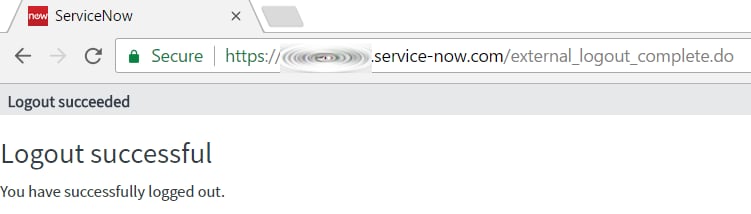
We have setup Single Sign On on our Dev Instance, and when we have the adfs redirect it comes up with the following URL/error.

At this point to Login we have to backspace the /external_logout_complete.do part of the URL, hit Enter, then it automatically logs us in.
Any ideas how to fix this?
Solved! Go to Solution.
- Labels:
-
Instance Configuration
- Mark as New
- Bookmark
- Subscribe
- Mute
- Subscribe to RSS Feed
- Permalink
- Report Inappropriate Content
07-17-2017 02:24 PM
Finally found the answer:
Redirecting the Logout to the Login Page
Navigate to:
Multi-Provider SSO > Identity Providers
Set
Identity Provider's SingleLogoutRequest
to:

I'm sure yours will be different.
- Mark as New
- Bookmark
- Subscribe
- Mute
- Subscribe to RSS Feed
- Permalink
- Report Inappropriate Content
08-04-2021 08:21 PM
Check your Auth(X.509) certificate, most likely it has expired. Following link has the info about how to install a new certificate: