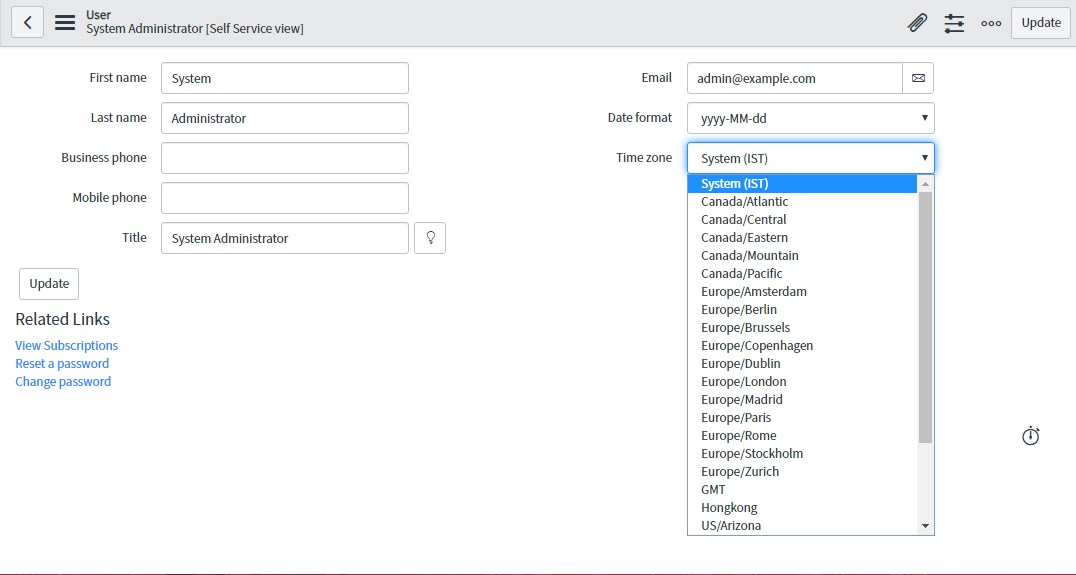
How to convert GMT Date/Time format into IST Format?

Options
- Mark as New
- Bookmark
- Subscribe
- Mute
- Subscribe to RSS Feed
- Permalink
- Report Inappropriate Content
04-11-2020 10:59 PM
How to convert GMT Date/Time format into IST Format?
6 REPLIES 6
Options
- Mark as New
- Bookmark
- Subscribe
- Mute
- Subscribe to RSS Feed
- Permalink
- Report Inappropriate Content
04-13-2020 10:47 PM


Options
- Mark as New
- Bookmark
- Subscribe
- Mute
- Subscribe to RSS Feed
- Permalink
- Report Inappropriate Content
04-13-2020 10:57 PM
Hi David,
You can use setTZ method Which set timezone of GlideTimeZone.
https://medium.com/@mrigank2017/working-with-dates-in-servicenow-e5d29d5b3358
setTZ(TimeZone timeZone)
Sets the time zone of the GlideDateTime object to be the specified time zone.
Refer this link, it definitely help you:
If my answer helped you in anyway, mark answer as helpful and correct.
Thanks and regards,
Megha.