knowledge categories not showing when viewing the knowledge base

- Mark as New
- Bookmark
- Subscribe
- Mute
- Subscribe to RSS Feed
- Permalink
- Report Inappropriate Content
03-06-2020 10:38 AM
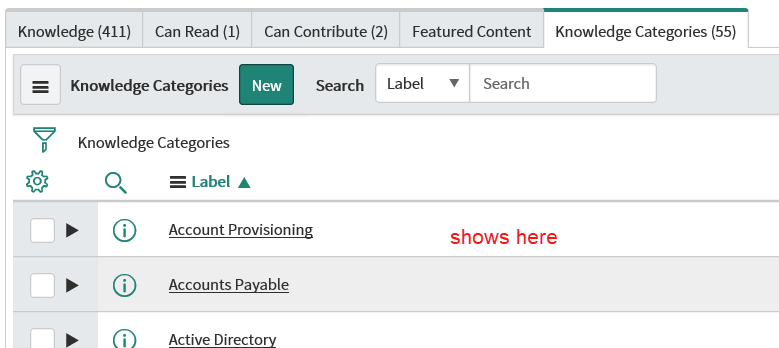
Looking at a knowledge base definition record I see many categories in the related list "knowledge categories" that dont seem to come through when viewing the knowledge base (from a user's point of view such as Service Desk/Knowledge )
This came up due to troubleshooting when a category disappeared after being renamed by a team mate.
Please shed light or provide troubleshooting that i can perform to figure out whats happening with our knowledge categories. Thanks!


- Mark as New
- Bookmark
- Subscribe
- Mute
- Subscribe to RSS Feed
- Permalink
- Report Inappropriate Content
03-06-2020 10:44 AM

- Mark as New
- Bookmark
- Subscribe
- Mute
- Subscribe to RSS Feed
- Permalink
- Report Inappropriate Content
03-06-2020 10:56 AM
Thanks for the suggestion, i'm an admin, so and in this case the categories dont even display for me, but i did verify that the only Can Read defined is for ITIL users (so again, obviously i have that)

- Mark as New
- Bookmark
- Subscribe
- Mute
- Subscribe to RSS Feed
- Permalink
- Report Inappropriate Content
03-06-2020 10:45 AM

- Mark as New
- Bookmark
- Subscribe
- Mute
- Subscribe to RSS Feed
- Permalink
- Report Inappropriate Content
03-06-2020 10:59 AM
Thanks for that double check, there is a Can Read on the Knowledge Base itself but is for role = ITIL. I'm an admin.
Categories are active. I should have mentioned that in the original post.