- Mark as New
- Bookmark
- Subscribe
- Mute
- Subscribe to RSS Feed
- Permalink
- Report Inappropriate Content
01-05-2019 08:49 PM
Dear all,
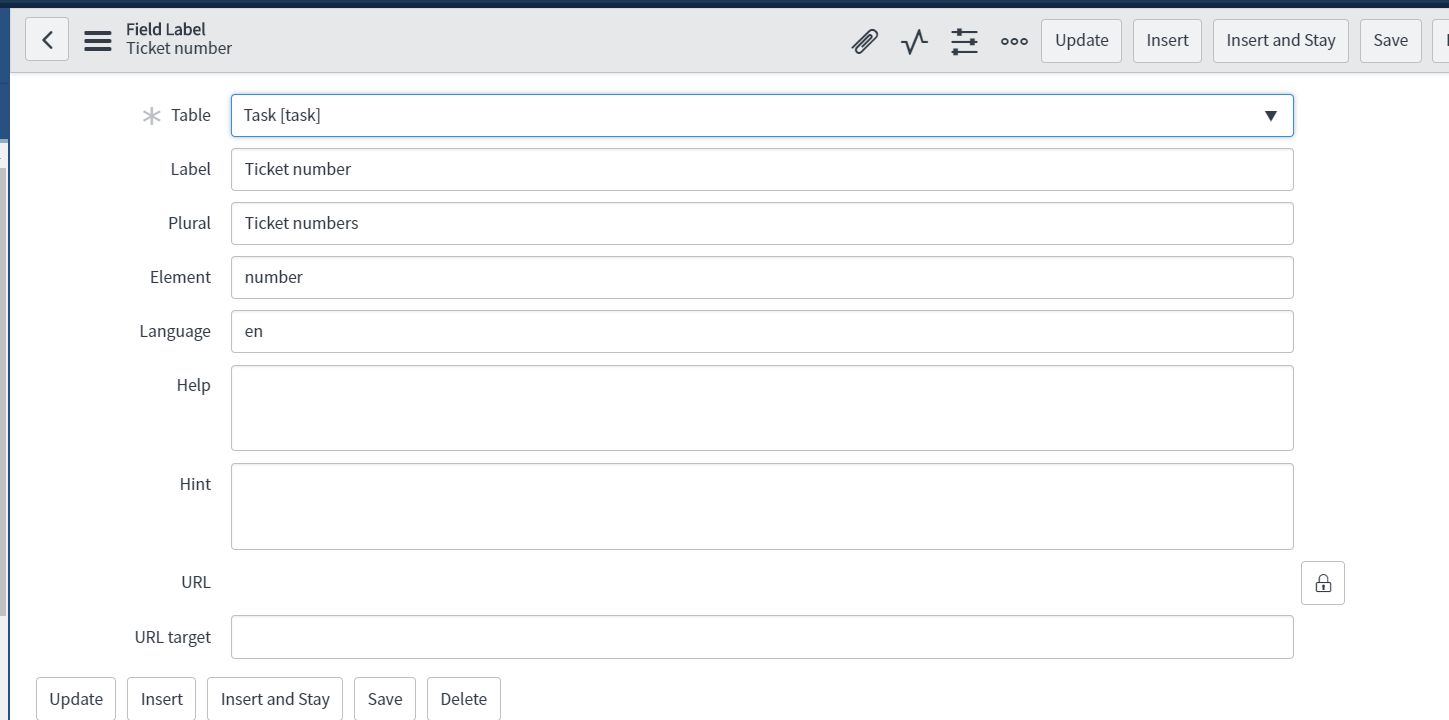
We have upgraded to London release and I would like to remove the hints marked in yellow. Please let me know how to remove them.
Thank you in advance.

Solved! Go to Solution.

- Mark as New
- Bookmark
- Subscribe
- Mute
- Subscribe to RSS Feed
- Permalink
- Report Inappropriate Content
01-06-2019 03:55 AM
Hello,
This is because you have enabled accessibility in your user preferences. This is a user level preference and you could deactivate it from the gear icon of your instance.
Read more about it here: https://docs.servicenow.com/bundle/london-platform-user-interface/page/administer/accessibility-508-compliance/concept/c_SetUpSect508ComplianceFeature.html
- Mark as New
- Bookmark
- Subscribe
- Mute
- Subscribe to RSS Feed
- Permalink
- Report Inappropriate Content
01-05-2019 09:31 PM

- Mark as New
- Bookmark
- Subscribe
- Mute
- Subscribe to RSS Feed
- Permalink
- Report Inappropriate Content
01-05-2019 09:50 PM
Hello Yogish,
Even i have the similar query but in opposite i want to enable these but when am adding hint i am not getting those help icons, am i missing anything?
Thanks,
Siva
- Mark as New
- Bookmark
- Subscribe
- Mute
- Subscribe to RSS Feed
- Permalink
- Report Inappropriate Content
01-05-2019 10:30 PM


- Mark as New
- Bookmark
- Subscribe
- Mute
- Subscribe to RSS Feed
- Permalink
- Report Inappropriate Content
01-06-2019 03:55 AM
Hello,
This is because you have enabled accessibility in your user preferences. This is a user level preference and you could deactivate it from the gear icon of your instance.
Read more about it here: https://docs.servicenow.com/bundle/london-platform-user-interface/page/administer/accessibility-508-compliance/concept/c_SetUpSect508ComplianceFeature.html