Import Software Entitlements - Error


- Mark as New
- Bookmark
- Subscribe
- Mute
- Subscribe to RSS Feed
- Permalink
- Report Inappropriate Content
03-08-2026 06:11 AM
Hello Guys,
Please I need some help here.
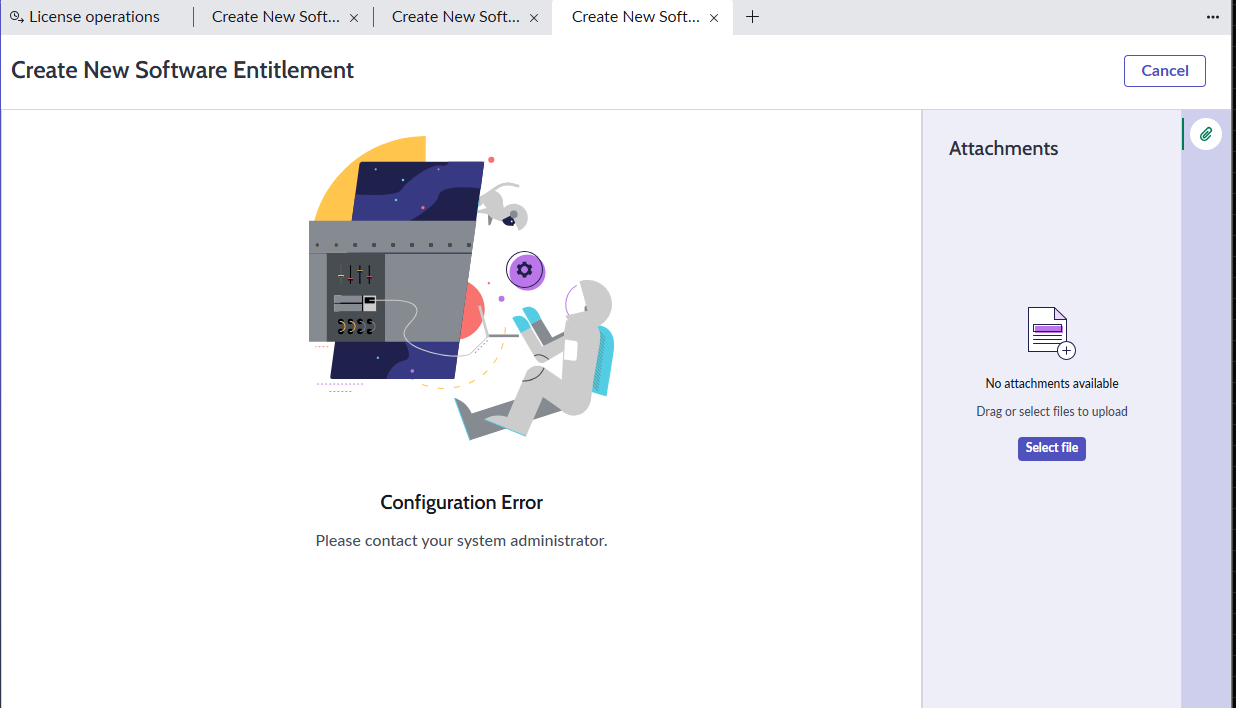
I am trying to follow the wizard for import new entitlements, but show me erro.
I don´t know what is, becasue the SAM pro plugin is active.
1 - ) I am going to new:
2-) Guided step by step walkthrough
3-) when I click in next, show me this error:
4-) follow plugins evidence


- Mark as New
- Bookmark
- Subscribe
- Mute
- Subscribe to RSS Feed
- Permalink
- Report Inappropriate Content
03-08-2026 06:45 AM - edited 03-08-2026 06:58 AM
Hi @miguelteres,
It looks like there are some preliminary steps not configured or misconfigured dependencies exist. Most likely it will be the content service, that is the root cause.
Can you manually create an entitlement from the list view?
In case this is working, would you mind verifying if the content service is active, you opted in and the sync completed? Go to Software Asset > Administration > Content service to double check.
I would recommend to install the 'Content library portal' plugin too. You will get an icon in the SAM workspace navigation bar at the left, that let you access the data loaded to your instance.
Depending on the outcome we can further troubleshoot your issue.
Hope this helps!
- Mark as New
- Bookmark
- Subscribe
- Mute
- Subscribe to RSS Feed
- Permalink
- Report Inappropriate Content
03-09-2026 05:02 AM
Hello fknell,
First of all, thans for your support.
1-) Yes, when I am in the Entitlement table I am able to create a new entitlement.
2-) I changed to "mode on" options in the content service setup right now.
3-) Content library is active.
DO I need to do somenthing more ?
- Mark as New
- Bookmark
- Subscribe
- Mute
- Subscribe to RSS Feed
- Permalink
- Report Inappropriate Content
03-09-2026 05:13 AM
Hi @miguelteres,
Does the entitlement upload still not work, or is it fixed with the changes you have made?
- Mark as New
- Bookmark
- Subscribe
- Mute
- Subscribe to RSS Feed
- Permalink
- Report Inappropriate Content
03-09-2026 05:30 AM
Same issue, when I click in Guided step by step walkthrough in the next page i have the same error.