- Mark as New
- Bookmark
- Subscribe
- Mute
- Subscribe to RSS Feed
- Permalink
- Report Inappropriate Content
05-11-2022 02:19 AM
Hello Community,
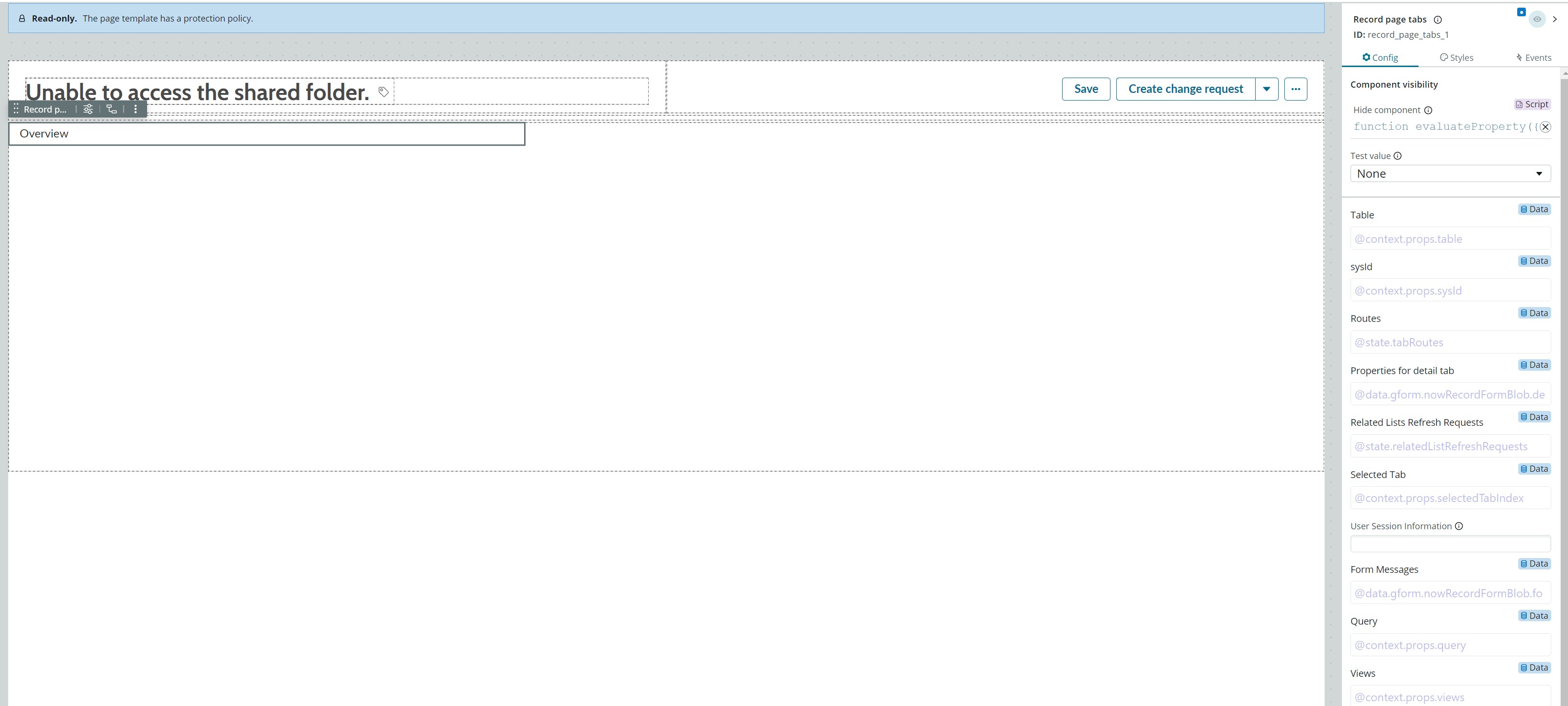
I understand how to modify views in Service Operations Workspace, but I am unsure if and how the 'Overview' tab can be modified.
I have opened the page in UI builder but there does not appear to be any options to configure this.
I also checked UX Macro-components but could not find anything related to Overview.

I'm interested to understand
- Can it be modified
- How can it be modified
- What behaviour can be changed
- What is Best Practice around modifications?

Kind Regards,
Paul
ServiceNow Nerd
ServiceNow Developer MVP 2020-2022
ServiceNow Community MVP 2019-2022
Solved! Go to Solution.
- Labels:
-
UI Framework Next Experience
- Mark as New
- Bookmark
- Subscribe
- Mute
- Subscribe to RSS Feed
- Permalink
- Report Inappropriate Content
05-30-2022 08:30 PM
The configuration is on subpage Incident Overview SNC (read only) so you need to duplicate the variant to make changes.
ServiceNow Nerd
ServiceNow Developer MVP 2020-2022
ServiceNow Community MVP 2019-2022

- Mark as New
- Bookmark
- Subscribe
- Mute
- Subscribe to RSS Feed
- Permalink
- Report Inappropriate Content
05-26-2022 11:13 AM
I'm looking for answers on the same topic as well, let me know if you find any. Thanks
- Mark as New
- Bookmark
- Subscribe
- Mute
- Subscribe to RSS Feed
- Permalink
- Report Inappropriate Content
05-30-2022 08:30 PM
The configuration is on subpage Incident Overview SNC (read only) so you need to duplicate the variant to make changes.
ServiceNow Nerd
ServiceNow Developer MVP 2020-2022
ServiceNow Community MVP 2019-2022

- Mark as New
- Bookmark
- Subscribe
- Mute
- Subscribe to RSS Feed
- Permalink
- Report Inappropriate Content
12-20-2023 07:58 AM
Hello Paul - can you pls explain this more , I've created new cards on the landing page inspired by the existing ones. Clicking on the sections related to 'donuts' updates the list below to display the relevant records. However, I'm currently exploring how to make the newly added cards exhibit the same behavior.
PaulSylo
To be is to do. To do is to be.
- Mark as New
- Bookmark
- Subscribe
- Mute
- Subscribe to RSS Feed
- Permalink
- Report Inappropriate Content
05-07-2024 06:10 AM
Hi paul - Have figured out the solution ? I am also trying to get that work but so far no luck