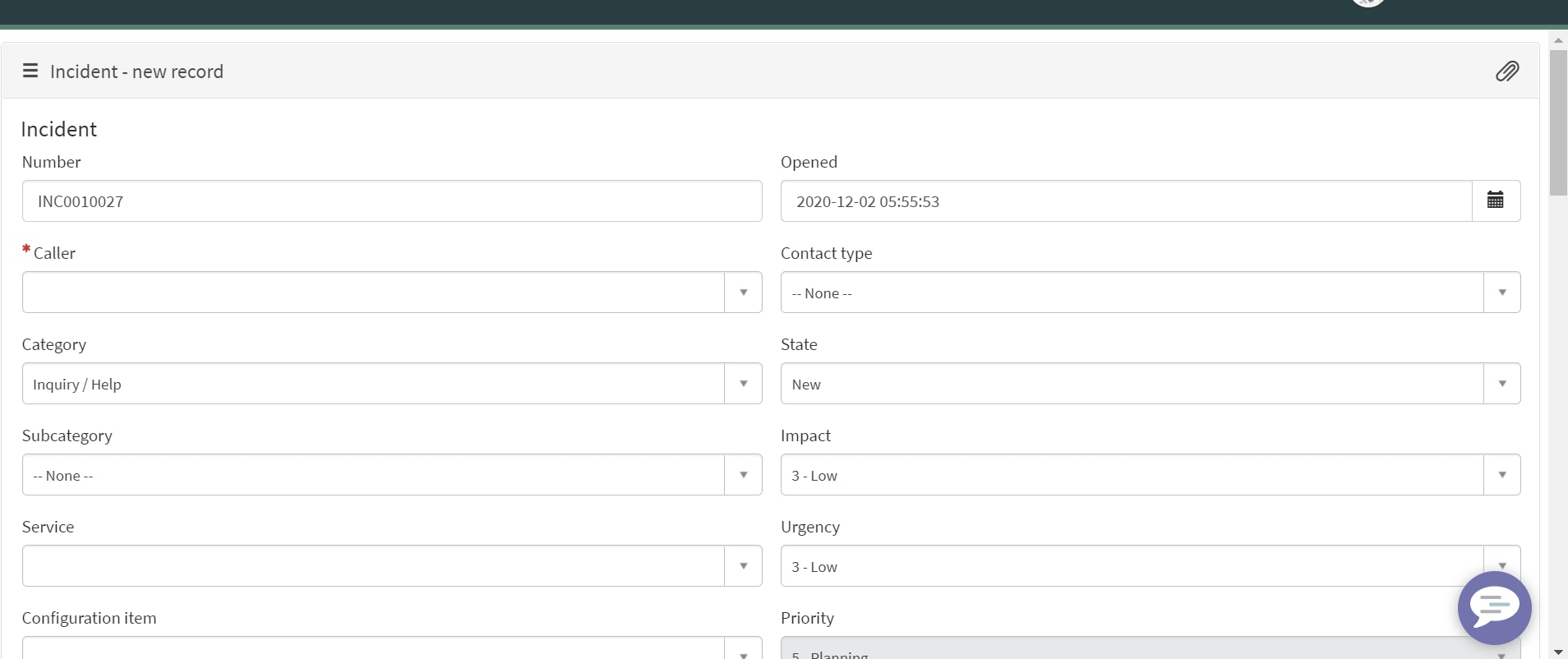
How to fit the widget to the entire screen

Options
- Mark as New
- Bookmark
- Subscribe
- Mute
- Subscribe to RSS Feed
- Permalink
- Report Inappropriate Content
12-02-2020 03:34 AM
Hi,
I have widget that added to page, it is taking 3/4th of the screen but i want to fit the entire screen
Can anyone please let me know how to do this
Labels:
- Labels:
-
Service Portal
2 REPLIES 2

Options
- Mark as New
- Bookmark
- Subscribe
- Mute
- Subscribe to RSS Feed
- Permalink
- Report Inappropriate Content
12-02-2020 05:57 AM


Options
- Mark as New
- Bookmark
- Subscribe
- Mute
- Subscribe to RSS Feed
- Permalink
- Report Inappropriate Content
12-02-2020 06:09 AM
Hi
You can try what Rahul suggested if its not working then you can set a custom height to the Container .
You can do that by creating a class in the page css and add that class to parent class in the container.
Regards
Pranav