Switch MID server from DEV to PROD

- Mark as New
- Bookmark
- Subscribe
- Mute
- Subscribe to RSS Feed
- Permalink
- Report Inappropriate Content
05-16-2017 12:40 AM
Hello
I have 2 identical instances (just made at clone from DEV to PROD).
The MID-server is configured against DEV and should now be moved to PROD.
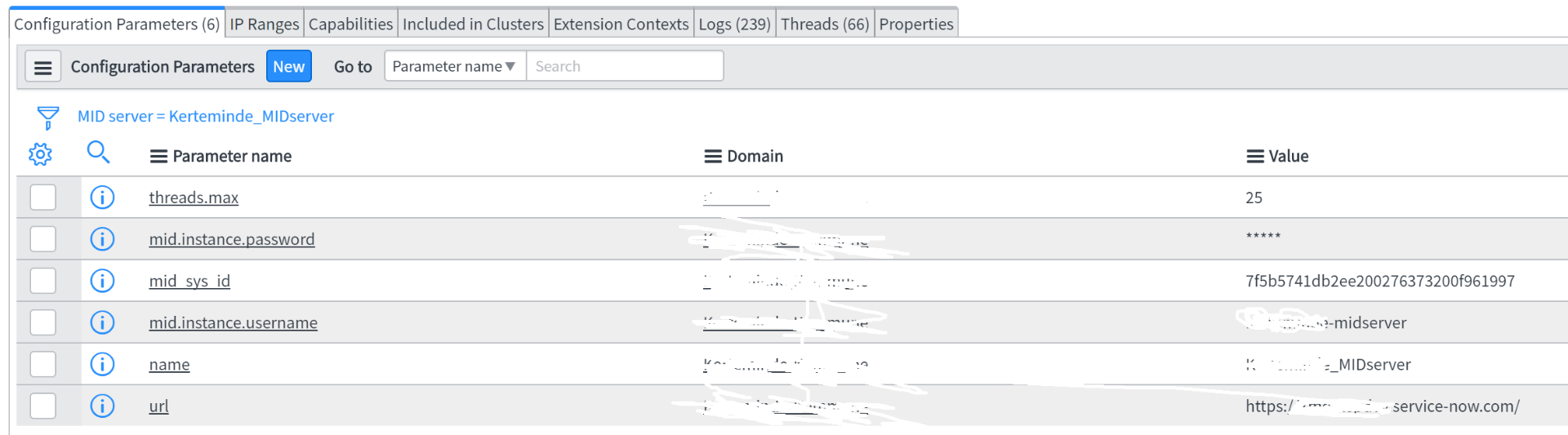
Except for changing the config.xml on the windows-server ( <parameter name="url" value="https://YOUR_INSTANCE.service-now.com" />) are there more to take into consideration?
Can the configuration take place inside the DEV instance?
Under the MID-server --> Server.... I can find an "URL", that could actually be change.

Thanks
Soren
- Mark as New
- Bookmark
- Subscribe
- Mute
- Subscribe to RSS Feed
- Permalink
- Report Inappropriate Content
05-16-2017 01:54 AM
Once you update URL, User Name and Password in config.xml, you should try restarting the mid-server Windows service. Verify that the Mid-Server Record shows Down status in DEV, and UP in Prod.
- Mark as New
- Bookmark
- Subscribe
- Mute
- Subscribe to RSS Feed
- Permalink
- Report Inappropriate Content
05-16-2017 01:56 AM
Hello Soren,
It is a possible to switch the ServiceNow instance against which a MID Server is reporting to.
For this aim, you will have to change the ServiceNow instance URL of the target MID Server, plus to specify ServiceNow MID Server username & password.
Basically, the procedure of switching the instance will be like installing a new MID Server from scratch, but shorter & performed on already existing MID Server, and it should take place via the server on which the MID Server was installed.
Once you re - configure the target MID Server credentials -> you will require to validate it via the newly selected ServiceNow instance. In you case: the PROD one.
Best Regards,
Georgi Mavrodiev
IT Consultant
Do IT Wise
You may visit us via our Web Site: www.doitwise.com