Servicenow Portal Page went missing

- Mark as New
- Bookmark
- Subscribe
- Mute
- Subscribe to RSS Feed
- Permalink
- Report Inappropriate Content
05-13-2026 07:48 AM
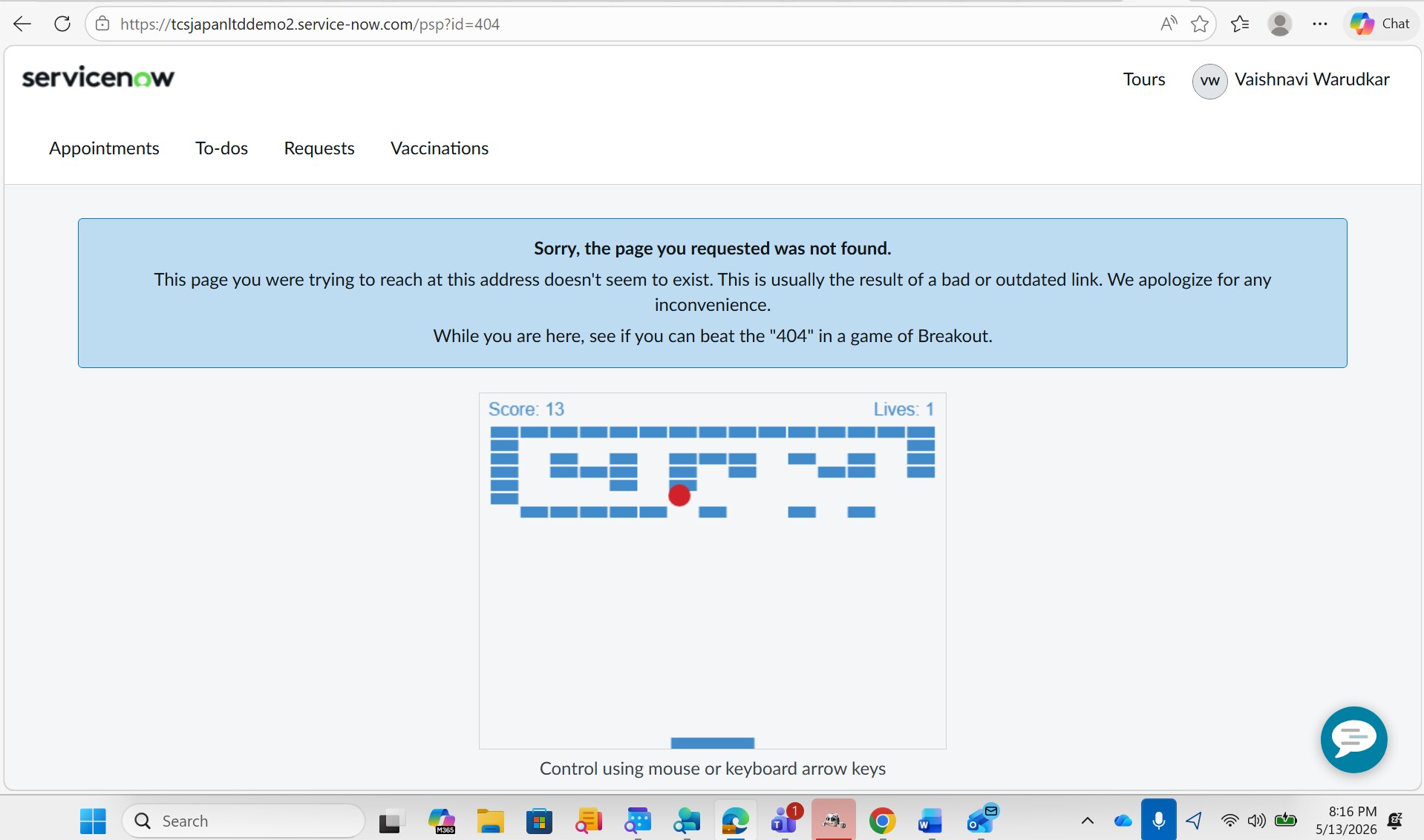
While working on page designer, received below error:
Sorry, the page you requested was not found. This page you were trying to reach at this address doesn't seem to exist. This is usually the result of a bad or outdated link. We apologize for any inconvenience. While you are here, see if you can beat the "404" in a game of Breakout.
Can Anyone help please what can be done?
ALso checked audit_delete table,
sys_row,sys_column and sys_instance are deleted however no record are available for page deleted.
What is the solution??

- Mark as New
- Bookmark
- Subscribe
- Mute
- Subscribe to RSS Feed
- Permalink
- Report Inappropriate Content
05-13-2026 08:04 AM
Refer this KB: KB0855288 Accessing a page on Service Portal is producing 404 error
Regards
Tanushree Maiti
ServiceNow Technical Architect
LinkedIn: https://www.linkedin.com/in/tanushreemaiti