Catalog item templates tab not visible to catalog_admin roled users

- Mark as New
- Bookmark
- Subscribe
- Mute
- Subscribe to RSS Feed
- Permalink
- Report Inappropriate Content
09-08-2025 12:12 AM
Hi Team,
User with catalog_admin role are unable to see 'Catalog item templates' tab in the Catalog Builder, but they get the widget to 'Create a catalog item template'.
No customizations done as known for this behaviour.


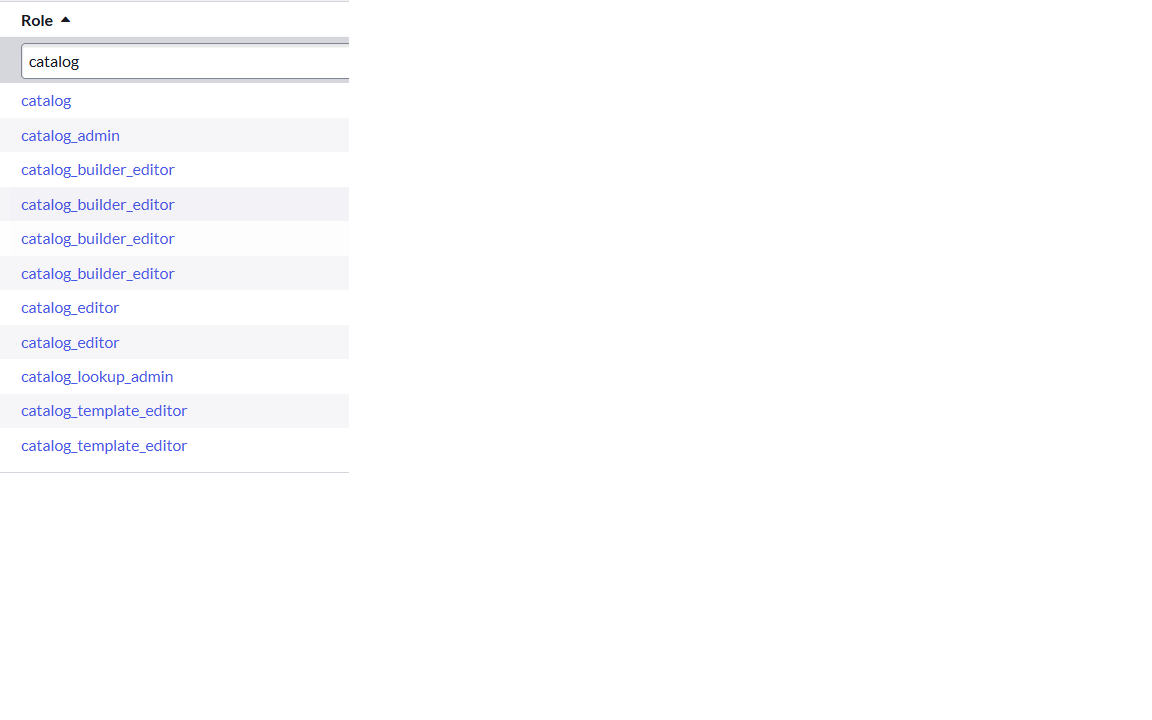
So currently, the catalog_admin with additional catalog related roles (shared in the other screenshot) are able to do the below:
- Can create catalog item template
- Can edit any catalog item within catalog builder
- Cannot edit any catalog item template
- Cannot create catalog item using template not shared with the catalog_admin
Is this the expected behaviour. If a user needs to be able to manage all catalog item templates and catalog items, how do we provide the necessary access?


- Mark as New
- Bookmark
- Subscribe
- Mute
- Subscribe to RSS Feed
- Permalink
- Report Inappropriate Content
09-08-2025 12:23 AM
Did you recently upgrade?
If my response helped please mark it correct and close the thread so that it benefits future readers.
Ankur
✨ Certified Technical Architect || ✨ 10x ServiceNow MVP || ✨ ServiceNow Community Leader
- Mark as New
- Bookmark
- Subscribe
- Mute
- Subscribe to RSS Feed
- Permalink
- Report Inappropriate Content
09-08-2025 12:27 AM
yes, to Yokohama.
- Mark as New
- Bookmark
- Subscribe
- Mute
- Subscribe to RSS Feed
- Permalink
- Report Inappropriate Content
09-08-2025 12:25 AM - edited 09-08-2025 01:09 AM
@DaisyB057891995 - i checked with catalog_admin role user, it is showing for me

I don’t think it’s expected behavior. I was able to perform the listed action with the catalog_admin role user (OOB behaviour).

- Mark as New
- Bookmark
- Subscribe
- Mute
- Subscribe to RSS Feed
- Permalink
- Report Inappropriate Content
09-08-2025 01:06 AM
I had the same issue. I upgraded and repaired the Catalog Builder plugin, and it worked fine. Try updating or repairing the plugin and see if that helps."
Regards
Dr Atul G. - Learn N Grow Together ServiceNow Techno - Functional Trainer
LinkedIn: https://www.linkedin.com/in/dratulgrover
YouTube: https://www.youtube.com/@LearnNGrowTogetherwithAtulG
******************************************************************************************