- Mark as New
- Bookmark
- Subscribe
- Mute
- Subscribe to RSS Feed
- Permalink
- Report Inappropriate Content
04-22-2019 09:13 PM


- Mark as New
- Bookmark
- Subscribe
- Mute
- Subscribe to RSS Feed
- Permalink
- Report Inappropriate Content
04-22-2019 10:00 PM
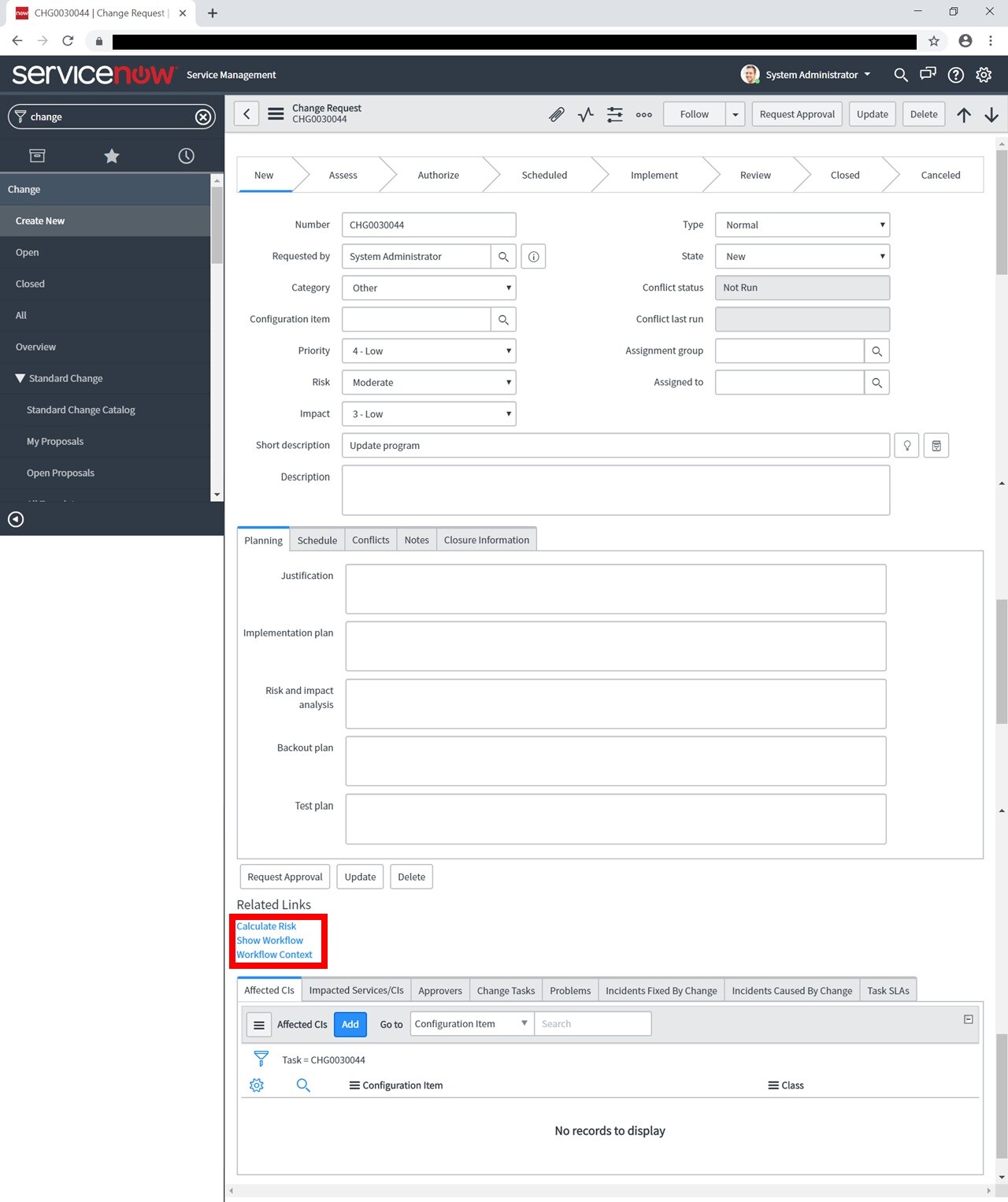
These are UI Actions, You can make it inactive or display only under certain condition by right clicking on the form and click on configure > UI action and filter by the name and you can add necessary condition
- Mark as New
- Bookmark
- Subscribe
- Mute
- Subscribe to RSS Feed
- Permalink
- Report Inappropriate Content
04-22-2019 10:00 PM
These are UI Actions, You can make it inactive or display only under certain condition by right clicking on the form and click on configure > UI action and filter by the name and you can add necessary condition
- Mark as New
- Bookmark
- Subscribe
- Mute
- Subscribe to RSS Feed
- Permalink
- Report Inappropriate Content
04-22-2019 10:42 PM
Hi vinothkumar, thank you very much.