Show Info Message when Resolved Incident ticket is opened in employee center from My request

- Mark as New
- Bookmark
- Subscribe
- Mute
- Subscribe to RSS Feed
- Permalink
- Report Inappropriate Content
07-02-2025 10:34 AM
- Mark as New
- Bookmark
- Subscribe
- Mute
- Subscribe to RSS Feed
- Permalink
- Report Inappropriate Content
07-02-2025 10:38 AM
Hi @onsnajay You can create a display business rule and in advanced section provide the code.
if (current.state == 6) { // I assumed here that the state 6 is resolved.
gs.addInfoMessage("This ticket is resolved. Please review it.");
}
Mark my answer helpful if it helped you 🙂
- Mark as New
- Bookmark
- Subscribe
- Mute
- Subscribe to RSS Feed
- Permalink
- Report Inappropriate Content
07-02-2025 10:52 AM
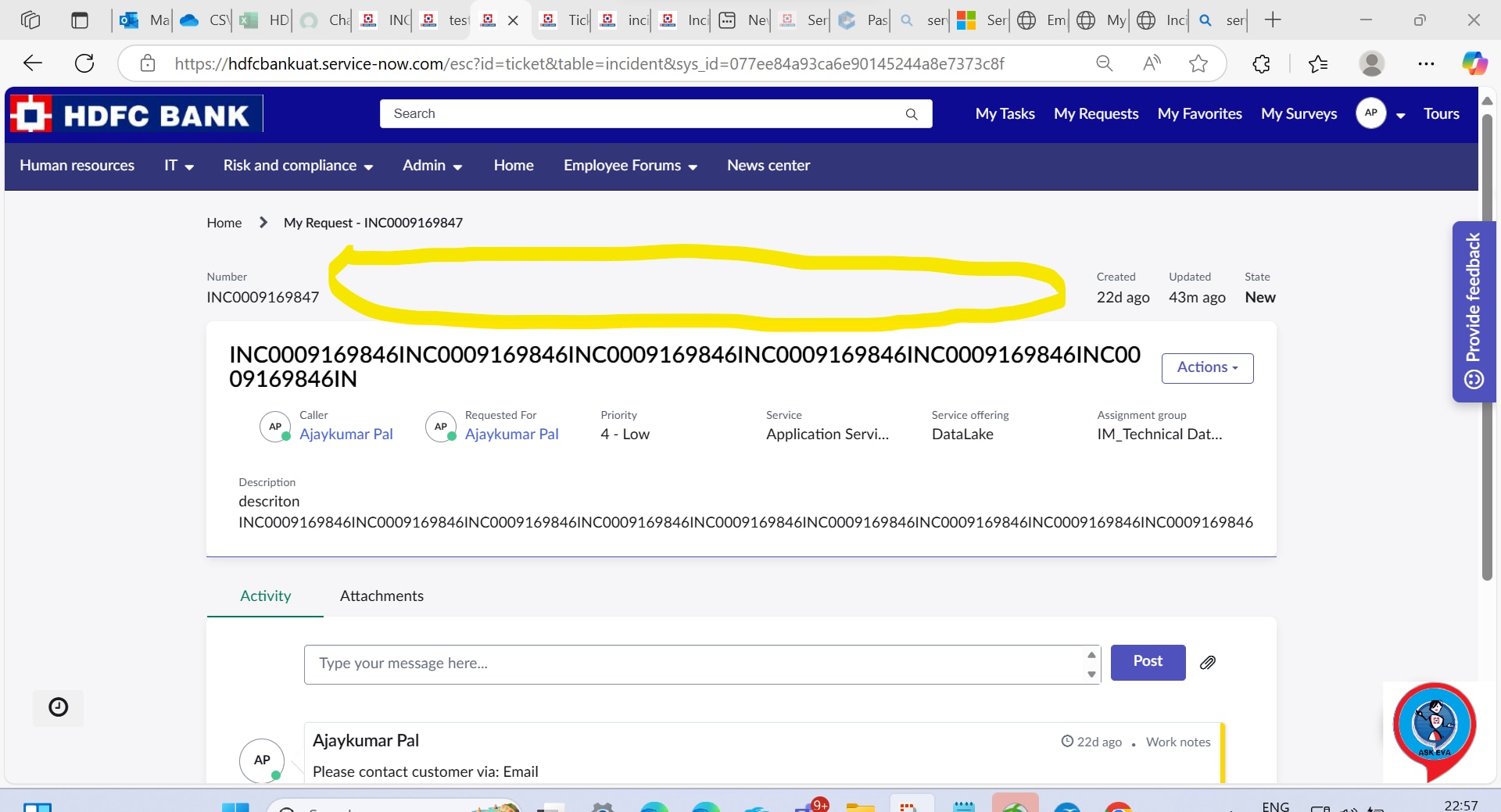
I had used display business rule, it worked on Native UI/standar ticket view but doesn't work for employee center.


- Mark as New
- Bookmark
- Subscribe
- Mute
- Subscribe to RSS Feed
- Permalink
- Report Inappropriate Content
07-02-2025 11:07 AM
@onsnajay In that case please find the link below :
Solved: Re: How to make a info message or alert for Native... - ServiceNow Community
Mark my answer helpful if it works 🙂
- Mark as New
- Bookmark
- Subscribe
- Mute
- Subscribe to RSS Feed
- Permalink
- Report Inappropriate Content
07-02-2025 11:54 AM
Hey @onsnajay ,
You can try using Announcements as suggested by @PratikshaKate.
Also, just a suggestion - Try to hide your client details whenever you are posting questions or attaching any screenshots.
************************************************************
Hope the answer helps!
Happy Learning!
