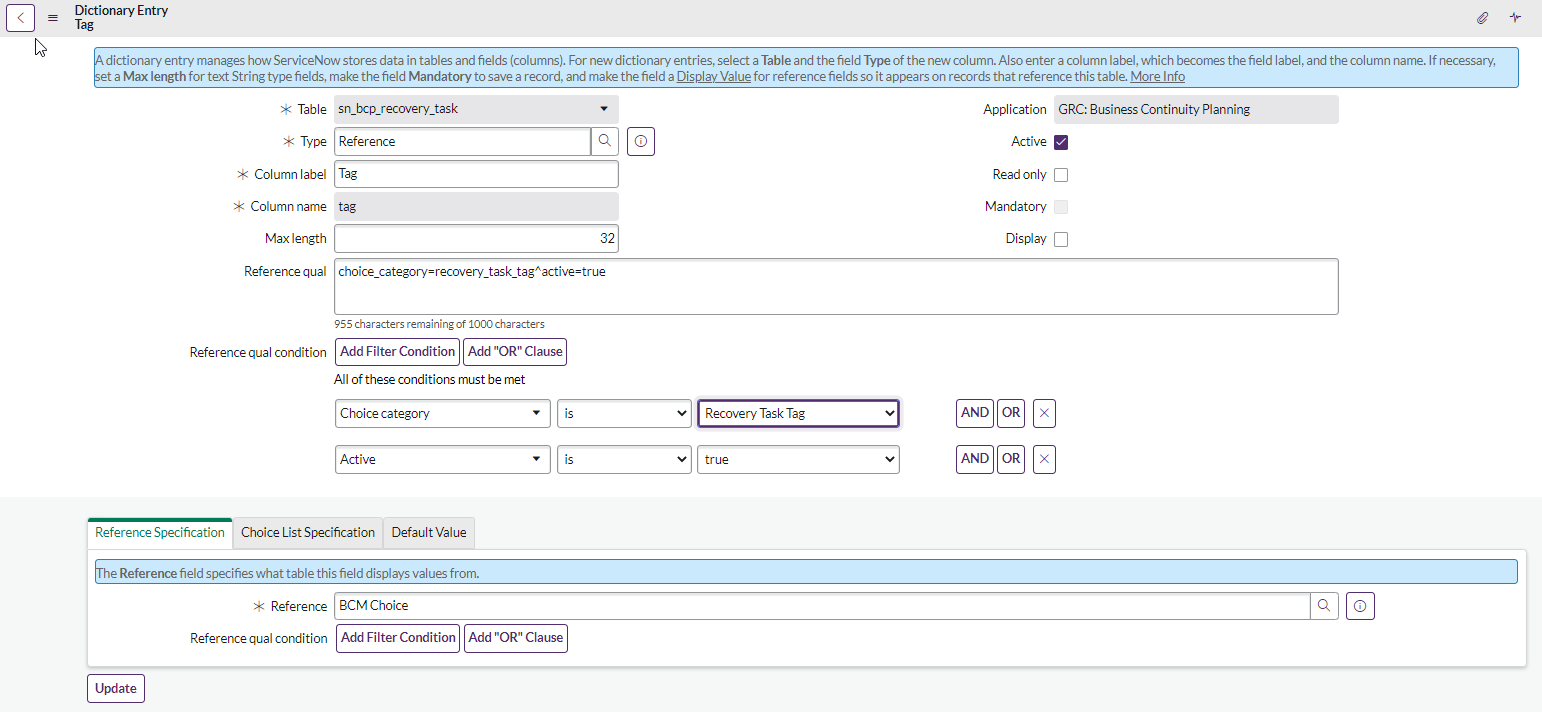
What is it and how to use the Tag field on the sn_bcp_recovery_task table

- Mark as New
- Bookmark
- Subscribe
- Mute
- Subscribe to RSS Feed
- Permalink
- Report Inappropriate Content
08-18-2022 09:43 AM
I've update GRC: BCM Core to 3.0.2 and I'm trying to update my training material. On a recovery task there is a new field TAG. What is this field? And, How is it to be used?


- Mark as New
- Bookmark
- Subscribe
- Mute
- Subscribe to RSS Feed
- Permalink
- Report Inappropriate Content
08-18-2022 11:10 PM
Hi Jules,
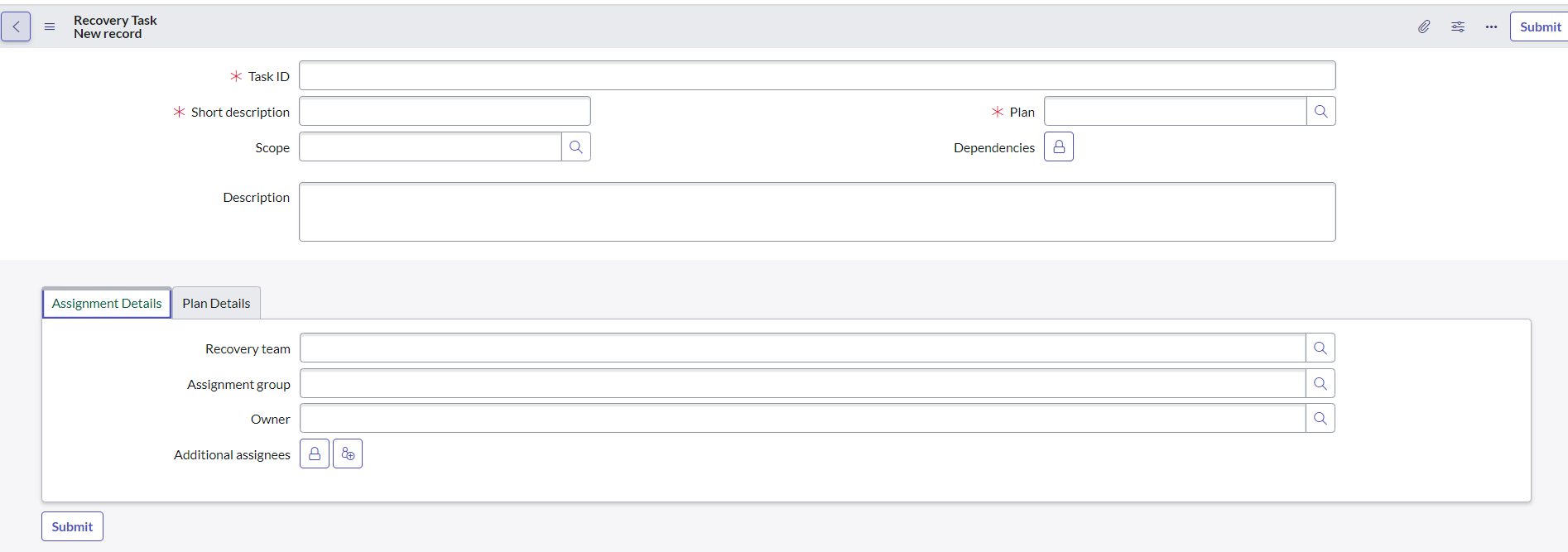
Am running on the same version GRC: BCM Core to 3.0.2 as you, but i don't see any new field popping up called as "TAG" anywhere in the form, see my form below :

Generally, when you say TAG,
Tags are saved in "label_entry" table.
Column "Table" is the name of the target name of the table with the tags. Column "Table key" is the sys_id of the record to add the tag in the target table. Column "Label" is the value of the tag.
That is, records in the label_entry points to where the tags in the target table.
For example, putting a tag in an incident record will add an entry in the label_entry table that points to the incident record. It's not the incident record that refers to the label_entry table but the other way around. This is why tags can be used in many tables without.
Mark my answer correct & Helpful, if Applicable.
Thanks,
Sandeep