- Mark as New
- Bookmark
- Subscribe
- Mute
- Subscribe to RSS Feed
- Permalink
- Report Inappropriate Content
07-17-2026 08:24 AM
Im unable to see script toggle while creating a workflow, im currently using australia PDI version.
If there is any configuration required, where can i do that ?
Im attaching the snips for reference.
My End goal - I want to write a script that converts short description into lowercase and provides output as a string.
#flowdesigner #flows #scripting
Solved! Go to Solution.

- Mark as New
- Bookmark
- Subscribe
- Mute
- Subscribe to RSS Feed
- Permalink
- Report Inappropriate Content
07-17-2026 11:38 PM
Hello @NavyaVenkat_Y ,
Flow Logic elements - If, For Each, Else IF are declarative only. They don’t have the Toggle Script option.
You can configure them using data pills...
what you can do is Set Flow Variable step with Toggle Script enabled:
var desc = fd_data.trigger.current.short_description;
return desc ? desc.toLowerCase() : '';
Then use that variable in your If condition or pass it into an action.
If my response helped mark as helpful and accept the solution.

- Mark as New
- Bookmark
- Subscribe
- Mute
- Subscribe to RSS Feed
- Permalink
- Report Inappropriate Content
07-18-2026 01:34 AM
Hello @NavyaVenkat_Y , To achieve your goal, please follow the below instructions:
- Create a Flow Variable (select String) by clicking on the 3 dots on the top of Flow:

- Next, click on the 'Flow Logic' and select 'Set Flow Variables' available at the bottom
- Now, select the created Flow variable and in the value section use the script as highlighted.

Although, instructions to use the scripting are available in the script section, please revert for any assistance.
Regards,
Nishant
- Mark as New
- Bookmark
- Subscribe
- Mute
- Subscribe to RSS Feed
- Permalink
- Report Inappropriate Content
07-19-2026 10:02 PM
Just a quick update i found that Utility Actions Spoke is not available for PDI's hence the script action is not available.

- Mark as New
- Bookmark
- Subscribe
- Mute
- Subscribe to RSS Feed
- Permalink
- Report Inappropriate Content
07-17-2026 11:00 PM
Hi @NavyaVenkat_Y,
Look at what you circled in the screenshot: that's the If step, which is Flow Logic, not an Action. Flow Logic steps (If, For Each, etc.) never get a script toggle, only Action steps do. So nothing's missing from your instance, you're just poking at the wrong step.
- Click Add an Action, Flow Logic, or Subflow below the If (not inside it) and search for Script, that adds a dedicated Script action step
- If the script icon is still hidden on that Action step, that's role-gating on your PDI, worth a quick check with an admin rather than a config you flip yourself
- Inside the Script step, use the fd_data object to dot-walk into the trigger record: return fd_data.trigger.record.short_description.toLowerCase();
Thank you,
Vikram Karety
Octigo Solutions INC
- Mark as New
- Bookmark
- Subscribe
- Mute
- Subscribe to RSS Feed
- Permalink
- Report Inappropriate Content
07-18-2026 12:02 AM
HELLO @Vikram Reddy
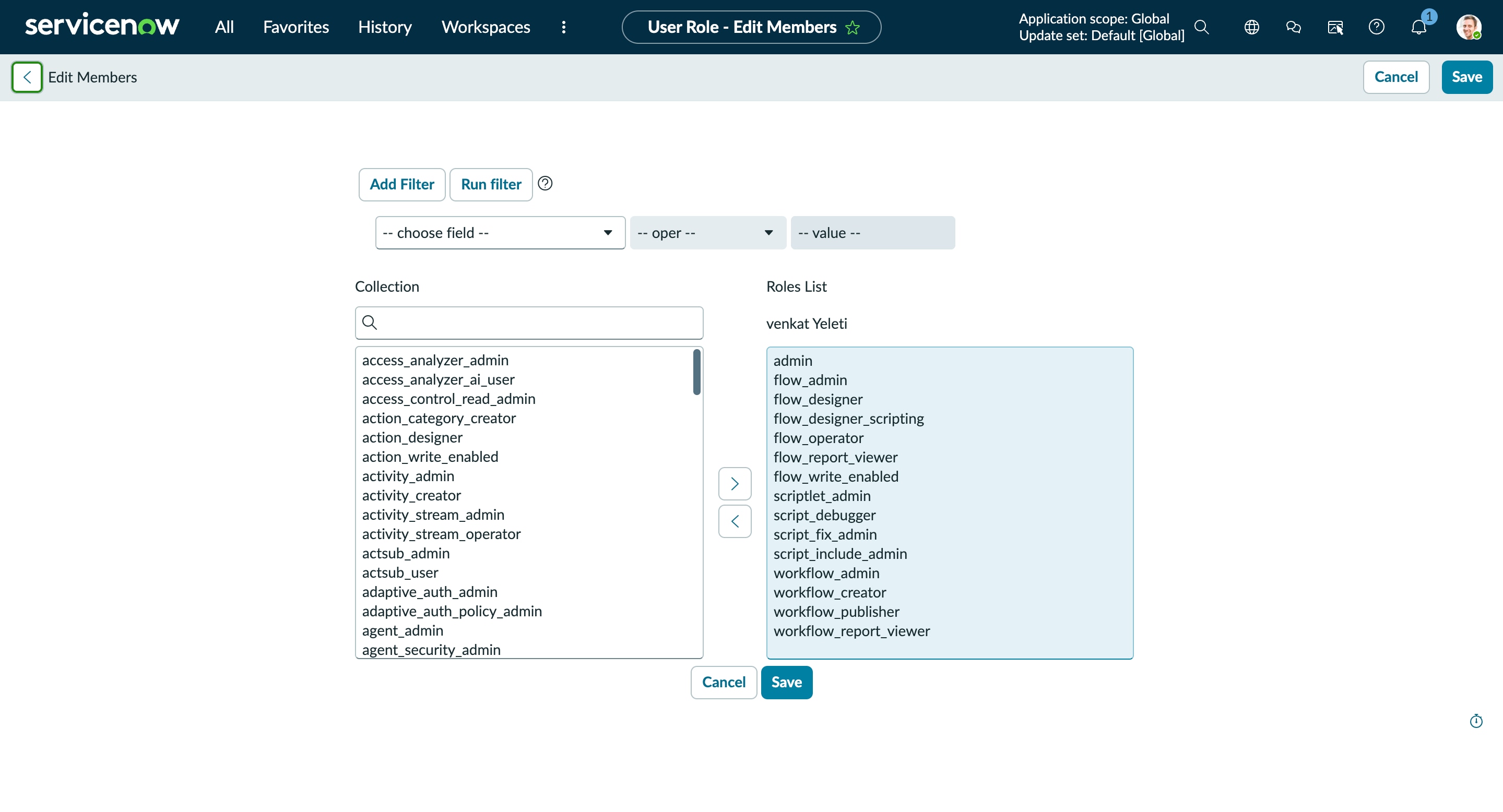
Sorry for the confusion caused by the attachments, as you can see in the latest attachment im unable to see the script option.
For the access related issues i've tried as an admin & created a new user with all the admin previlages to system, flow designer and scripting.
- Mark as New
- Bookmark
- Subscribe
- Mute
- Subscribe to RSS Feed
- Permalink
- Report Inappropriate Content
07-18-2026 12:27 AM
Hello @NavyaVenkat_Y ,
there nothing like script in flows action,
you need to use Actions for scripting ..

If my response helped mark as helpful and accept the solution.
- Mark as New
- Bookmark
- Subscribe
- Mute
- Subscribe to RSS Feed
- Permalink
- Report Inappropriate Content
07-17-2026 11:38 PM
Hello @NavyaVenkat_Y ,
Flow Logic elements - If, For Each, Else IF are declarative only. They don’t have the Toggle Script option.
You can configure them using data pills...
what you can do is Set Flow Variable step with Toggle Script enabled:
var desc = fd_data.trigger.current.short_description;
return desc ? desc.toLowerCase() : '';
Then use that variable in your If condition or pass it into an action.
If my response helped mark as helpful and accept the solution.
- Mark as New
- Bookmark
- Subscribe
- Mute
- Subscribe to RSS Feed
- Permalink
- Report Inappropriate Content
07-18-2026 09:51 AM
Hello @yashkamde ,
Thank you for the script, The script is clean and very helpful.