Servicenow Implementation Specialist - Service Mapping Lab 6.3 Issue

- Mark as New
- Bookmark
- Subscribe
- Mute
- Subscribe to RSS Feed
- Permalink
- Report Inappropriate Content
3 weeks ago - last edited 3 weeks ago
Having an issue with the Servicenow Implementer Course 6.3 Lab. Completed 6.2 without issue, but not sure where I am going wrong in 6.3. Ive attached an image of the service map of the application service. There is nothing discovered and I dont have any cis in the table cmdb_ci_appl_generic.
No active MID Server found for IP 192.168.7.30 and Host f26ad893f60413104a5b9fbb04c647a6
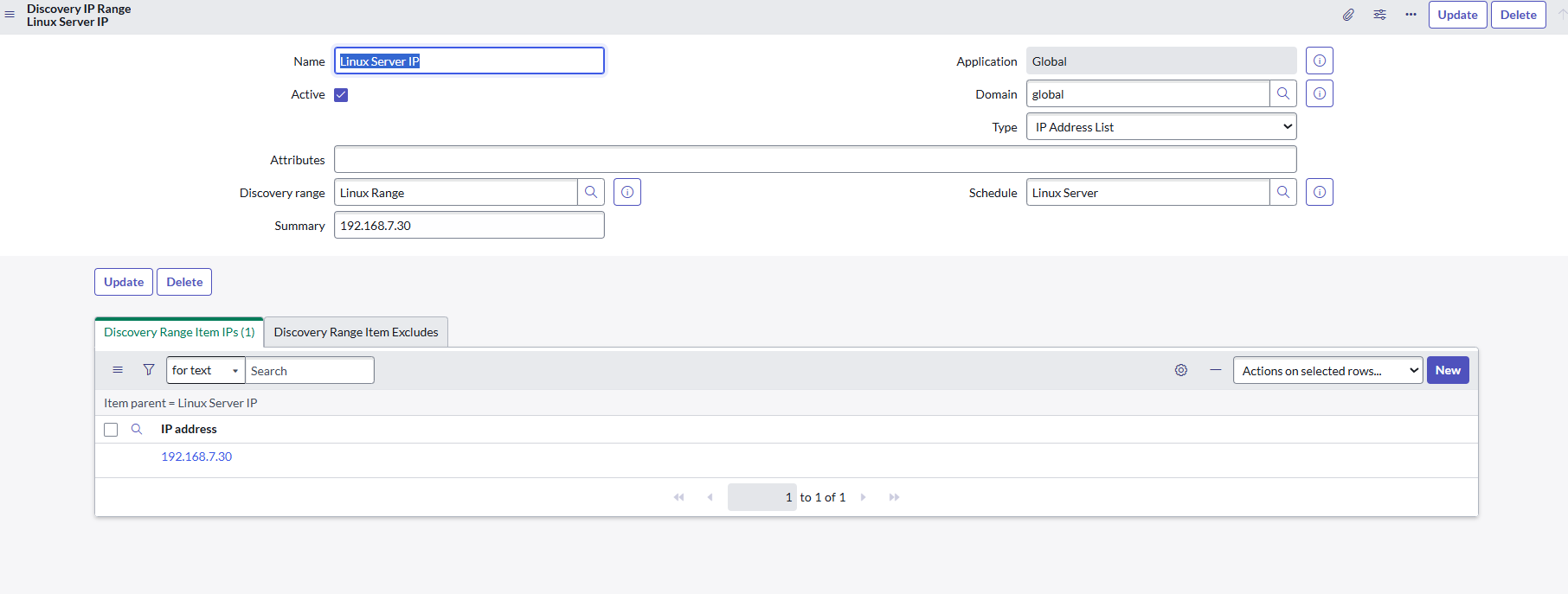
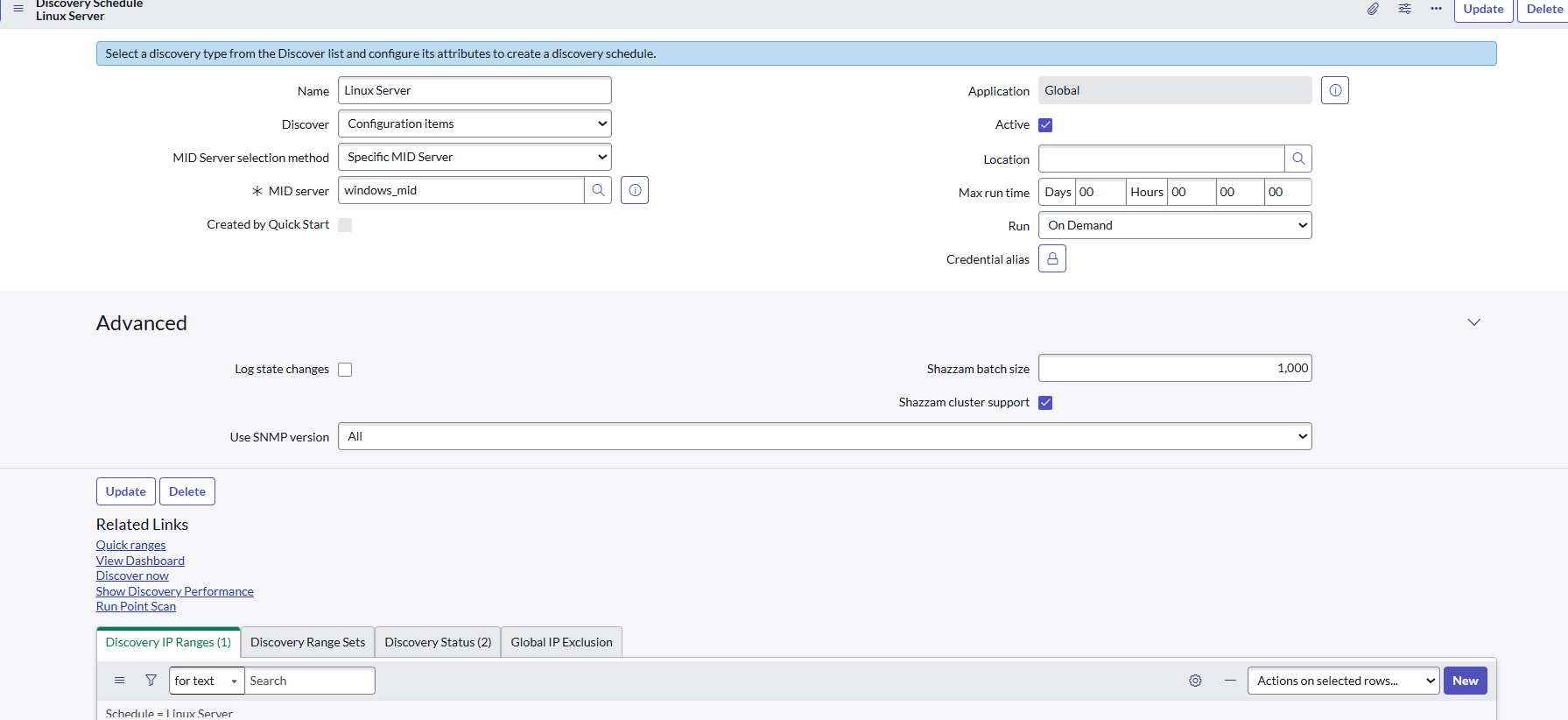
I made sure to add a new discovery schedule for servers, and a range with the above IP address in it.
To address the issue in the image created a new discovery schedule of type CI and added the IP mentioned in the error. Doesnt seem to have fixed the issue. When i go back open the service instance (ticket monster) - same error.
Servicenow support have sent me an ai generated response to restart the mid server and what not, hasnt helped

- Mark as New
- Bookmark
- Subscribe
- Mute
- Subscribe to RSS Feed
- Permalink
- Report Inappropriate Content
3 weeks ago
Hi @anfield
Since this is a lab instance, I recommend raising a ticket with Now Learning Support in Servicenow University for further assistance.
https://learning.servicenow.com/lxp/en/pages/now-learning-help-center?id=nl_kb_home
If you would like to troubleshoot the issue yourself, please refer to the following Knowledge Base (KB) article:
KB0622808 Resolving a failure to find a MID Server for an IP address


- Mark as New
- Bookmark
- Subscribe
- Mute
- Subscribe to RSS Feed
- Permalink
- Report Inappropriate Content
3 weeks ago
Hi @anfield ,
This Seems to be an issue with the Mid Server, To troubleshoot this issue.,
- Go to Application Navigator All > Mid Server > Server.
- Open that Mid Server Record, Make sure the MidServer status is Up, if it's down means, under the related like you can find the Restart Mid Server Option retry that option for 2 to 3 times to get your Mid server in Up status.
- In that same MidServer Record, Scroll down to the Related List, there you find the Supported Applications Tab, Check Service Mapping application is present or not, If it;s not click on the edit button and add the Service Mapping Application to the Mid Server.
- Now go to your service, click on run discovery now it will work..
If this works ., Please Mark it as helpful., Please Accept My Solution..
Best Regards,
SIVASANKARI S
- Mark as New
- Bookmark
- Subscribe
- Mute
- Subscribe to RSS Feed
- Permalink
- Report Inappropriate Content
3 weeks ago
Hi @anfield ,
can you start a quick discovery on the ip?
Has the mid the capability "All"?
