Can't login to my instance in Mobile Agent

- Mark as New
- Bookmark
- Subscribe
- Mute
- Subscribe to RSS Feed
- Permalink
- Report Inappropriate Content
02-24-2026 02:10 AM
I'm trying to login to my instance for the first time on my iPhone 15 Plus.
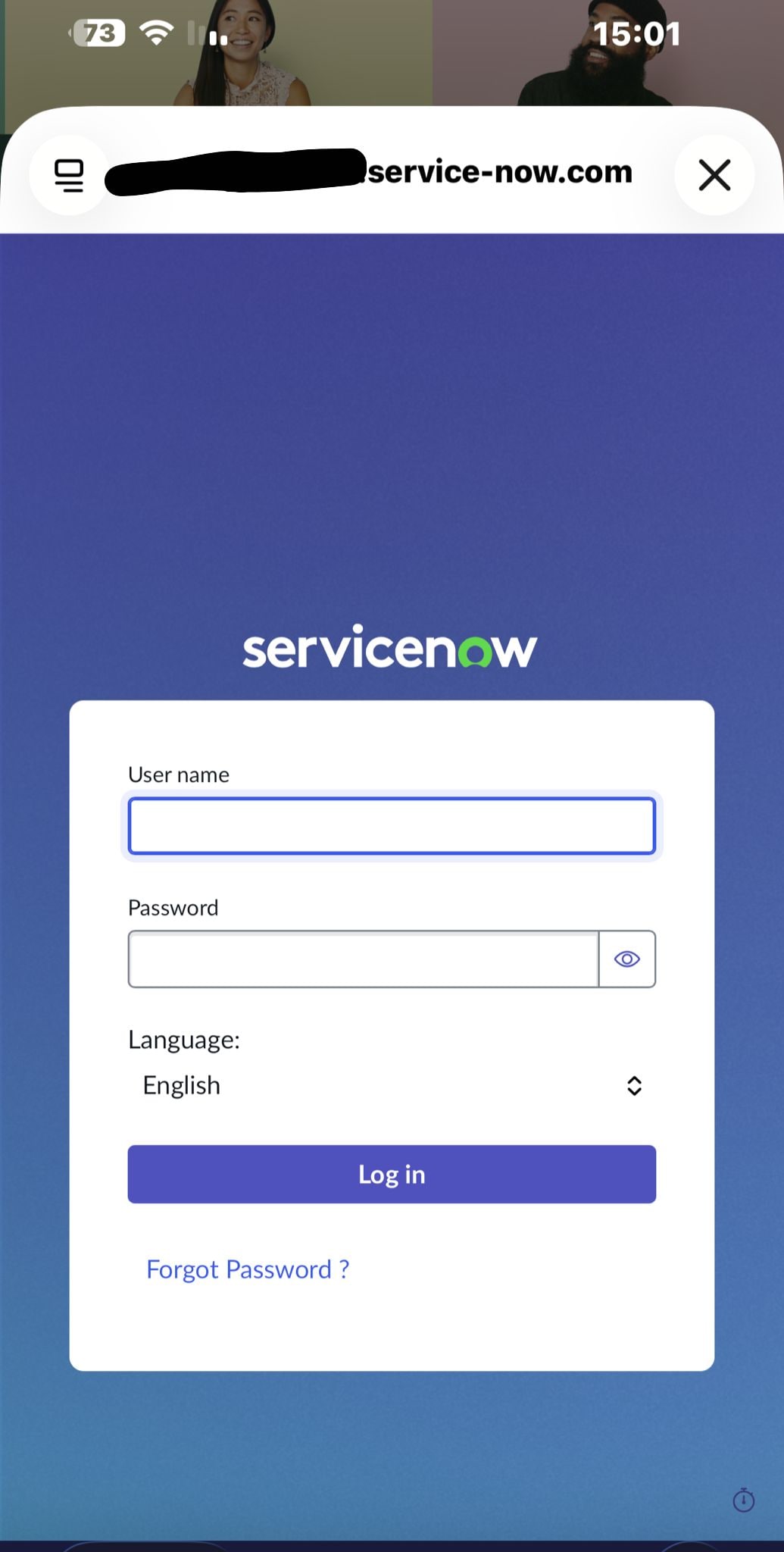
When I select 'Save and login' the browser pop-up takes forever to load and when it finally loads and I fill in my username and password, pressing 'Log in' refreshes the login form and does nothing.
Thanks

- Mark as New
- Bookmark
- Subscribe
- Mute
- Subscribe to RSS Feed
- Permalink
- Report Inappropriate Content
02-24-2026 05:35 AM
Hi @Ron161 ,
Sorry about to many questions, but in the instance url, are you adding the "/oauth_login.do"? Or only considering the https://instancename.service-now.com?
Regards,
Sarah Bioni
- Mark as New
- Bookmark
- Subscribe
- Mute
- Subscribe to RSS Feed
- Permalink
- Report Inappropriate Content
02-24-2026 05:54 AM
Only the regular url

- Mark as New
- Bookmark
- Subscribe
- Mute
- Subscribe to RSS Feed
- Permalink
- Report Inappropriate Content
02-24-2026 04:29 AM
Hi @Ron161
It seems, pop-up is blocked in your browser
This kind of issue commonly caused by Safari security settings, specifically Private Relay, Pop-up Blockers, or stuck cache/cookies on iOS version.
Ref: Block pop-up ads and windows in Safari - Apple Support (IN)
Regards
Tanushree Maiti
ServiceNow Technical Architect
LinkedIn: https://www.linkedin.com/in/tanushreemaiti
- Mark as New
- Bookmark
- Subscribe
- Mute
- Subscribe to RSS Feed
- Permalink
- Report Inappropriate Content
02-24-2026 05:04 AM
I believe the pop-up Safari setting is not the problem here, as you can see in the attached image, the login form actually does show up after a long time of waiting, but it takes forever to let me select the 'user name' text box, and when I finally do fill it and the password, it never logs in.
- Mark as New
- Bookmark
- Subscribe
- Mute
- Subscribe to RSS Feed
- Permalink
- Report Inappropriate Content
05-26-2026 01:18 PM
Hey @Ron161 , did you find any fix for this? Having the same issue in some of our lanes.