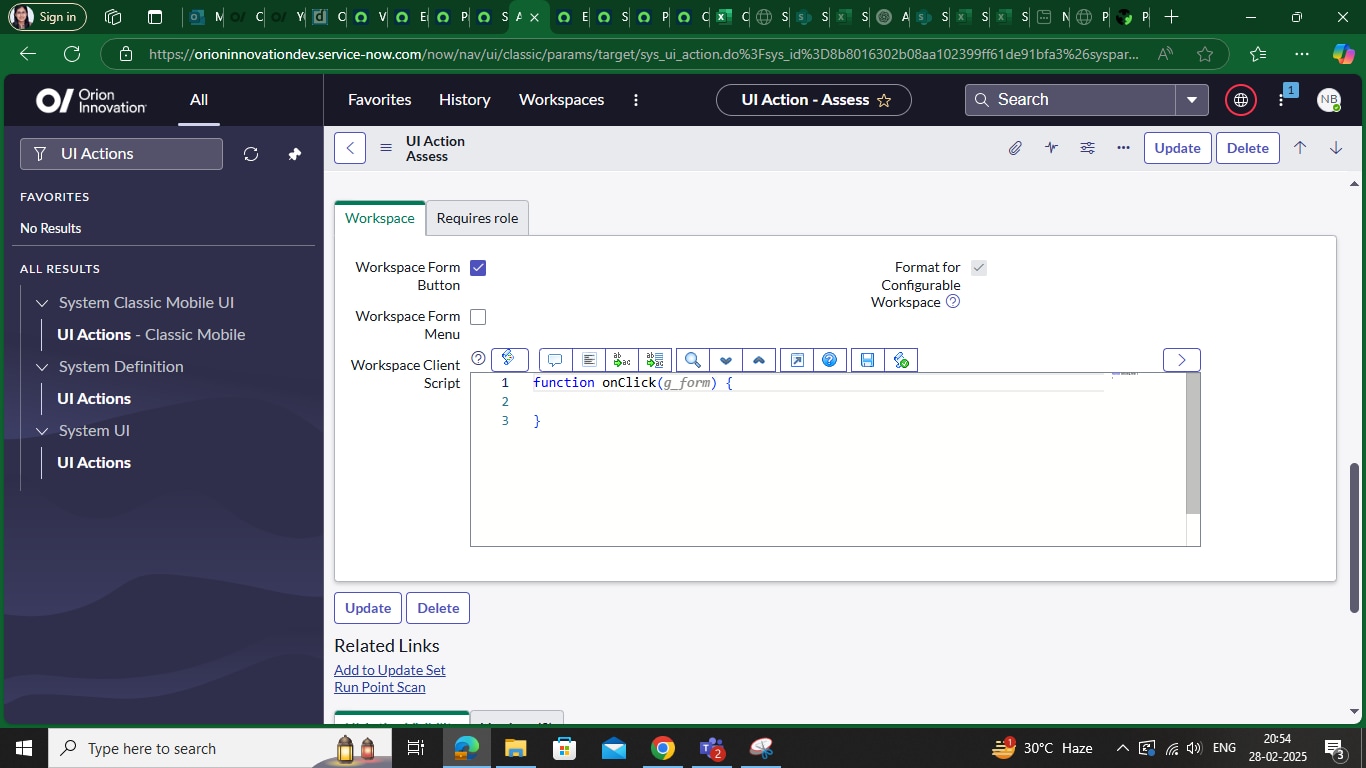
Assess button for problem not working in SOW

Options
- Mark as New
- Bookmark
- Subscribe
- Mute
- Subscribe to RSS Feed
- Permalink
- Report Inappropriate Content
02-28-2025 07:27 AM


2 REPLIES 2
Options
- Mark as New
- Bookmark
- Subscribe
- Mute
- Subscribe to RSS Feed
- Permalink
- Report Inappropriate Content
03-03-2025 12:20 AM
Hi Nisha,
Assess UI Action was designed with UI Scripts in the Classic View and we cannot use that in the Workspace view
Please refer to this Article which Explains why
https://support.servicenow.com/kb?id=kb_article_view&sysparm_article=KB0824346
Options
- Mark as New
- Bookmark
- Subscribe
- Mute
- Subscribe to RSS Feed
- Permalink
- Report Inappropriate Content
03-05-2025 10:47 PM
Use the following code to make the "Assess" button work in workspace, displaying a pop-up when clicked.
function onClick(g_form) {
var fields = [
{
type: 'choice',
name: 'state',
label: getMessage('State'),
value: '102',
choices: [{
displayValue: 'Assess',
value: '102'
}
],
readonly: true,
},
{
type: 'reference',
name: 'assigned_to',
label: getMessage('Assigned to'),
mandatory: true,
reference: 'sys_user',
referringTable: 'problem,
referringRecordId: g_form.getUniqueValue(),
value: g_form.getValue('assigned_to'),
displayValue: g_form.getDisplayValue('assigned_to')
}]
g_modal.showFields({
title: "Assess",
fields: fields,
size: 'lg'
}).then(function(fieldValues) {
g_form.setValue('state',fieldValues.updatedFields[0].value);
g_form.setValue('assigned_to',fieldValues.updatedFields[1].value);
g_form.save();
});
}
Reference - UI actions in workspace
Regards
Shivani
